
Customer Support
How can I change the FTP login credentials through Plesk?
If you want to check or modify your FTP login credentials through Plesk, follow the steps below:
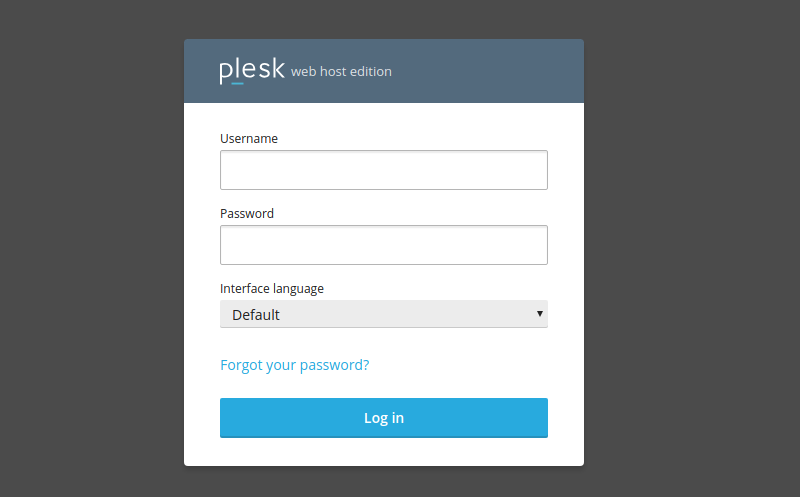
1. Log in to Plesk with your credentials.
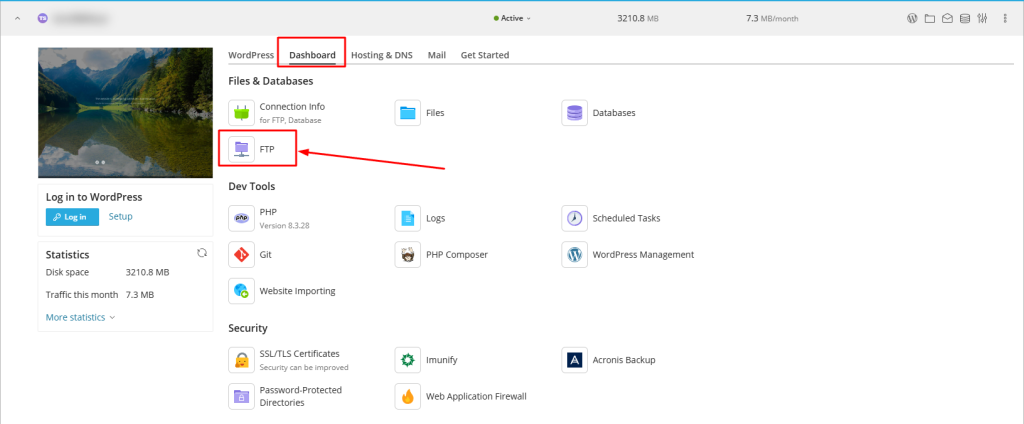
2. From the Websites & Domains tab, click on FTP Access.
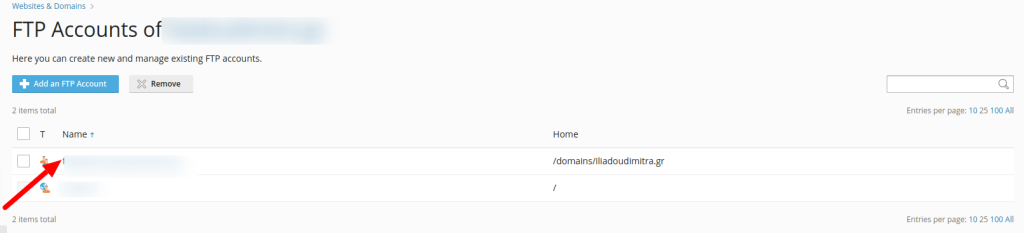
3. Click on the FTP username you want to edit.
- Change the FTP user password and click Save.
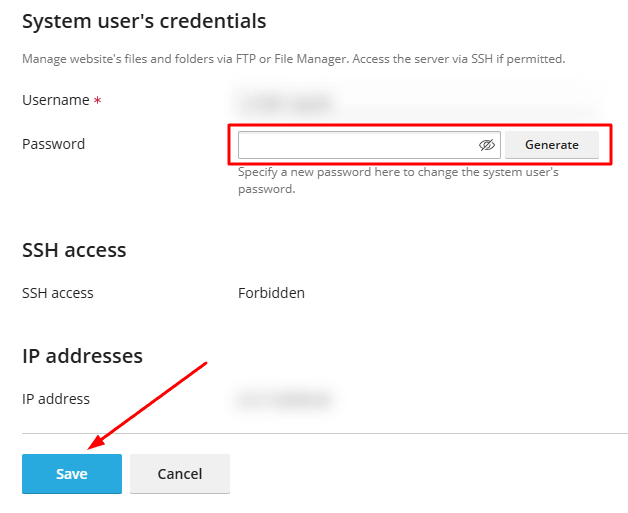
For security reasons, it is important to choose strong passwords by combining uppercase and lowercase letters, numbers, and special characters. We recommend using the button Generate, which creates a strong password that you can reveal by clicking on the eye icon.
You haven't found what you are looking for?
Contact our experts, they will be happy to help!
Contact us