
Customer Support
How can I modify the billing details for a service when I have an active subscription?
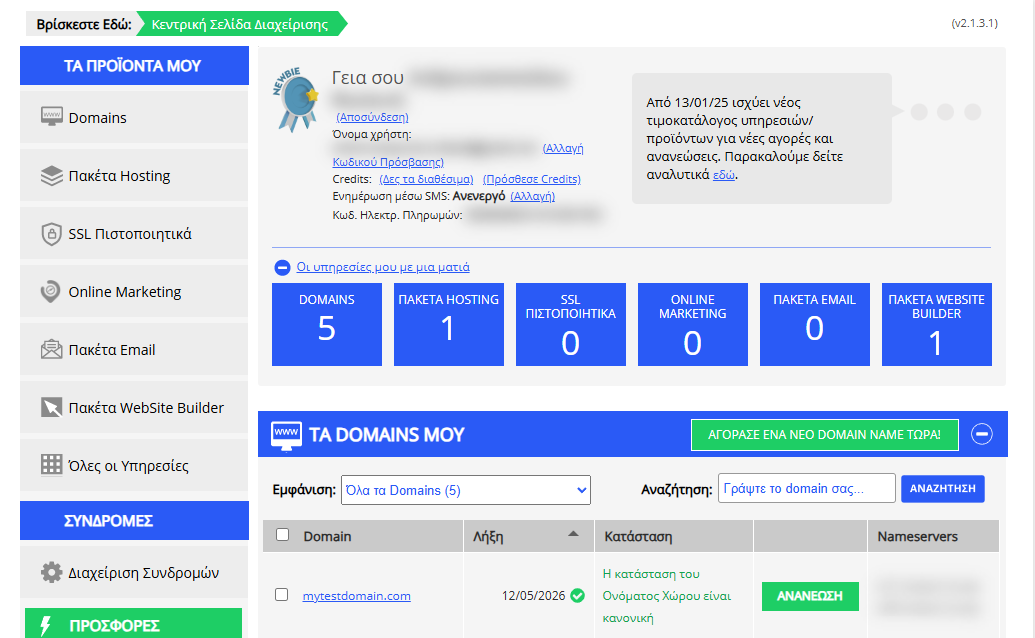
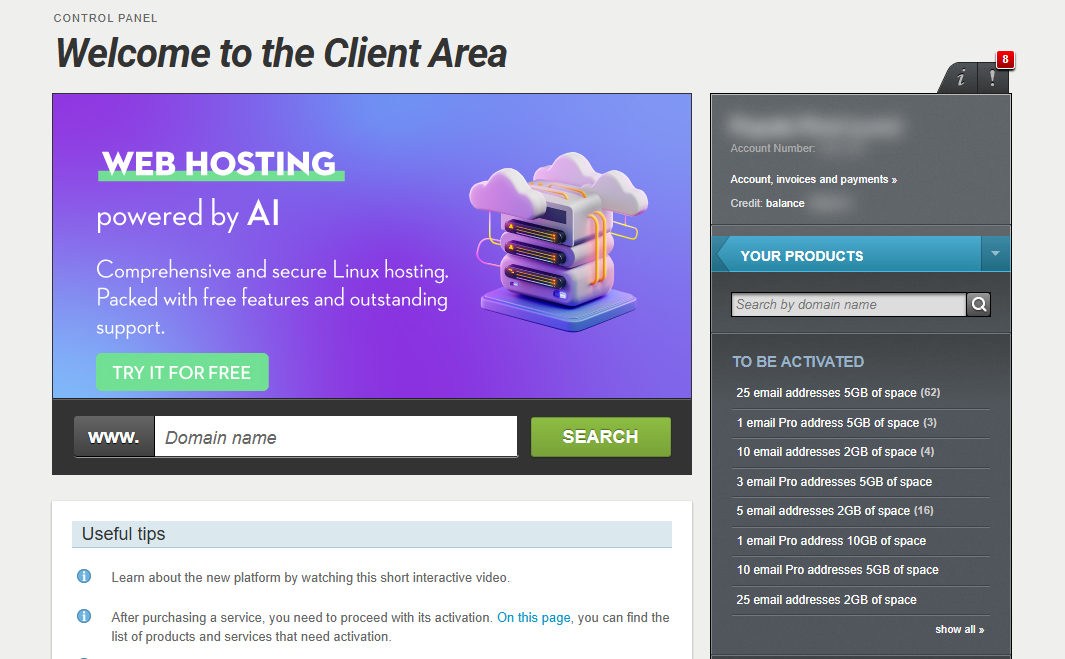
[Papaki 2.0]
In the new Papaki Control Panel, there is no option to change billing details on a per-account basis.
Only one type of document (receipt or invoice) can be set for your account. This means that for all orders completed through the same account, only one type of document will be issued, based on the details you have provided.
If you need to set new billing details for a product that has active auto-renewal, it is necessary to create a new account with the correct details and transfer the respective services there.
[Papaki 1.0]
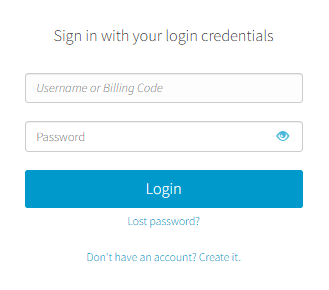
- Log in to your Papaki account.
Forgot your password? See here how to recover it. If it's your first login attempt to the new Papaki panel, please read more here.
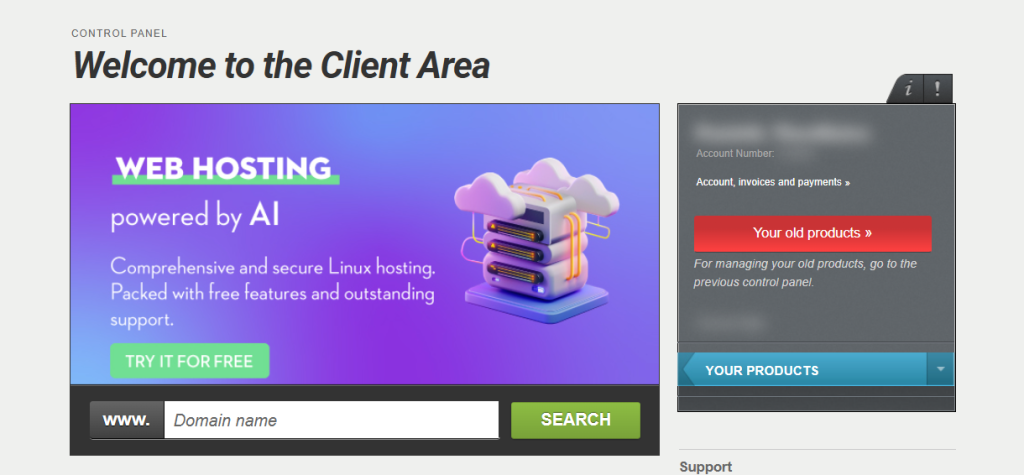
- Click the red button Your old products » on the right side of the control panel to access the old Papaki panel.
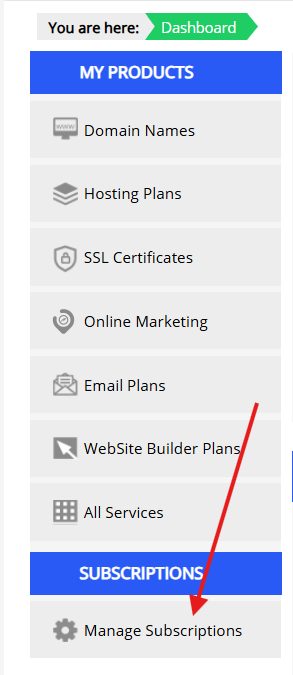
- From the menu on the left, select Manage Subscriptions.
- Find the service you’re interested in by searching based on the domain linked to the service.
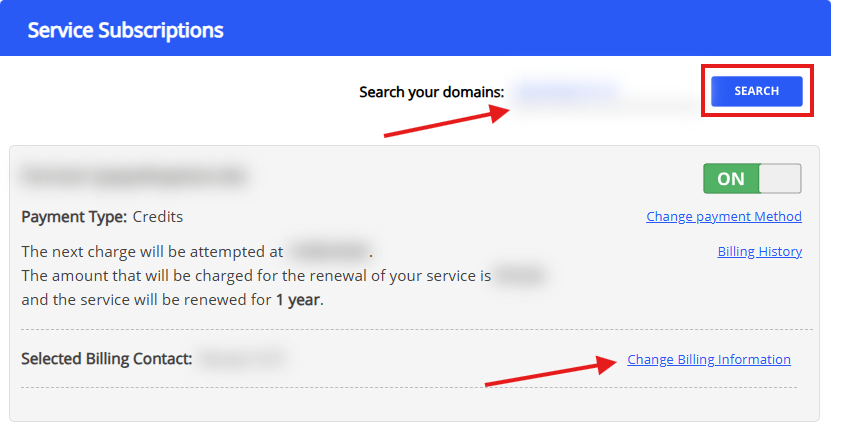
- Select one of the saved details from the dropdown menu and click Save.

If you want to add new billing details, click the “Add new details” link and, in the pop-up window that appears, enter the new details you want and click Save.
You haven't found what you are looking for?
Contact our experts, they will be happy to help!
Contact us