
Customer Support
How can I log in to my Papaki account?
Your Papaki account gives you access to all the products and services you have activated, as well as the ability to manage your subscriptions and personal details.
Log in to Your Account
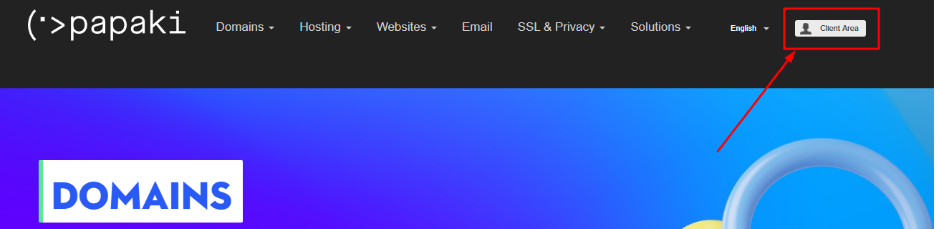
- From the Papaki homepage, select Client Area at the top right of the page. Alternatively, you can go directly here.
- On the login screen, enter:
- Username (Billing Number or the username you have set)
- Password
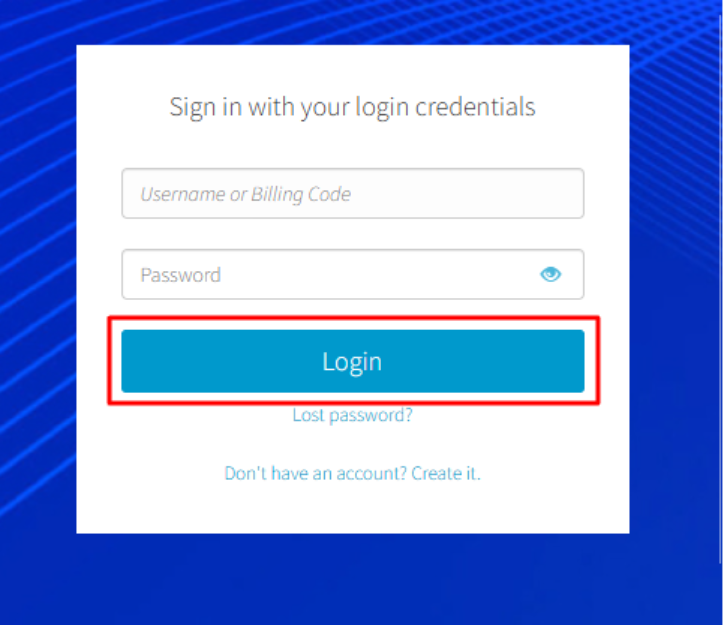
- Then, click Login.
Don’t Have an Account?
If you don’t already have a Papaki account, you can create one by selecting Don’t have an account? Create one now!
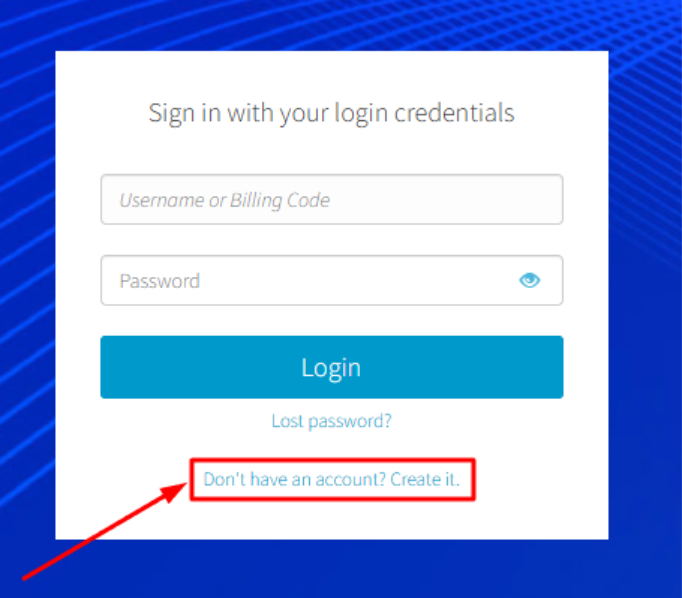
See the detailed guide on creating an account here.
Forgot Your Password?
If you have forgotten your password:
- Click Lost password?
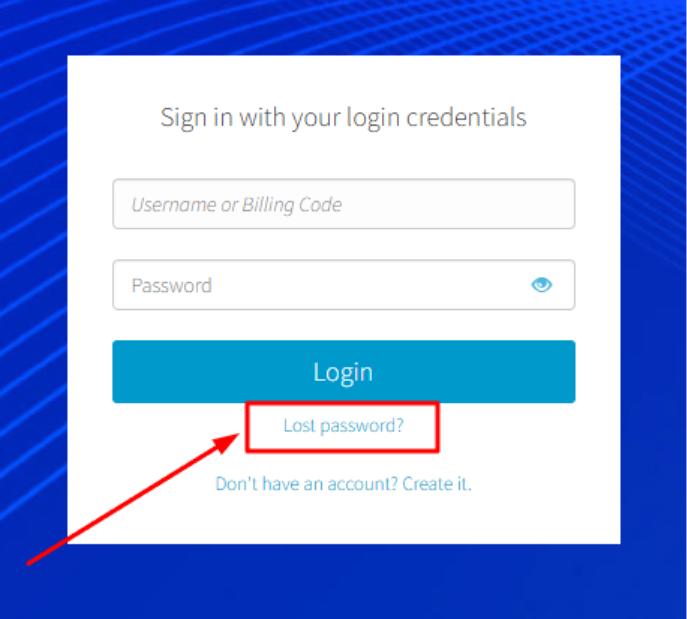
- Follow the reset process displayed on your screen.
For complete instructions on password recovery, please see here.
Important Note for First Login in the New Control Panel
If this is your first time logging in to your account through the new Papaki Control Panel, you will need to follow the process below.
After entering the login credentials you used in the old Control Panel, the system will guide you to create a new password. From that point on, you will log in exclusively using your new credentials.
- If you remember your old credentials, use them to log in
- Upon your first successful login, you will be prompted to set a new password
If you do not remember your credentials, you can recover them as follows:
- Go to the recovery page here
- Enter your username, email address, or one of your domains, then click Send login info to my email
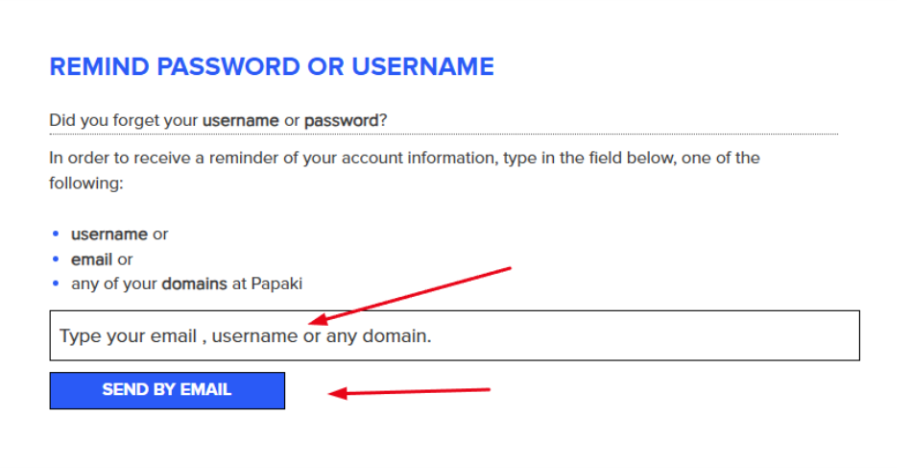
- You will receive an email titled "Password Reminder" containing a secure link to set a new password.
- Once you click the link from the email:
- In the first field, enter your new password
- In the second field, re-enter the password for confirmation
- Click Continue to complete the process
Once the process is complete, you can log in to your account from here. During your first login to the new environment, you will be prompted to set a new password for the Papaki Control Panel.
If you are not automatically redirected to the password reset page, click the password reset link included in the email you received with your new login credentials.
Read more here.
You haven't found what you are looking for?
Contact our experts, they will be happy to help!
Contact us