
Customer Support
How can I contact Papaki?
The Papaki Support Team is here to help you quickly and efficiently!
Here you can find all the information you need to contact us and choose the communication method that best suits you. You may also use the contact form to submit a written request if you do not have an active Papaki account.
Support Request (Ticket)
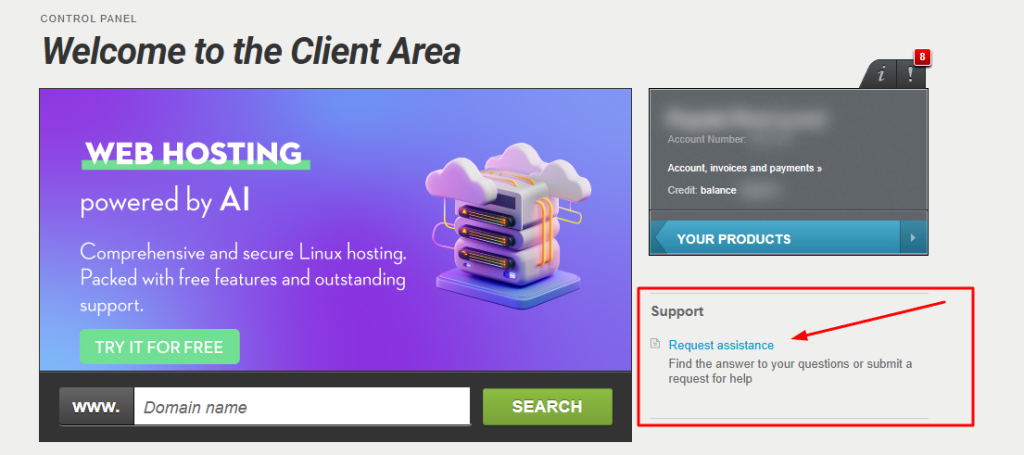
For more complex issues that require detailed investigation, you can also open a support ticket from within your account.
How to submit a ticket:

- Navigate to the Support section in the right-hand menu. Select Request Assistance and complete the form.
Please note:
- Ticket submission is available only to logged-in users.
- You can track the status of your request via your control panel.
- In case you do not have access to an active Papaki account, please fill out the Contact Form here.
Support via Ticket – Operating Hours:
Monday to Sunday – 24/7
The Papaki support team is always here for you!
You haven't found what you are looking for?
Contact our experts, they will be happy to help!
Contact us