
Customer Support
How do I renew my domain name?
Learn how to renew your domain name at Papaki, either manually through your dashboard or automatically with a saved payment method. This guide covers both options and includes important tips based on your domain's expiration status.
What You Need to Know
To continue using your registered domain name, you must renew its subscription regularly. Renewal periods and policies vary by domain extension and registry.
If your domain is not renewed on time, it will be deactivated. Depending on the extension, it may:
- enter a quarantine period,
- move to a redemption phase,
- or be immediately deleted.
Domain Renewal Methods
- Automatic Renewal
Papaki automatically renews your domain a few days before its expiration, using the saved payment method (e.g. credit/debit card or PayPal).
- Manual Renewal
You can manually renew your domain at any time using any supported payment method.
This article outlines the process for manual domain renewal. For more information about automatic renewal, please click here.
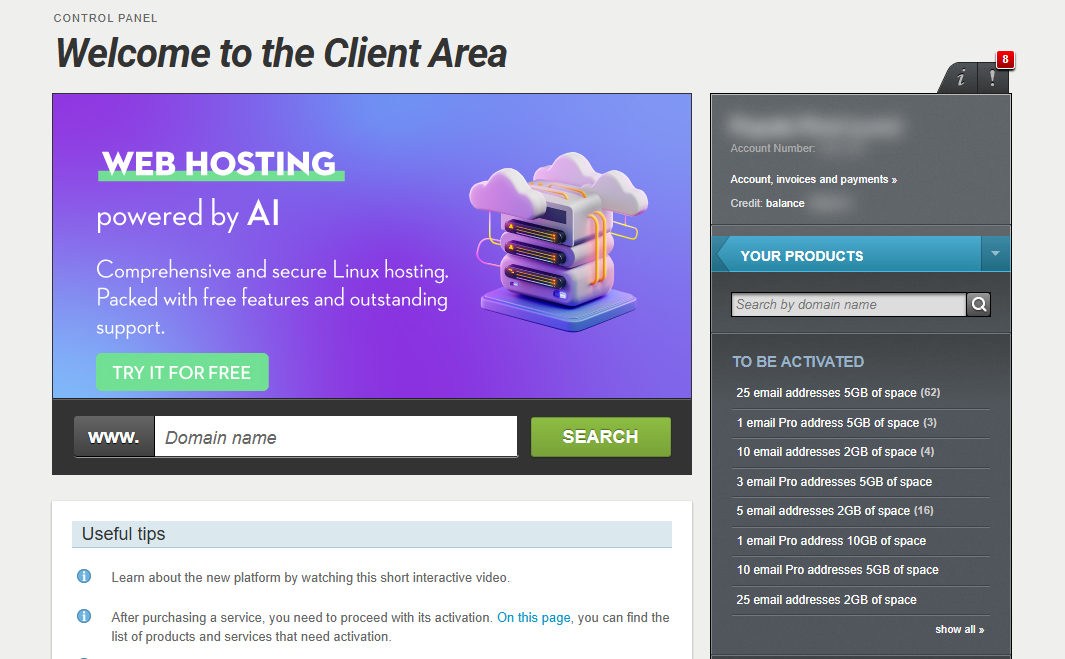
[Papaki 2.0]
How to Renew Your Domain
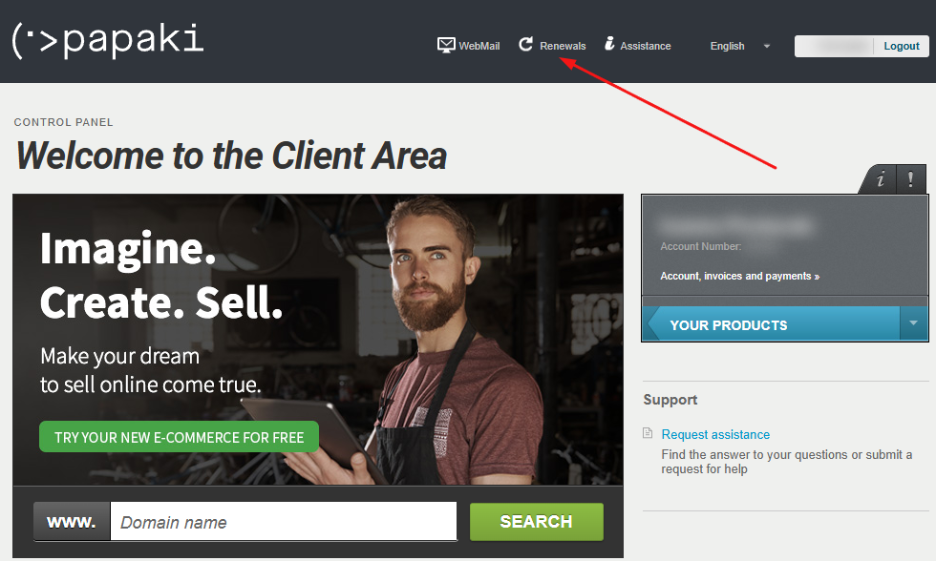
- From your dashboard, click on Renewals at the top of the page
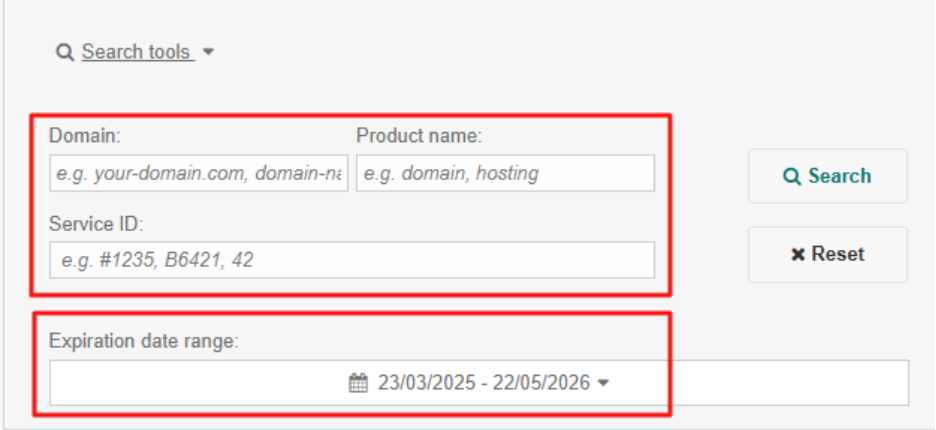
- Find the domain you want to renew. If you have multiple products, use the search tool (filter by domain name, extension, Service ID, or expiration date)
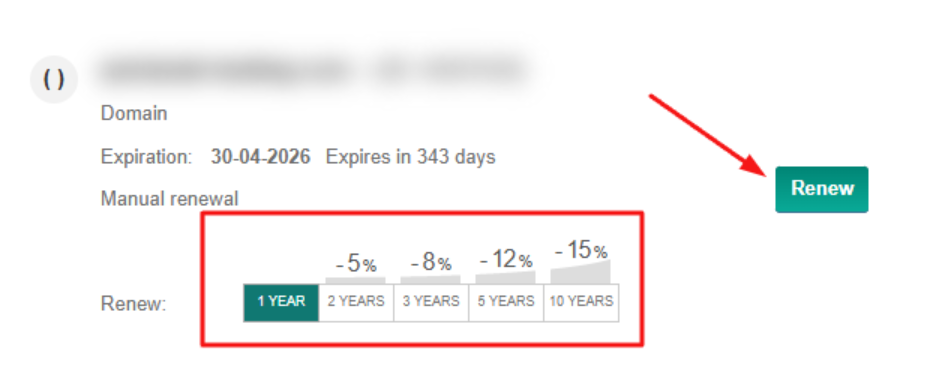
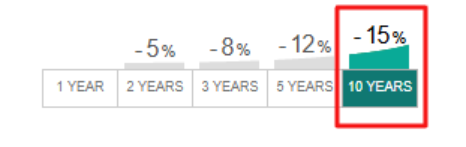
- Choose the renewal duration (e.g., 1, 2, or 5 years). Above the price, any applicable discounts will be displayed. Click Renew
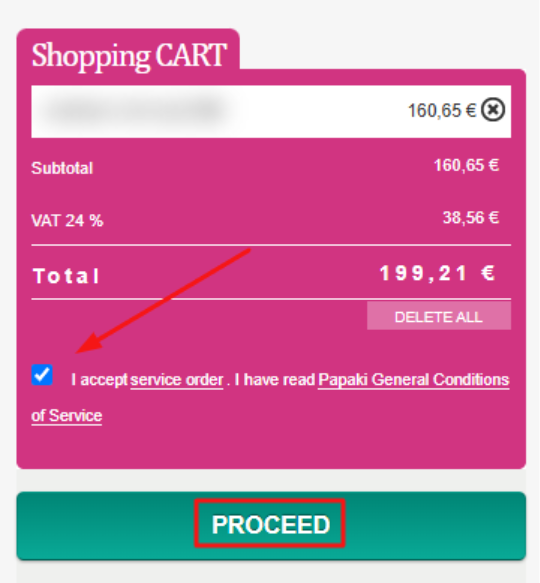
The domain renewal will be added to your shopping cart.
- Accept the Terms of Service and click Continue. In the next step, select a payment method. Once the payment is completed, you’ll receive a confirmation email with your order number and details
Important Information
- You can only renew a domain if its expiration date is within 12 months (i.e., less than 365 days away).
- If you choose DIAS e-payment (a Greek online banking option), the renewal is not immediate, as payment clearing may take time.
For faster processing, prefer card or PayPal. - If your domain does not appear in the renewal list, it means it’s not yet eligible for renewal due to its expiration date.
What Happens After Renewal?
- The new expiration date is applied to your domain immediately (unless DIAS is used).
- Your domain remains active and accessible without interruption.
- You can verify the renewal from your Papaki dashboard at any time.
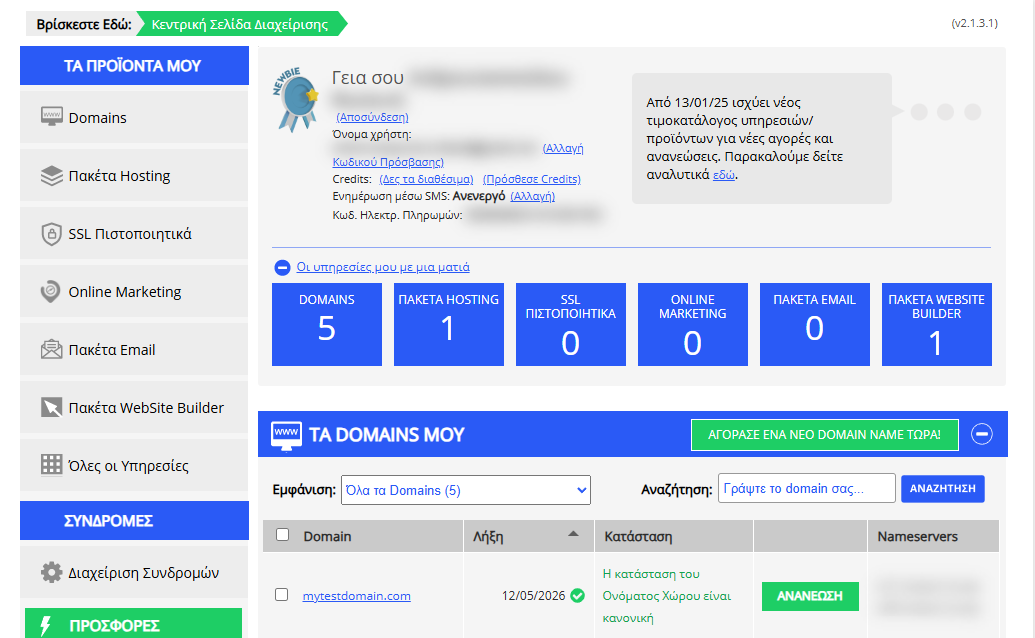
[Papaki 1.0]
If you wish to renew your domain, you can follow the steps below:
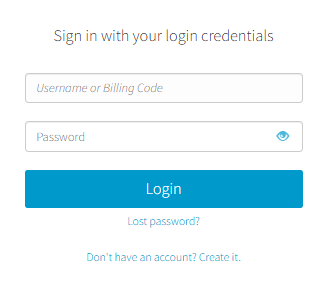
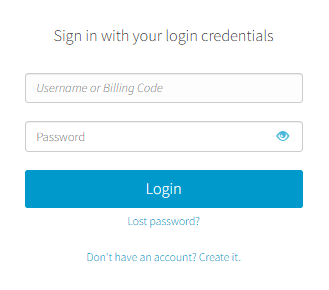
- Log in to your Papaki account.
Forgot your password? See here how to recover it. If it's your first login attempt to the new Papaki panel, please read more here.
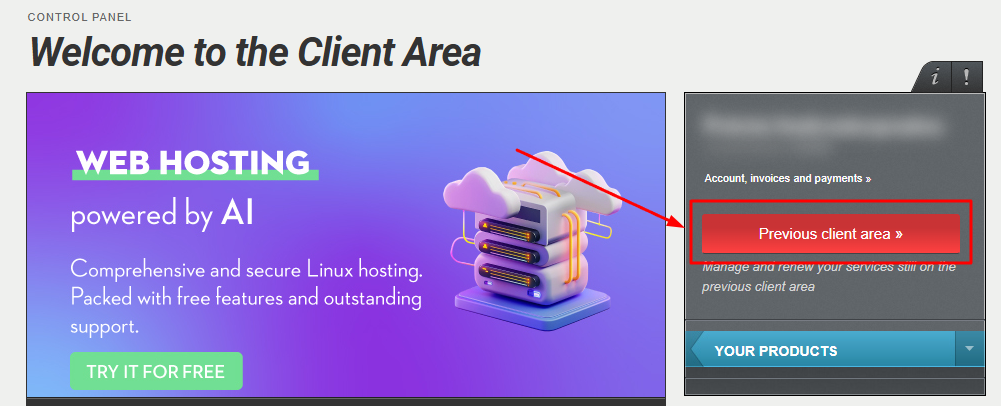
- Click the red button Previous client area » on the right side of the control panel to access the old Papaki panel.
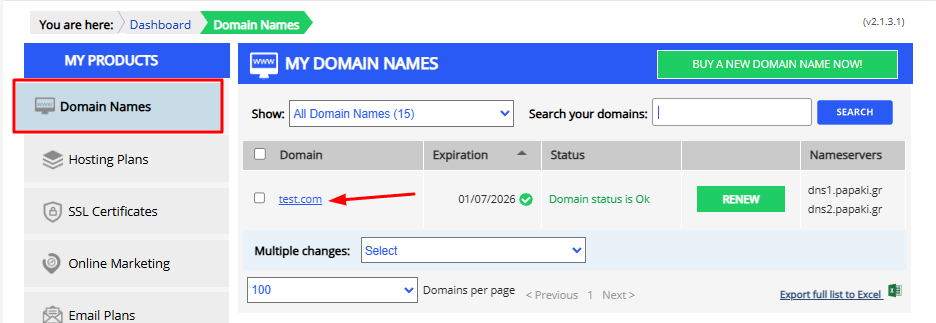
3. From the left menu, select Domains and then choose the domain you want to renew.
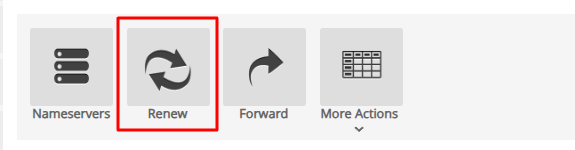
4. Click the Renew button.
5. Select Billing Details and Payment Method.
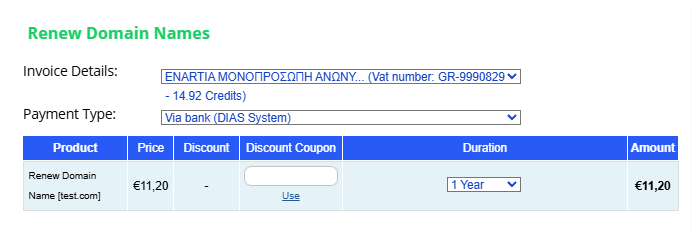
NOTE: If you choose to pay via bank transfer (DIAS), you will receive an email with a 20-digit code that you can use to make the payment at participating banks, provided you hold an account with the selected bank.
You can see the list of participating banks here.
It takes approximately 2 hours for the bank to send us your payment. If the settlement is made through a non-systemic bank after 14:00, the payment will be cleared on the next business day. If you wish your service to be renewed immediately, we recommend choosing an alternative payment method such as credit card or PayPal
Alternatively, you can renew directly by clicking the Renew button from the main management page and following the same steps.

If you see Subscription Management, it means that automatic renewal is enabled.
If you wish to renew manually, you can disable the subscription model by following the guide here.
Bulk Domain Renewal
If you want to renew more than one domain at the same time, you can proceed with a bulk renewal order.
From the left-hand side menu, select Domains, then choose the domains you want to renew by ticking the checkbox located to the left of each domain name.
At the bottom of the page, open the Bulk Actions menu and click on Renew Domains.
After selecting the billing type and payment method, you can choose the renewal period per domain and then click Order at the bottom of the page.
This process will create a single order for payment and one combined invoice for all selected domains
You haven't found what you are looking for?
Contact our experts, they will be happy to help!
Contact us