
Customer Support
How can I change the initial template I selected during the setup of my site in Website Builder?
[Papaki 2.0]
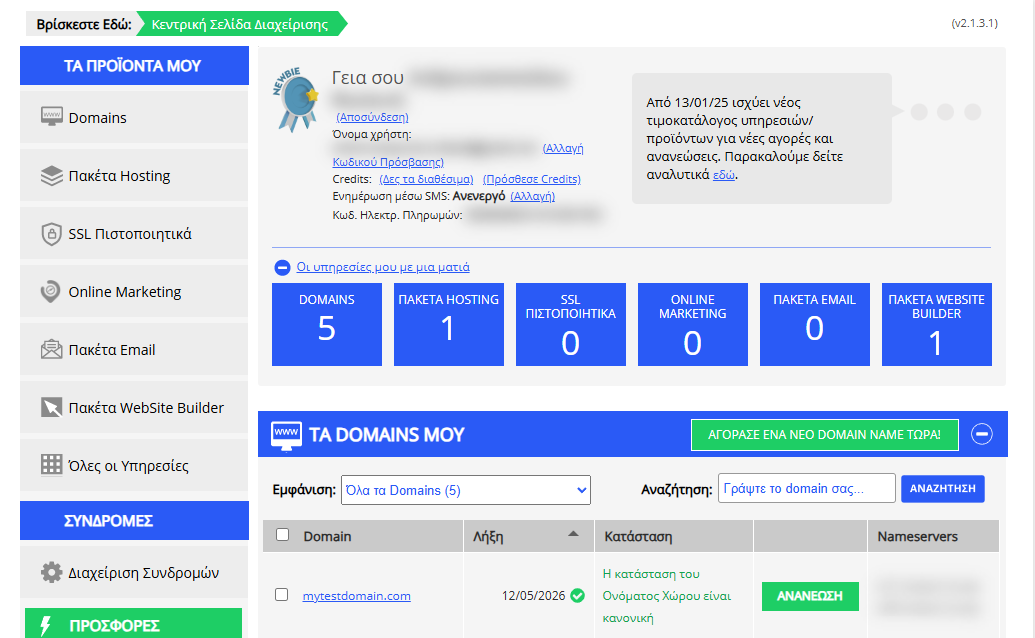
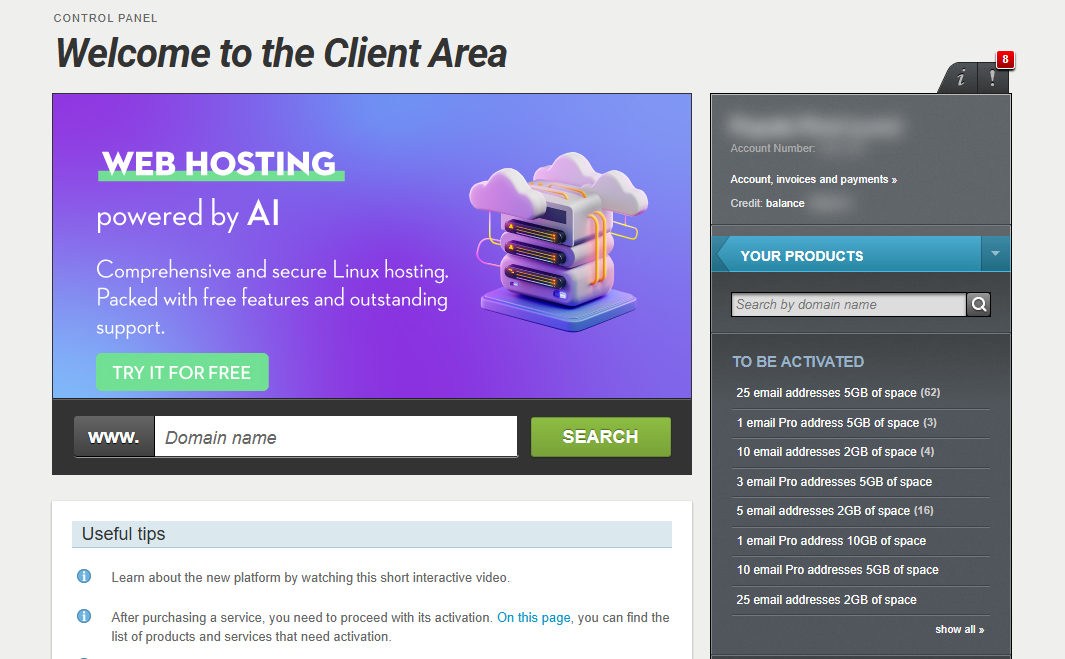
If you manage your Website Builder package through the new Papaki Control Panel and wish to change the template you initially chose during setup, you will need to contact our Customer Support team. Changing the template will lead to restoring the hosting pack to its initial state.
Our support team is available to assist you with any issues related to your service. You can reach us in the following ways:
- Start a live chat with one of our representatives from here.
- Or log in to your account and submit a support ticket through your control panel.
Important
Restoring the package to its initial state will result in the permanent deletion of all content and will restart the process of activation and domain setup from the beginning.
[Papaki 1.0]
If you want to start your site again, you can choose to reset your site (all the content you had added to your site previously will be lost)
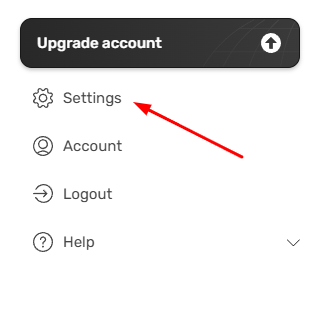
- Menu > Settings
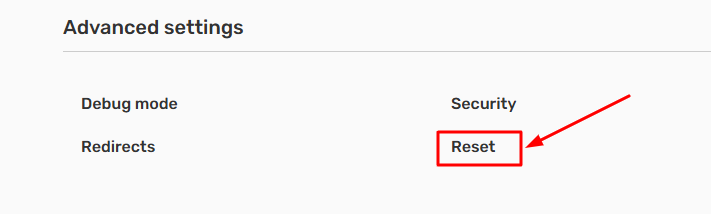
- From Advanced settings, choose Reset.
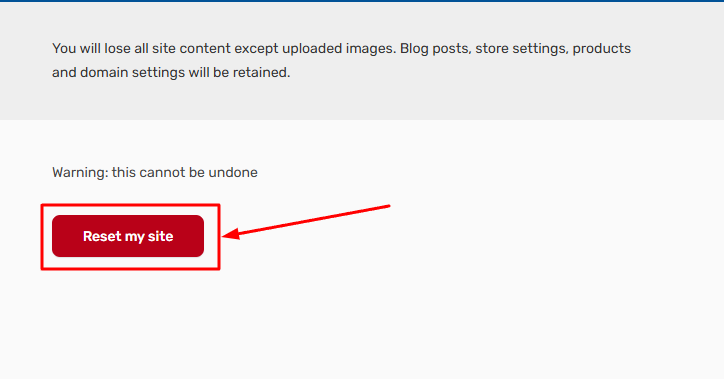
- Click Reset my site. Be aware, this action cannot be undone.
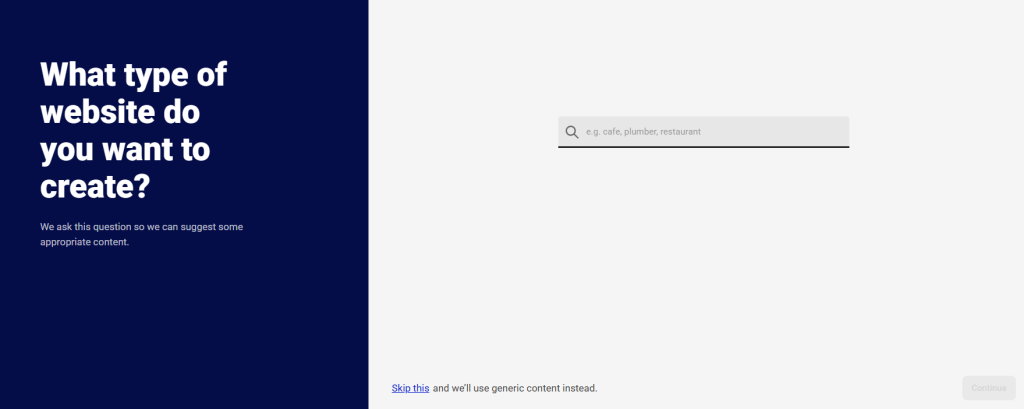
- Then you will be prompted to redo the initial setup from scratch
You haven't found what you are looking for?
Contact our experts, they will be happy to help!
Contact us