
Customer Support
How to add, move or delete a section in Website Builder?
With the Website Builder, you can add new sections or content anywhere on your page, depending on your needs.
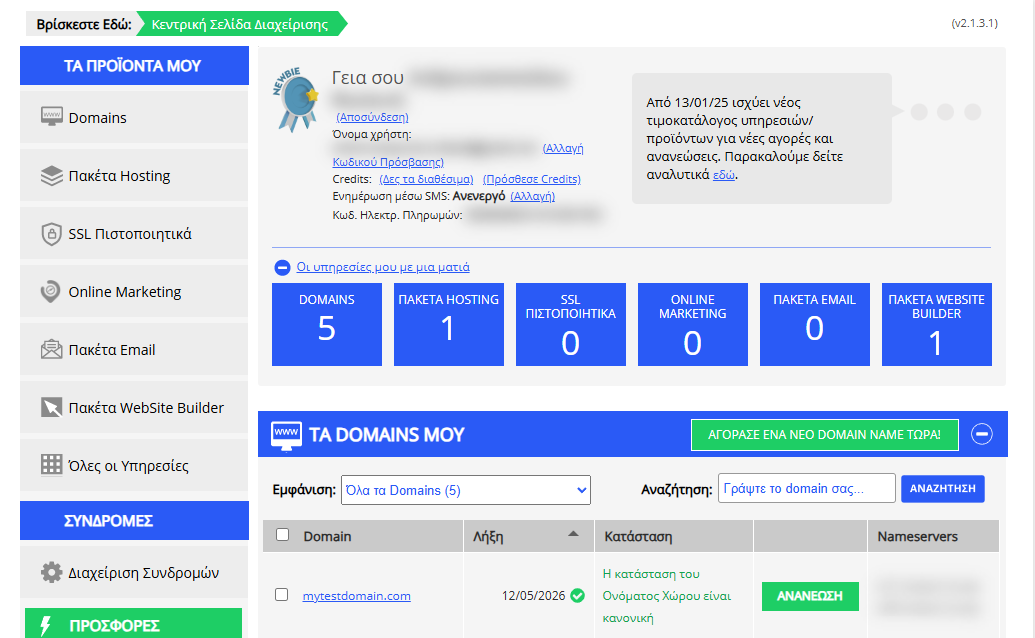
[Papaki 2.0]
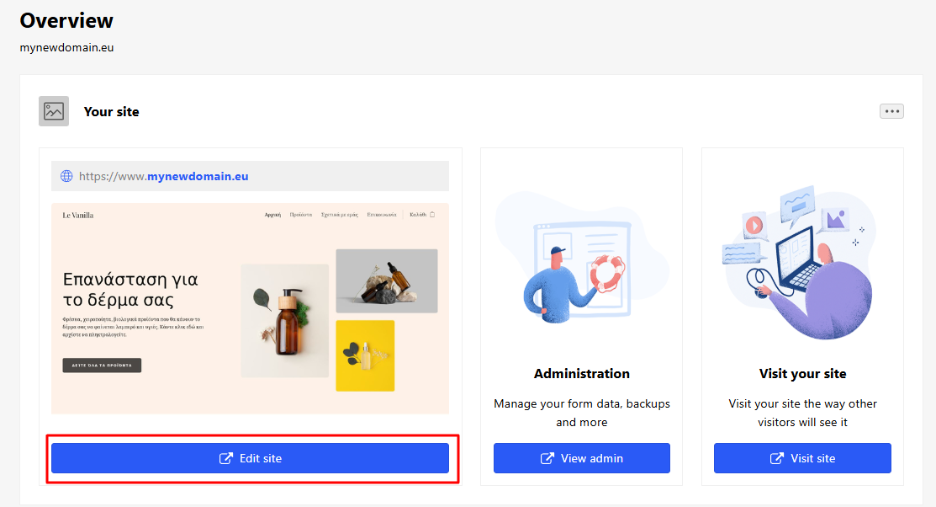
Accessing the Management Dashboard

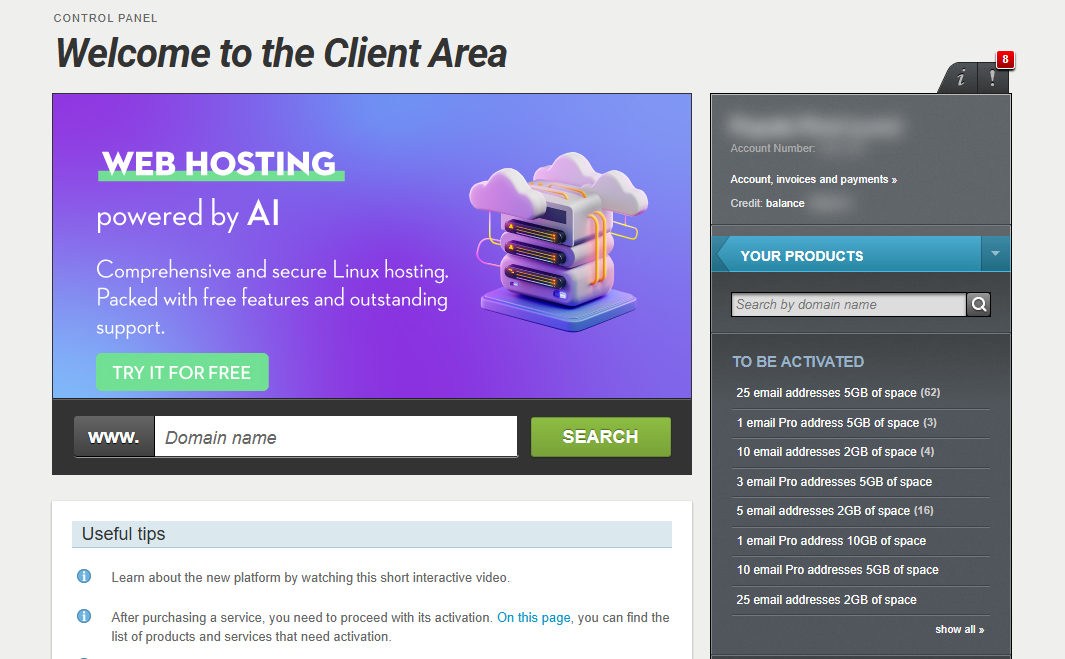
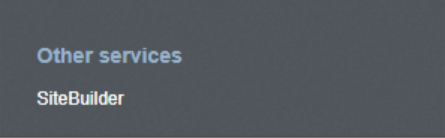
- From the right side menu, click on Other services > SiteBuilder
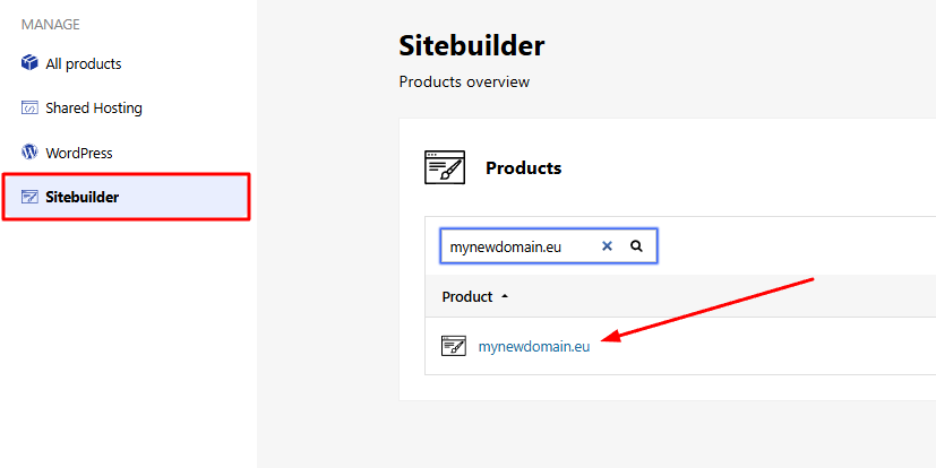
- Locate the hosting pack you want to edit and click on the domain
- Click Edit Website to enter your site’s management environment.
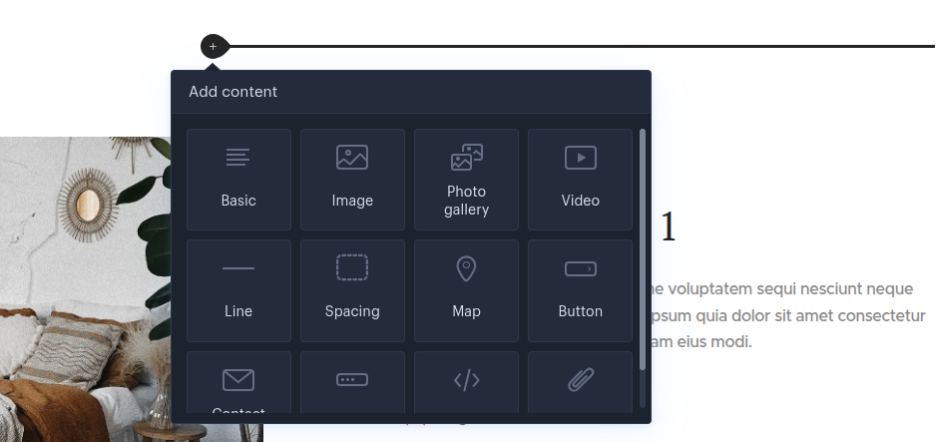
Adding content to an existing section
You can enrich an existing section with new content (text, images, buttons, forms, etc.) by following the on-screen instructions.
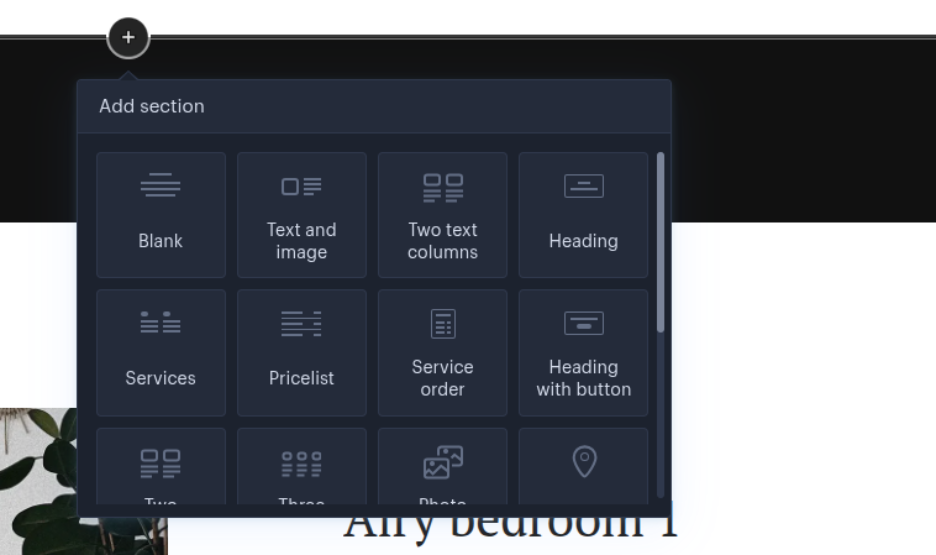
Adding a new section and content
If you want to insert a completely new section on your page:
- Select the area of the page where you want it to appear.
- Add the new section from the available menu.
- Insert the content you want (e.g., images, text, videos, or widgets).
This way, you can organize your website’s content with flexibility and tailor it to your needs.
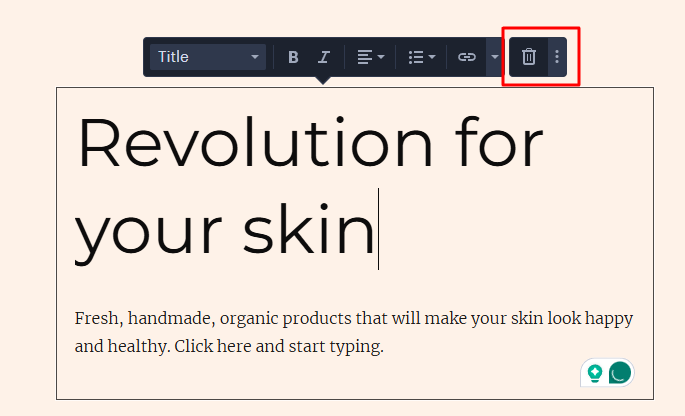
Deleting a section or content
To delete content from a section or the entire section, click on the item and then click the trash can
Moving section or content
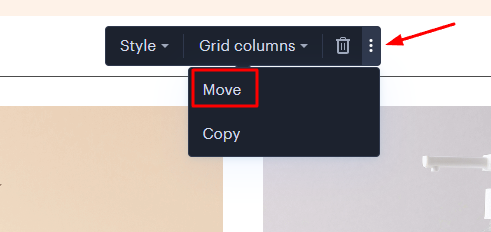
To move content or an entire section, you can drag and drop it to the desired location or click Move from the three dots next to the trash can.
[Papaki 1.0]
To add a new section inside a page, follow the steps below:
1. Go to the page where you want to add the new section and click the plus (+) button.

2. Select the type of section you want to add, and then choose the desired element.
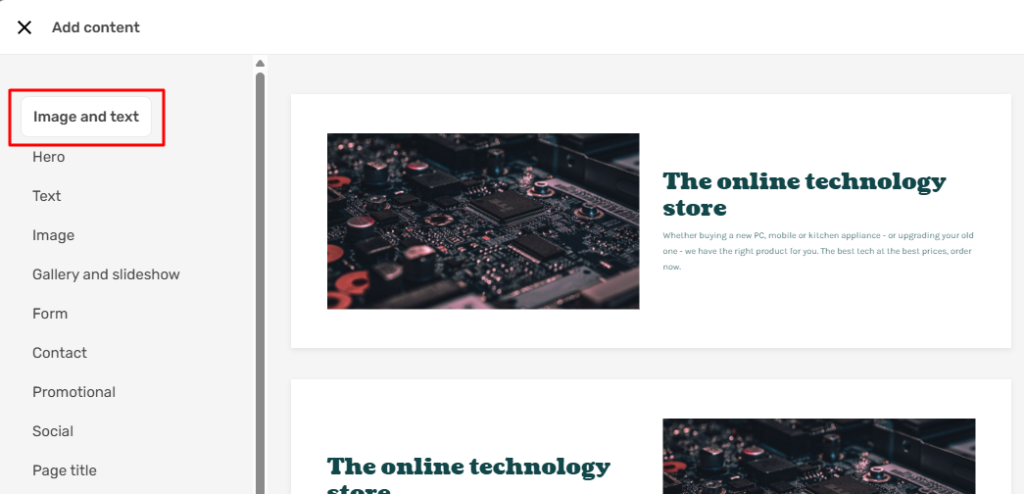
3. If you want to move a section to a different place on the page, click on the six-dots icon and drag it to the desired location. To delete a section, hover your cursor over it, and from the menu that appears, click the delete (trash bin) icon.

You haven't found what you are looking for?
Contact our experts, they will be happy to help!
Contact us