
Customer Support
How do I set up my logo and favicon in Website Builder?
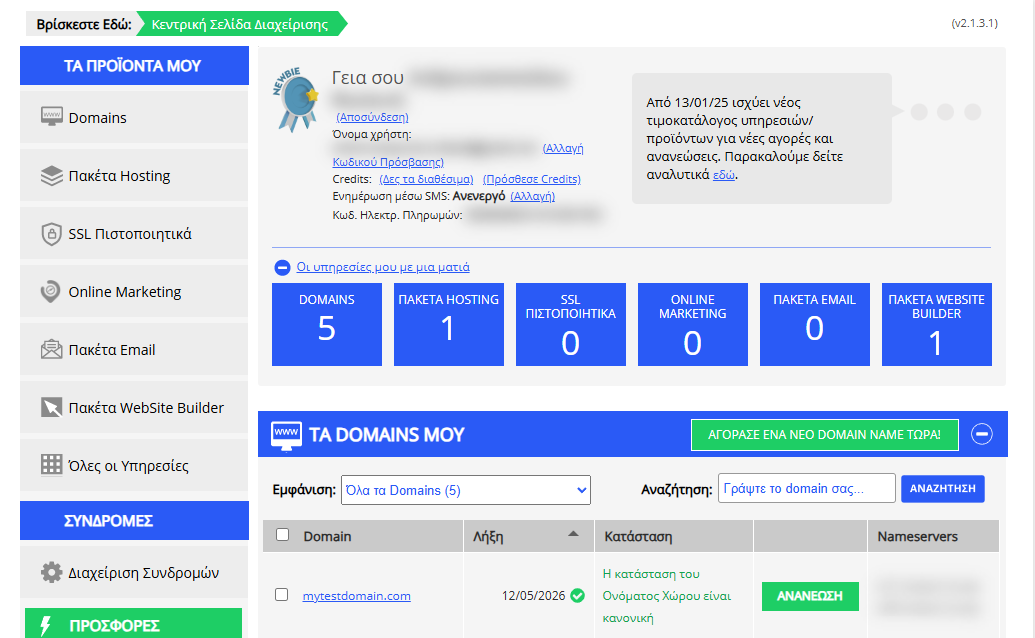
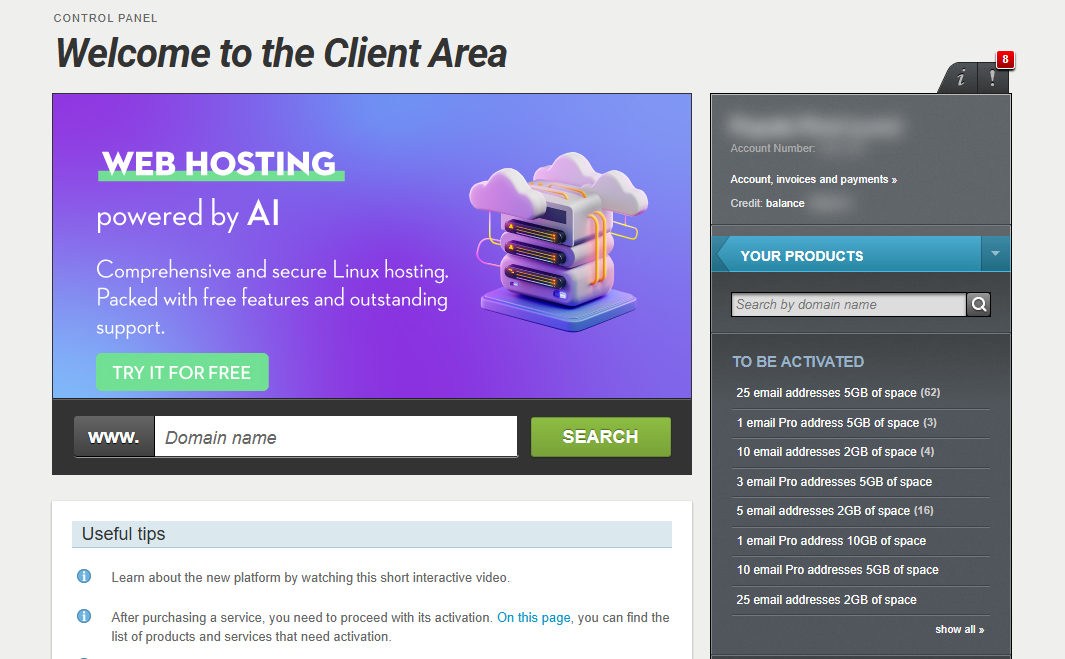
[Papaki 2.0]
Logo
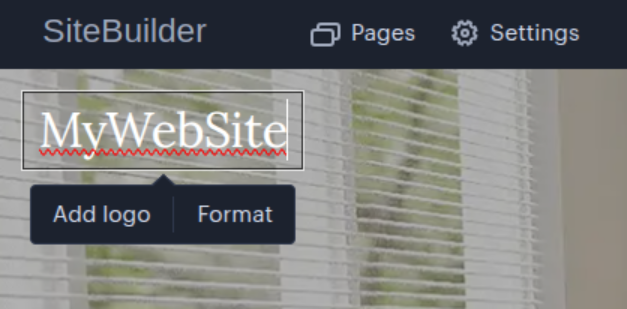
Your logo appears at the top left corner of your website.
To edit it:
- Click on the name or existing logo to open the settings menu.
- From there, you can:
- Upload your own logo
- Set custom dimensions for the logo (Format > Dimensions)
- Add a tagline (optional text displayed below the logo) (Format > Tagline)
Favicon
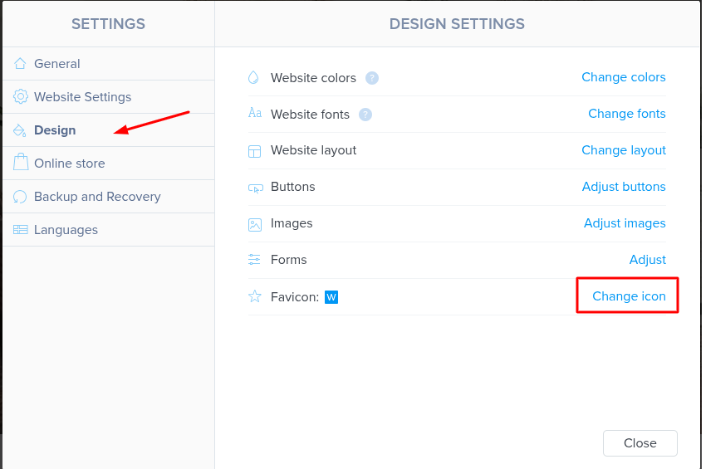
To set a favicon for your website:
- Go to:
Settings > Design > Favicon - You can either:
- Select one from the built-in icon library, or
- Upload your own favicon file (e.g., .ico or .png)
⚠ Important:
The favicon feature is not available in the Start plan.
[Papaki 1.0]
You can replace the favicon in Website Builder with your own image.
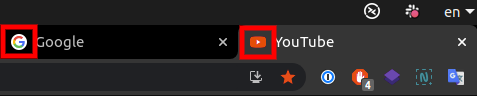
Let’s first look at some common questions about favicons.
Q: What is a favicon?
A: The favicon (short for favorite icon), also known as a shortcut icon, website icon, URL icon, or bookmark icon, is a small 16×16 or 32×32 pixel image representing a site, displayed in the browser. Wikipedia defines it here: http://en.wikipedia.org/wiki/Favicon
Q: I don’t have time to read these instructions and will try adding a line of code I found elsewhere. Will it work?
A: No, it won’t work. The only way to change the favicon on your site is through the steps described below.
Q: How can I create a favicon?
A: There are many websites that convert your image into .ico format. See below for more details. Once created, upload your favicon into the editor.
Q: Why don’t some browsers display my favicon?
A: Some versions of Internet Explorer may not display your favicon correctly. This is not caused by Papaki. Clearing your browser’s cache may solve the issue, but beyond that there’s nothing else you can do for older browsers.
Q: Why do I sometimes briefly see Papaki’s favicon before mine appears?
A: This is due to your browser’s cache. Unfortunately, there’s nothing that can be done about it.
Q: Can you change the favicon on my site for me?
A: No.
Q: Can I disable the favicon so that nothing appears?
A: No. You can upload a blank favicon, but you cannot remove it entirely.
1. Create your favicon
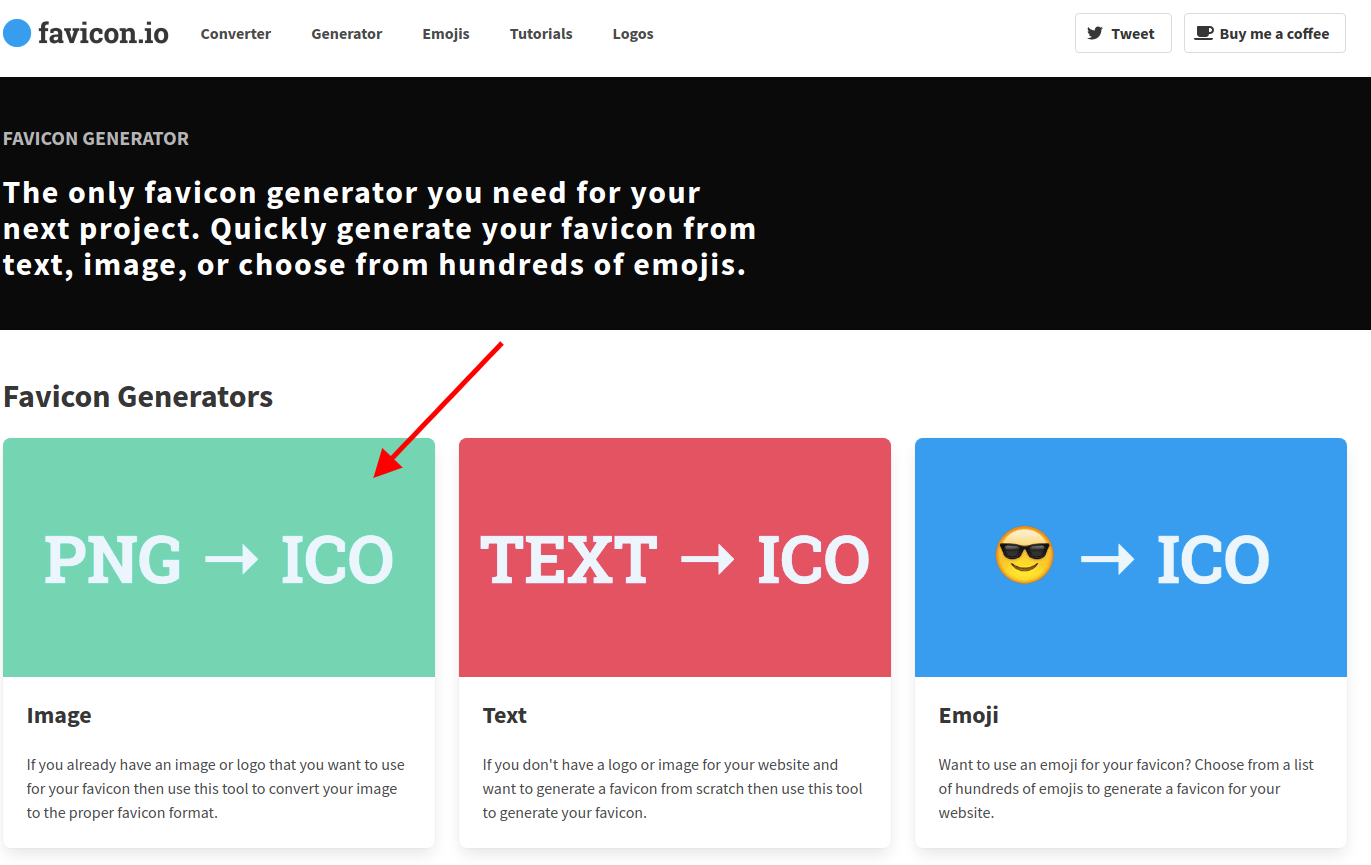
Visit https://favicon.io/ and upload a square image to generate your .ico file. Save it to your computer.
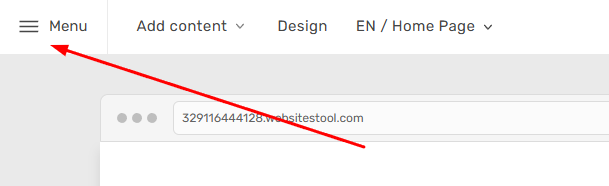
2. Select the Menu option at the top left of the page.
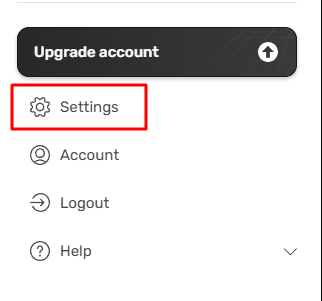
3. In the expanded menu, select Settings.
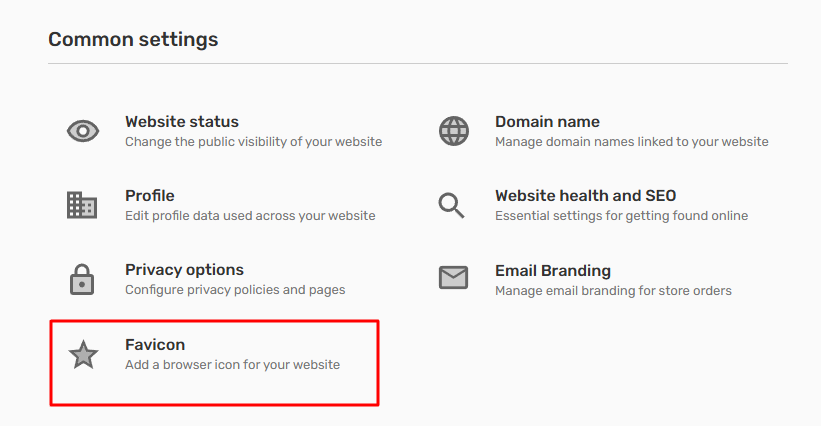
4. Select Favicon from the common settings.
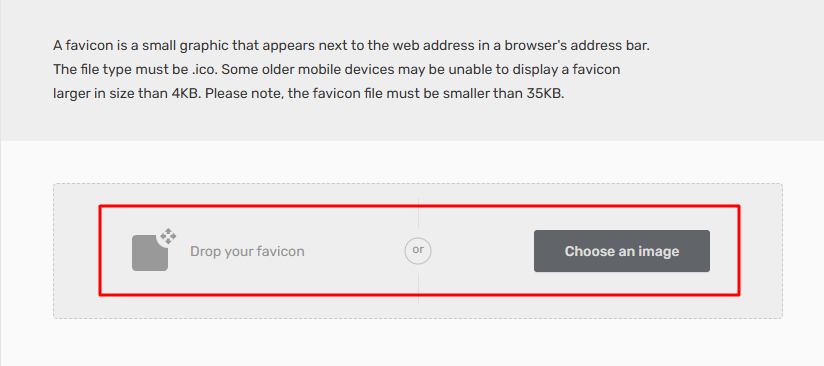
5. Click the Choose an Image button and upload the favicon you saved in Step 1 from your computer, or drag and drop it. Then, save changes and publish your website.
You haven't found what you are looking for?
Contact our experts, they will be happy to help!
Contact us