
Customer Support
iubenda – Consent Solution
Recording user consent is a legal requirement under certain regulations, such as the GDPR. iubenda’s Consent Solution connects with your website or app forms and automatically logs the consents collected from users.
Important:
This guide refers to modifying cookie settings after the initial iubenda setup and activation.
If you haven't completed the initial configuration yet, please follow [this guide first].
Accessing the iubenda Management Panel

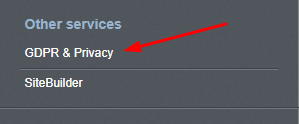
- From the dashboard, under Other Services, click on GDPR & Privacy.
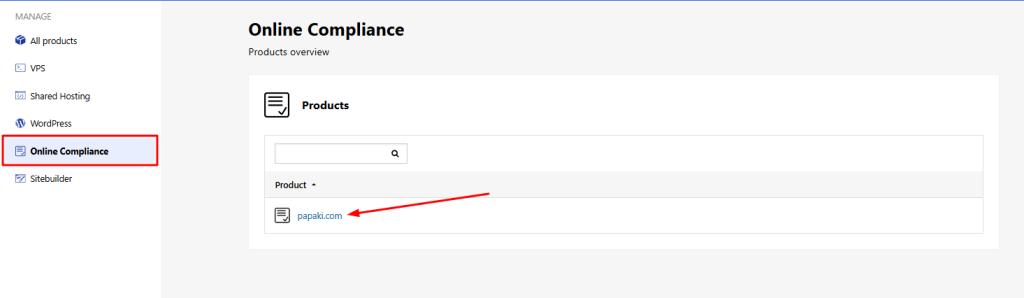
- Under Online Compliance, click on your domain name.
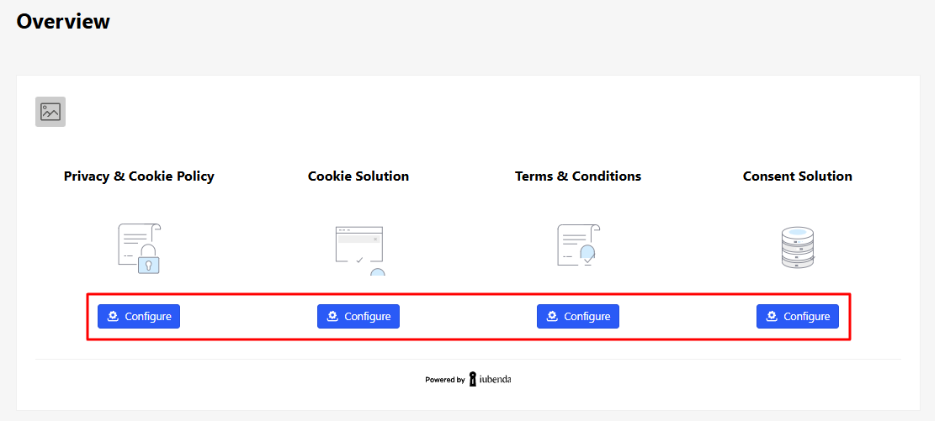
You’ll now see all the available iubenda services associated with your domain.
Enabling the Consent Solution
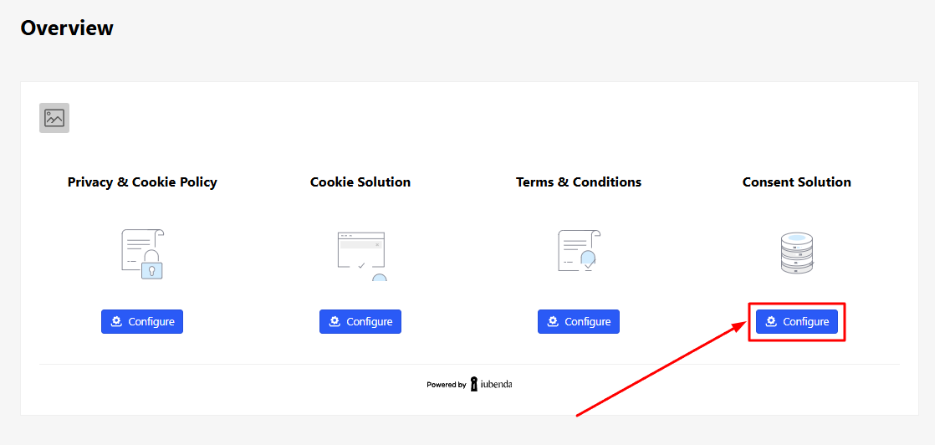
- In the Consent Solution section, click Configure.
- Scroll down the page until you find the Consent Database section and click Activate now.
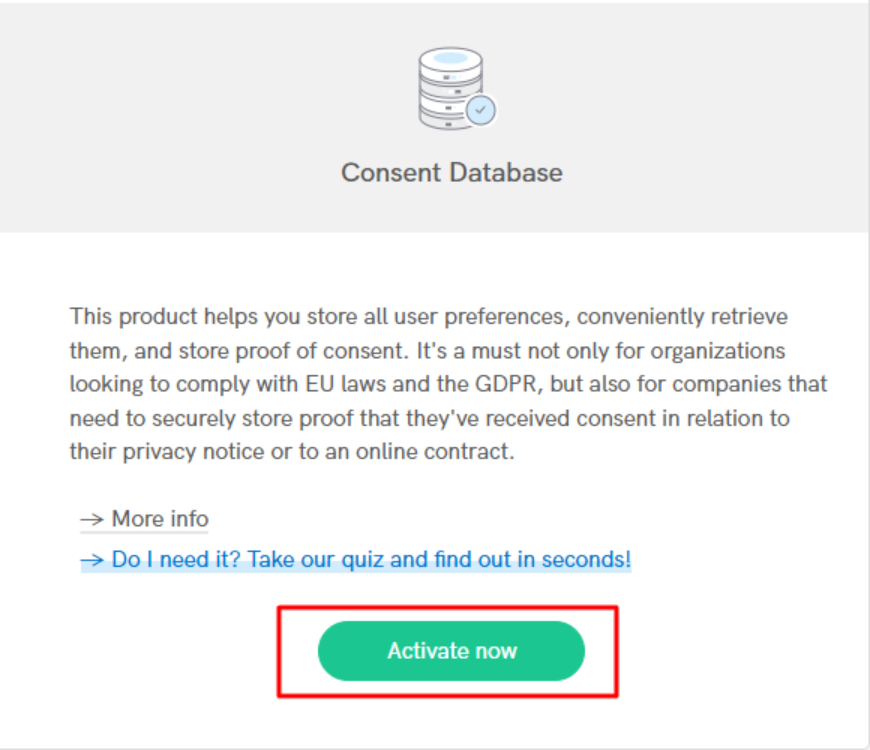
Your consent tracking feature is now successfully enabled and can be embedded to your website.
You haven't found what you are looking for?
Contact our experts, they will be happy to help!
Contact us