
Customer Support
iubenda – Cookie Solution Setup
In this guide, you'll learn how to configure cookie management through iubenda, the GDPR compliance tool provided by Papaki. With iubenda, you can integrate cookie usage and management in accordance with the General Data Protection Regulation (GDPR) and ensure your website remains compliant at all times.
Important:
This guide refers to modifying cookie settings after the initial iubenda setup and activation.
If you haven't completed the initial configuration yet, please follow [this guide first].
Accessing the iubenda Management Panel

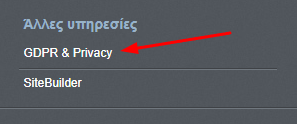
- From the dashboard, under Other Services, click on GDPR & Privacy.
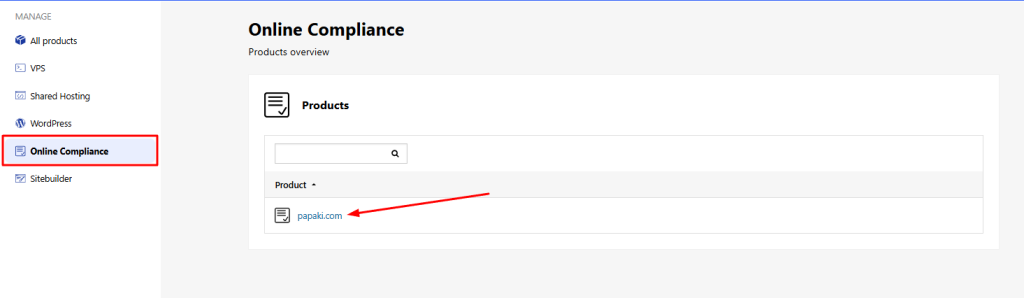
- Under Online Compliance, click on your domain name.
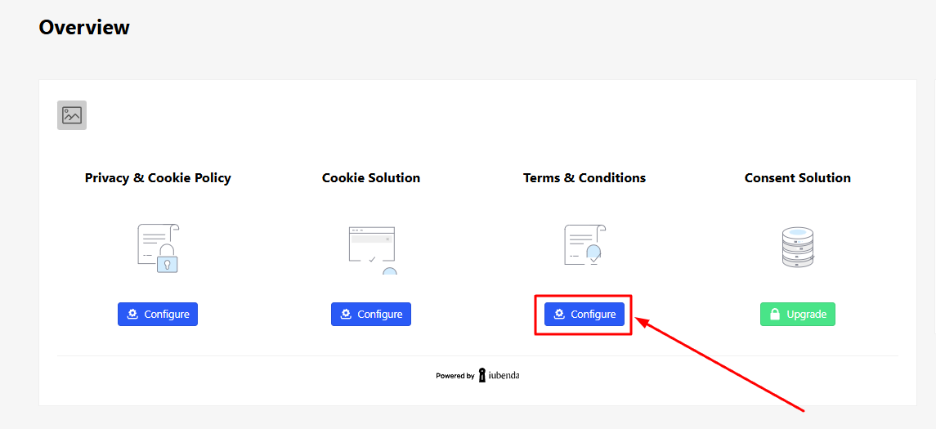
You’ll now see all the available iubenda services associated with your domain.
Configuring Cookie Solution
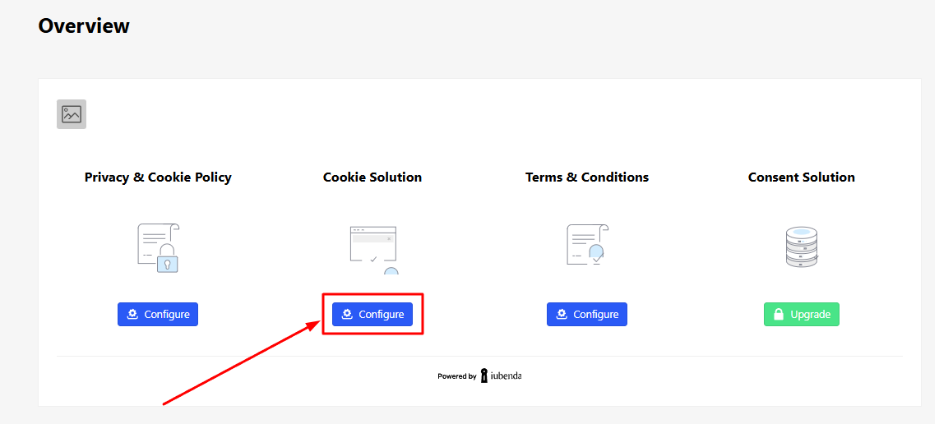
- Click Configure in the Cookie Solution section.
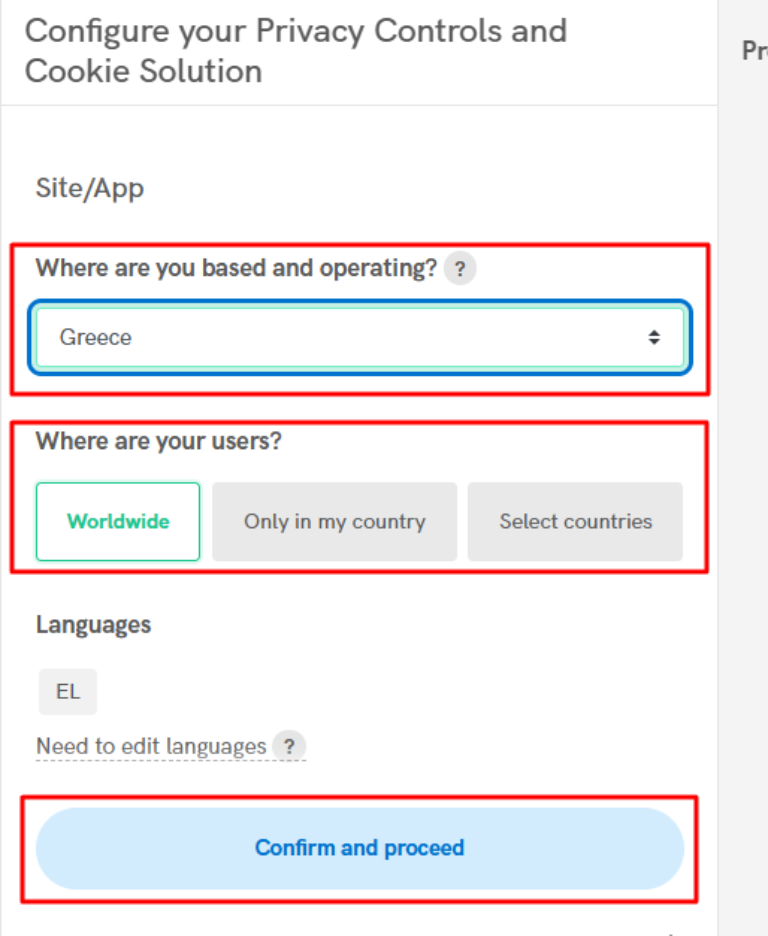
- Select the target country for your website and audience.
You can choose “Worldwide” if your site addresses international users.
Then click Confirm and proceed.
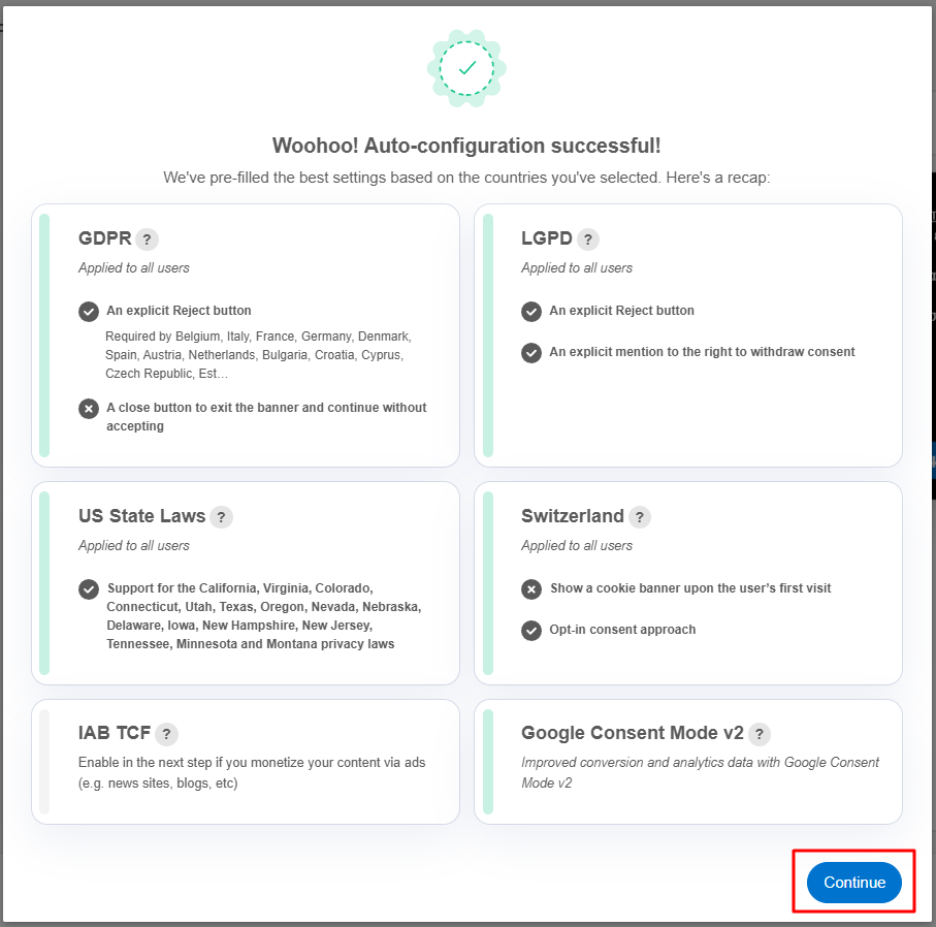
- In the pop-up window, you'll see your current configuration settings.
Review the information and click Continue if everything is correct.
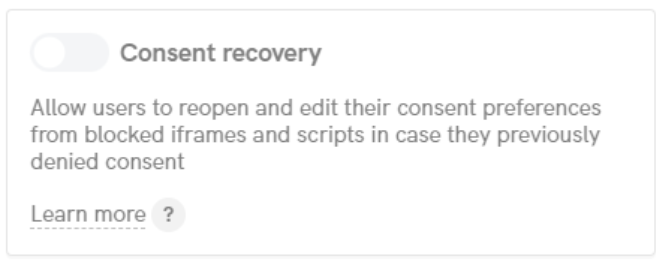
- Choose whether to enable the “Consent recovery” button on your website.
- If you're unsure, it's recommended to leave it enabled.
- Note: This feature is not available in all iubenda packages and can be changed later.
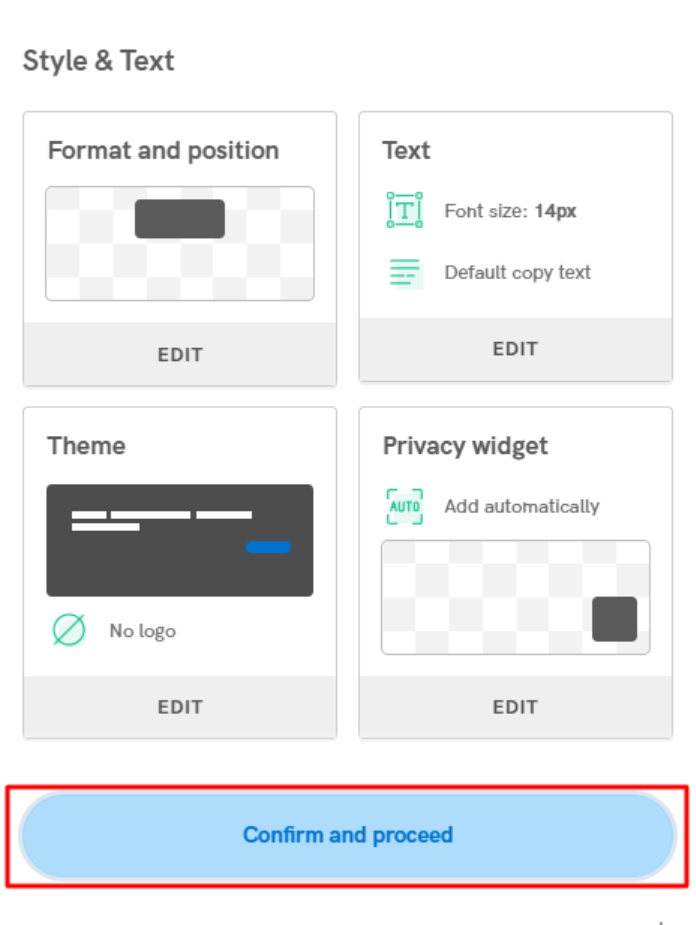
- On the next screen, choose where and how the cookie banner should appear on your site.
- Select whether to use iubenda’s default privacy policy (recommended), or to link to your custom privacy policy.
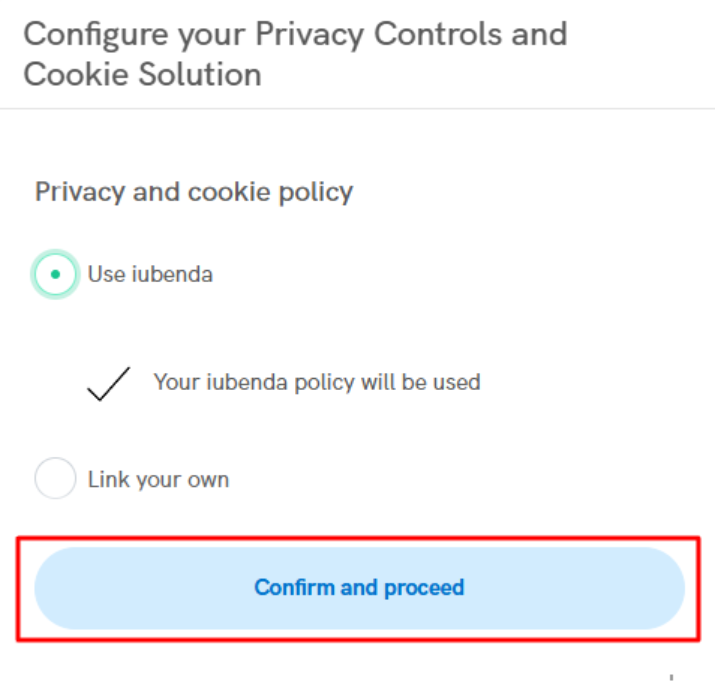
- Under Advanced Settings, you’ll find additional customization options for the cookie banner appearance.
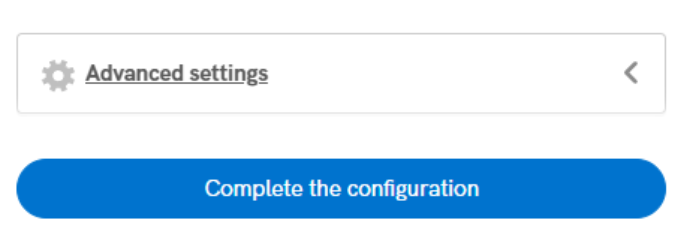
If no further changes are needed, click Complete the configuration.
Your cookie policy settings are now saved, and the cookie banner is ready to be embedded into your website.
You haven't found what you are looking for?
Contact our experts, they will be happy to help!
Contact us