
Customer Support
iubenda – Privacy & Cookie Policy Setup
In this guide, you’ll learn how to configure the Privacy Policy and Cookies through iubenda, the GDPR compliance tool provided by Papaki. With this tool, you can integrate the General Data Protection Regulation (GDPR) into your website and ensure ongoing compliance.
Important:
This guide refers to modifying cookie settings after the initial iubenda setup and activation.
If you haven't completed the initial configuration yet, please follow [this guide first].
Accessing the Management Interface

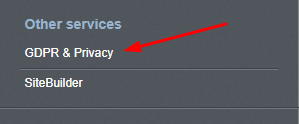
- From your dashboard, go to the "Other Services" section and click on GDPR & Privacy.
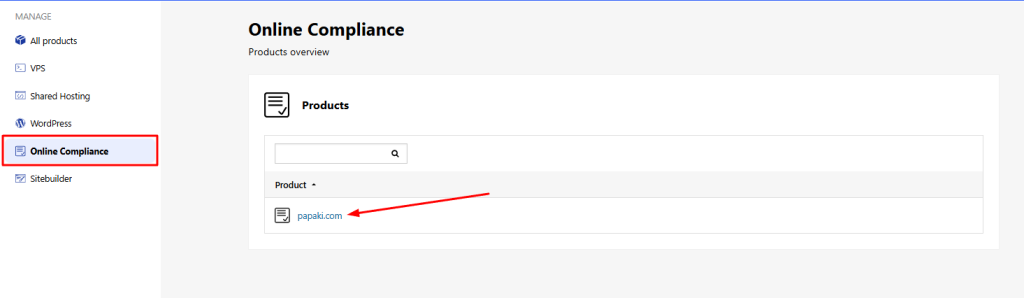
- In the Online Compliance category, click on your domain name.
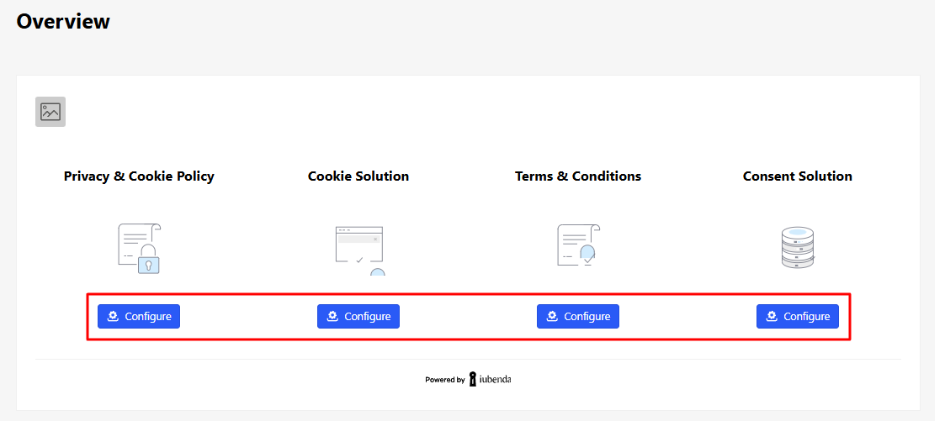
- You’ll now see all the available services in your plan.
Privacy & Cookie Policy Configuration
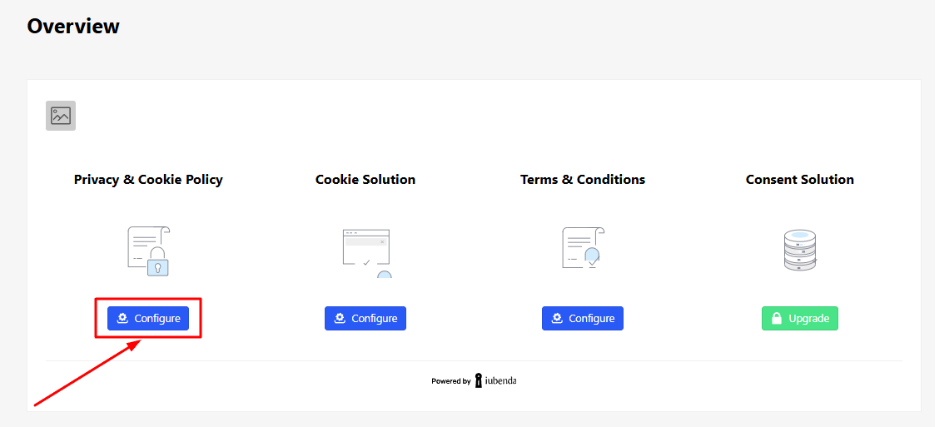
- Click Configure under the Privacy and Cookie Policy section.
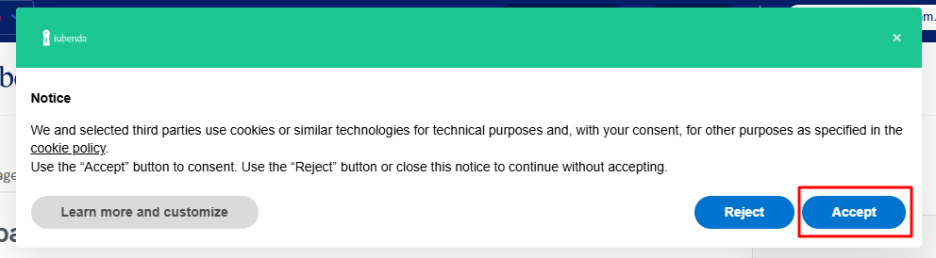
- Accept the cookie information notice (if it appears).
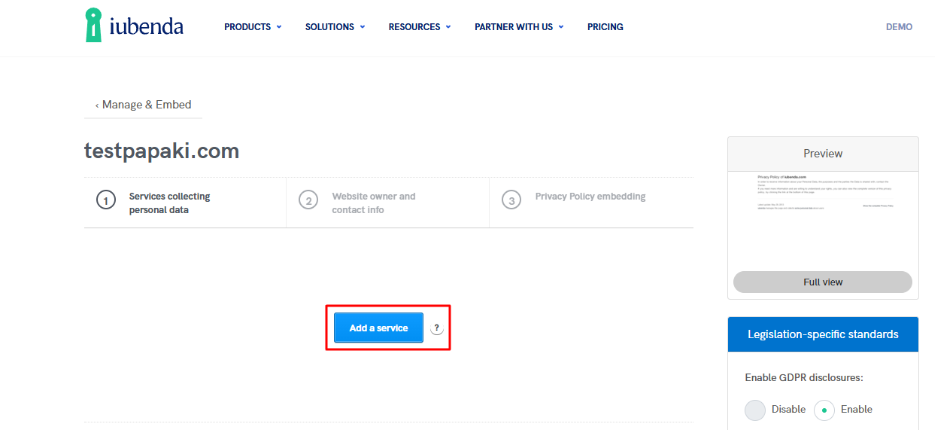
- Click Add a service.
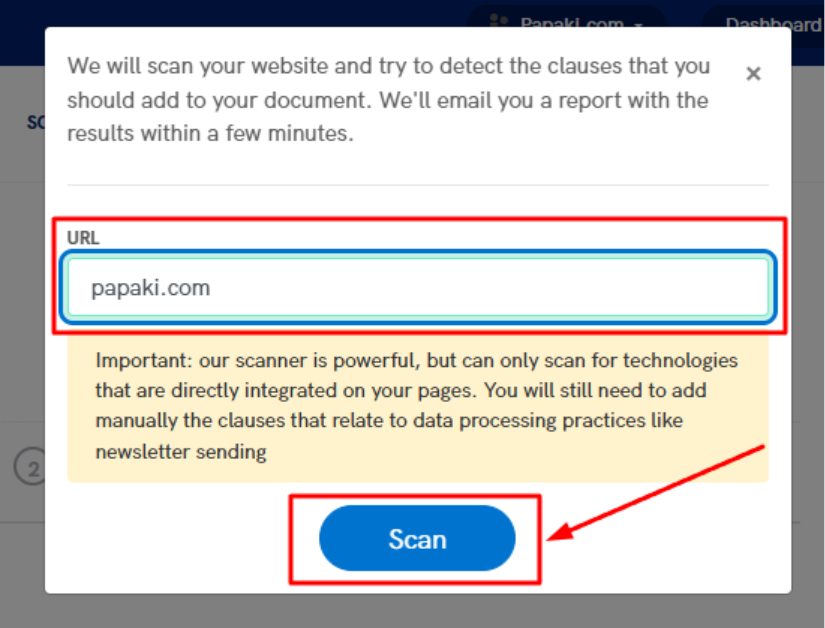
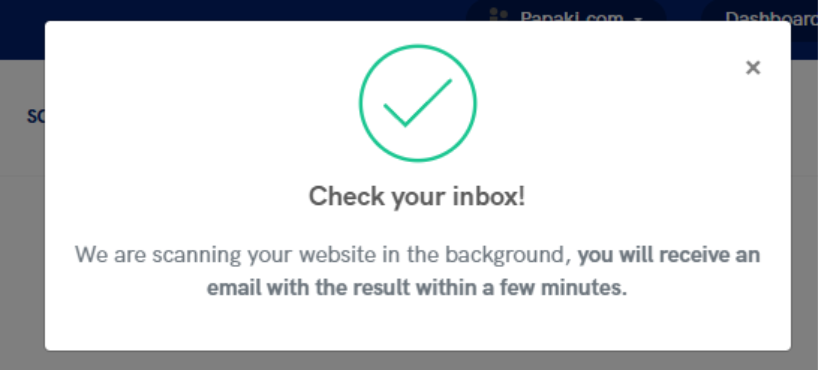
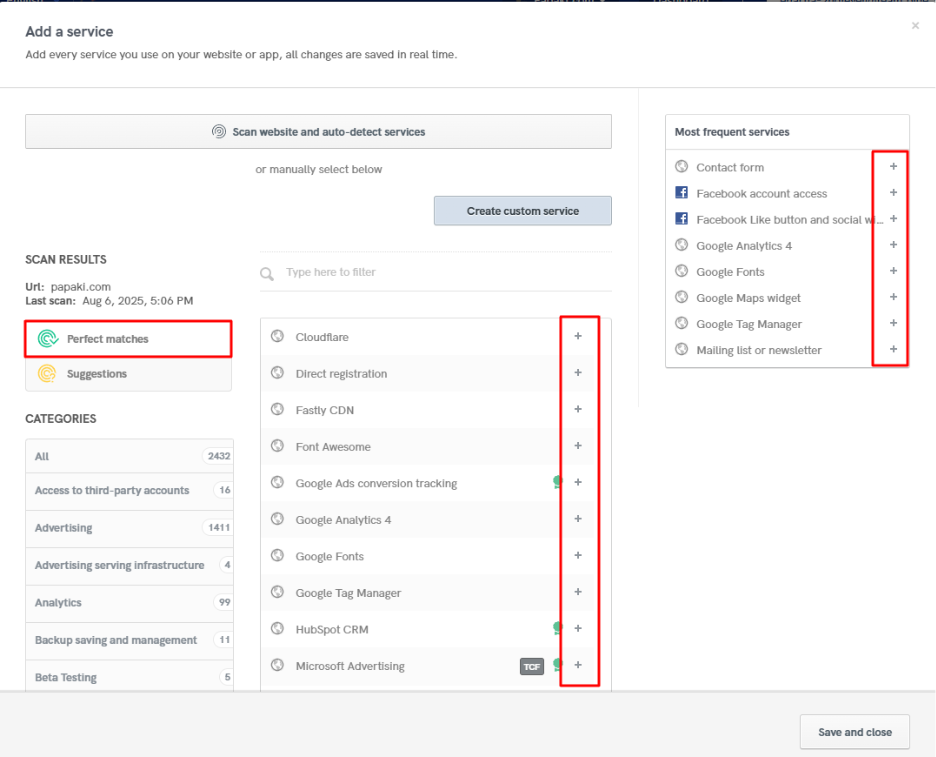
- If you wish, use the Scan and auto-detect services feature to let iubenda recommend relevant elements based on your site content.
- Review the suggestions under Perfect Matches and Suggestions and click the “+” icons to add them.
Alternatively, you can manually select popular services from the right-hand panel.
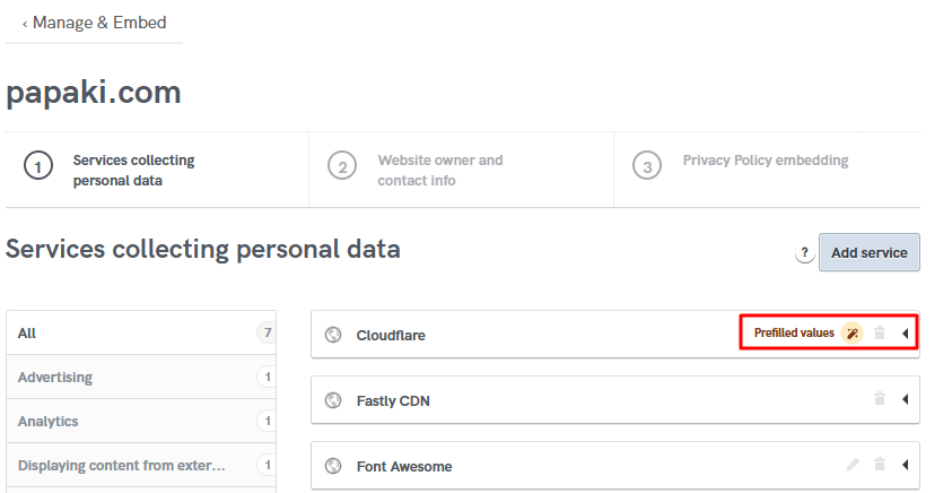
- If an item shows a Prefilled values notice, click it and complete all required fields.
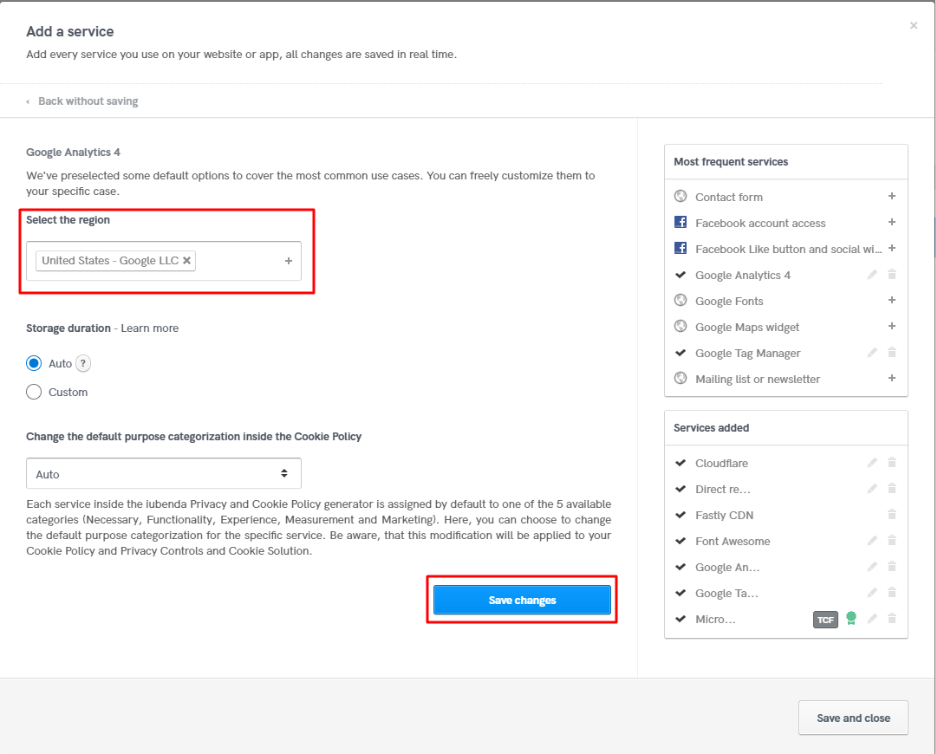
- Configure the options from the dropdown menus as needed, then click Save Changes.
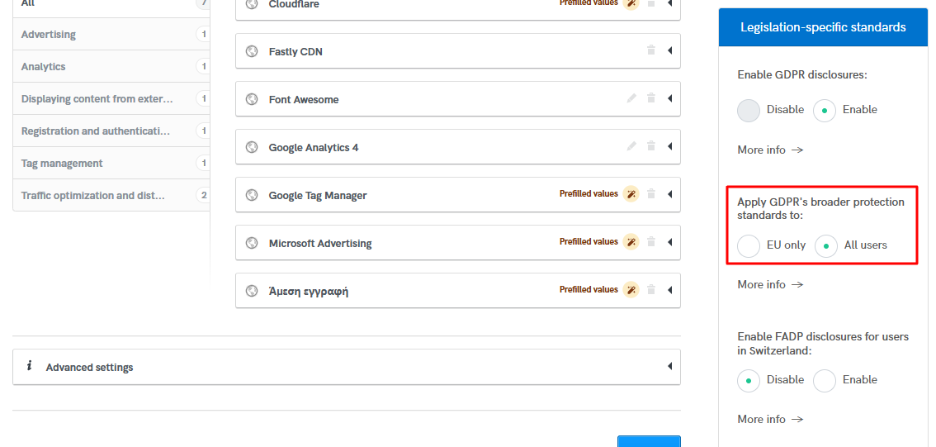
- Under Legislation-specific standards, define which users the policy should apply to (e.g., "All users").
- Under Manage language, select the languages you want the documents to appear in.
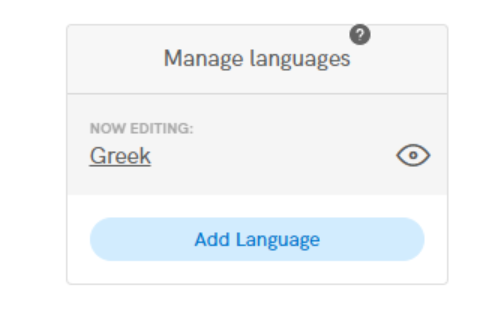
(The number of supported languages depends on your plan.)
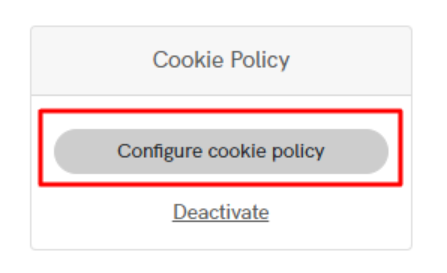
- Click Configure cookie policy to proceed.
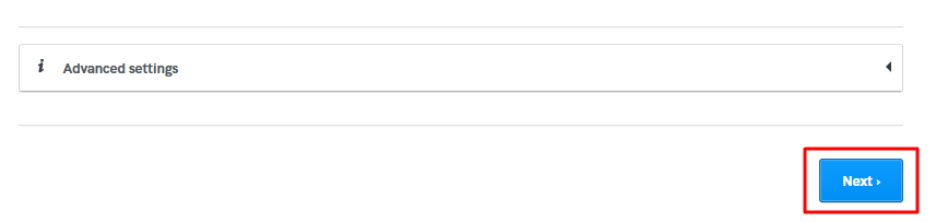
- Click Next.
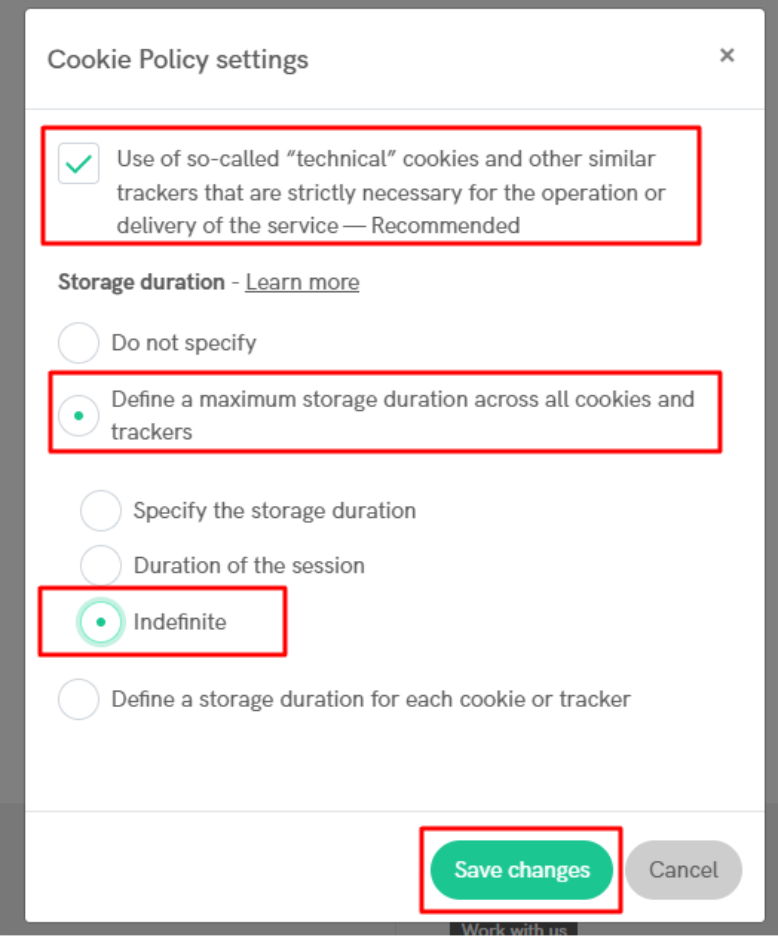
- Define the cookie lifespan according to your website’s needs.
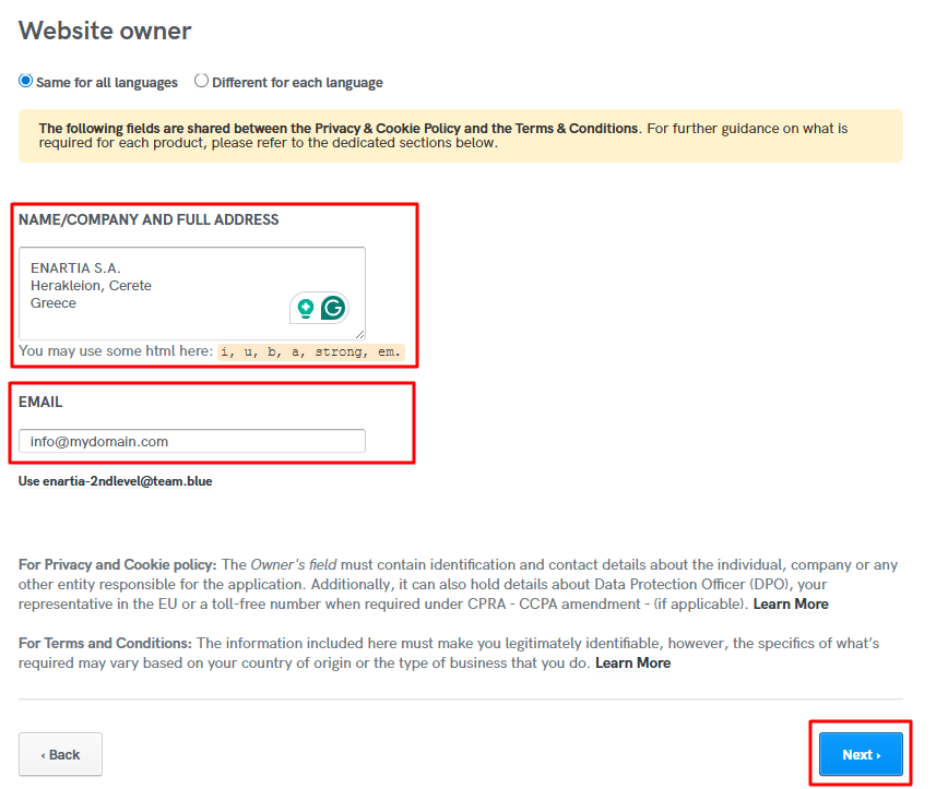
- Enter your business details and contact email, then click Next.
- Review the generated policy text for accuracy.
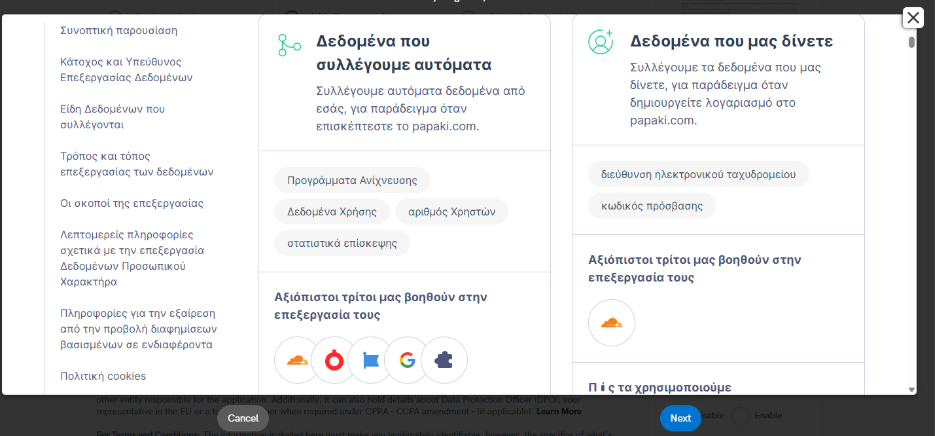
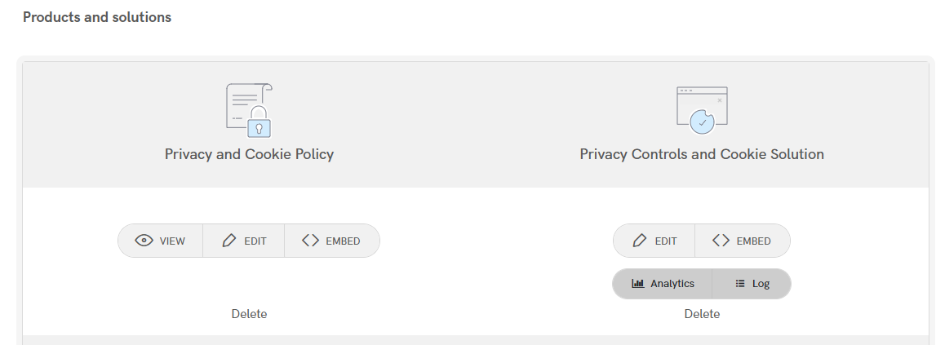
- Click Next. Your Privacy & Cookie Policy setup is now complete and can be added to your website.
You haven't found what you are looking for?
Contact our experts, they will be happy to help!
Contact us