
Customer Support
iubenda – Terms and Conditions Setup
In this guide, you’ll learn how to configure the Terms and Conditions for your website using iubenda, the GDPR compliance tool offered by Papaki. With iubenda, you can integrate your Terms of Service in accordance with the General Data Protection Regulation (GDPR) and ensure ongoing legal compliance.
Important:
This guide refers to modifying cookie settings after the initial iubenda setup and activation.
If you haven't completed the initial configuration yet, please follow [this guide first].
Accessing the iubenda Management Panel

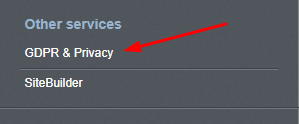
- From the dashboard, under Other Services, click on GDPR & Privacy.
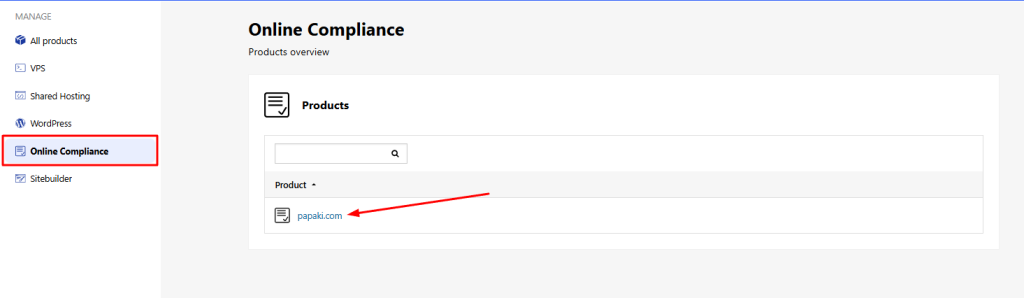
- Under Online Compliance, click on your domain name.
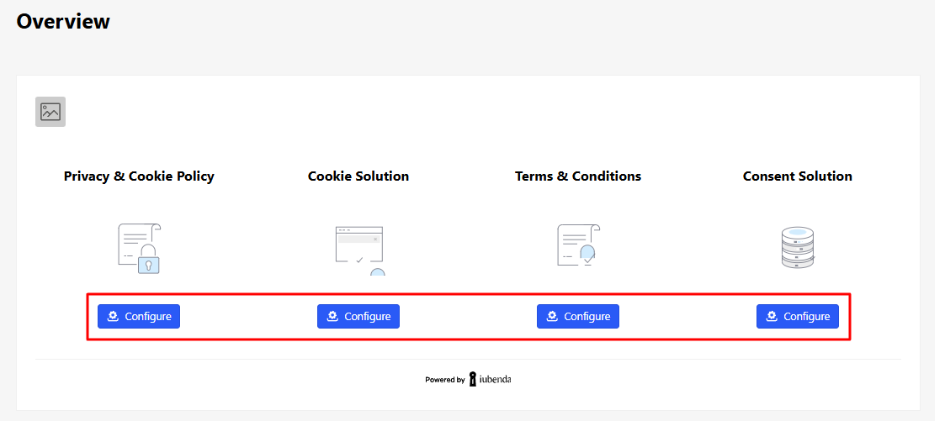
You’ll now see all the available iubenda services associated with your domain.
Configuring Terms and Conditions
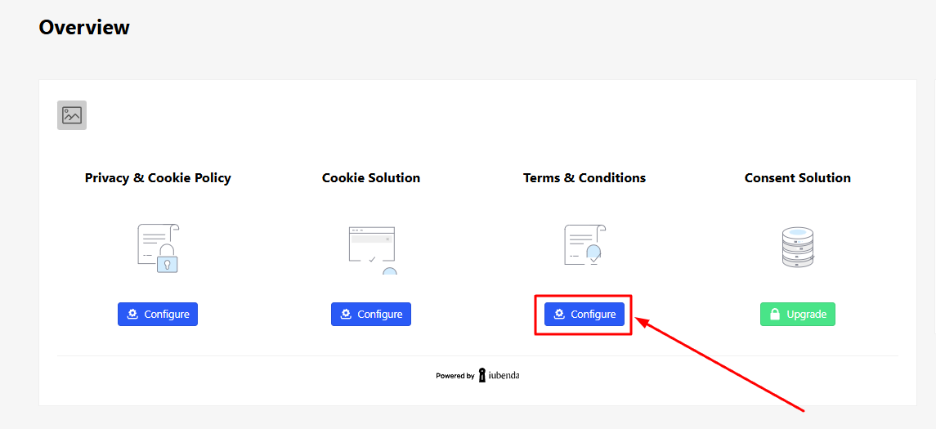
- In the Terms and Conditions section, click Configure.
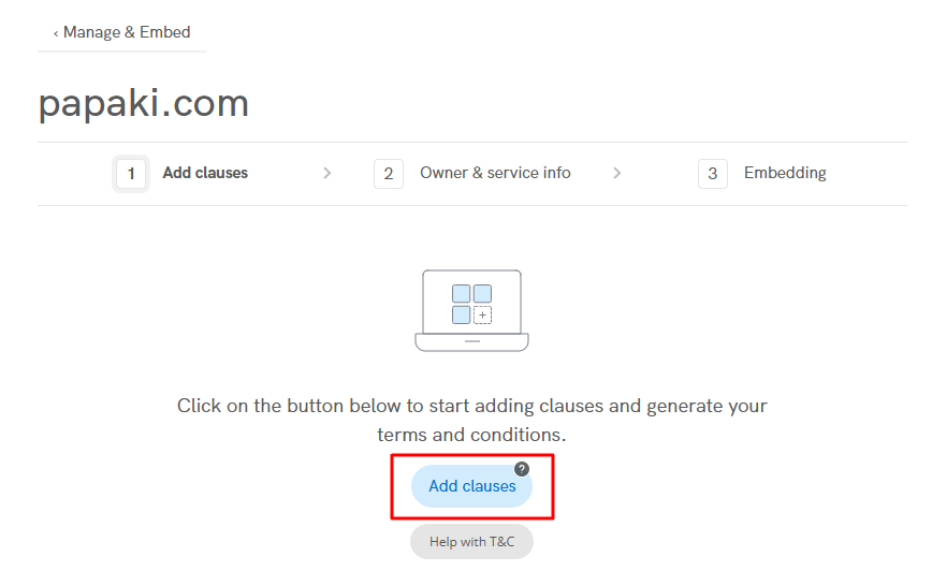
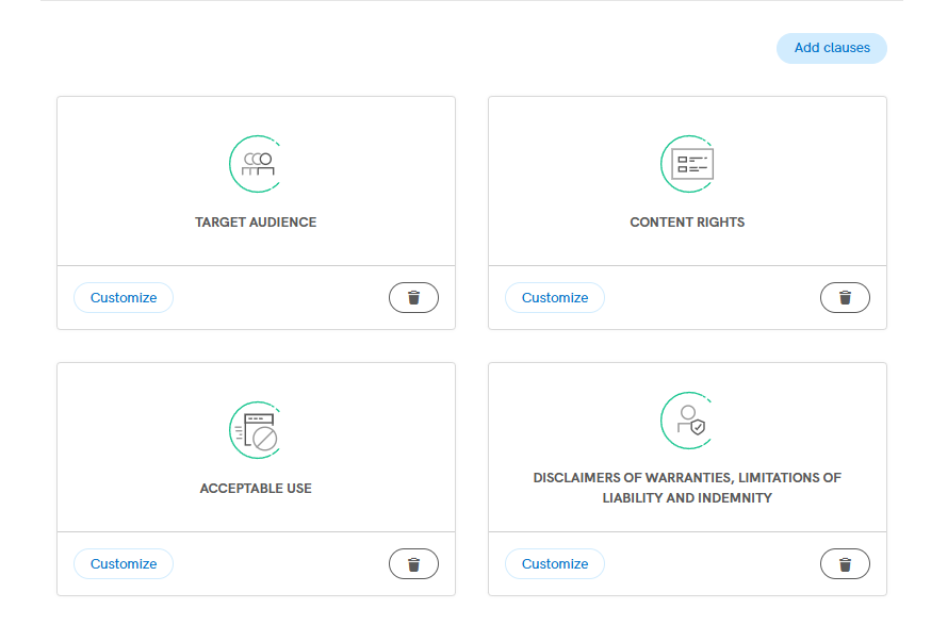
- Click Add clauses to begin selecting clauses relevant to your business.
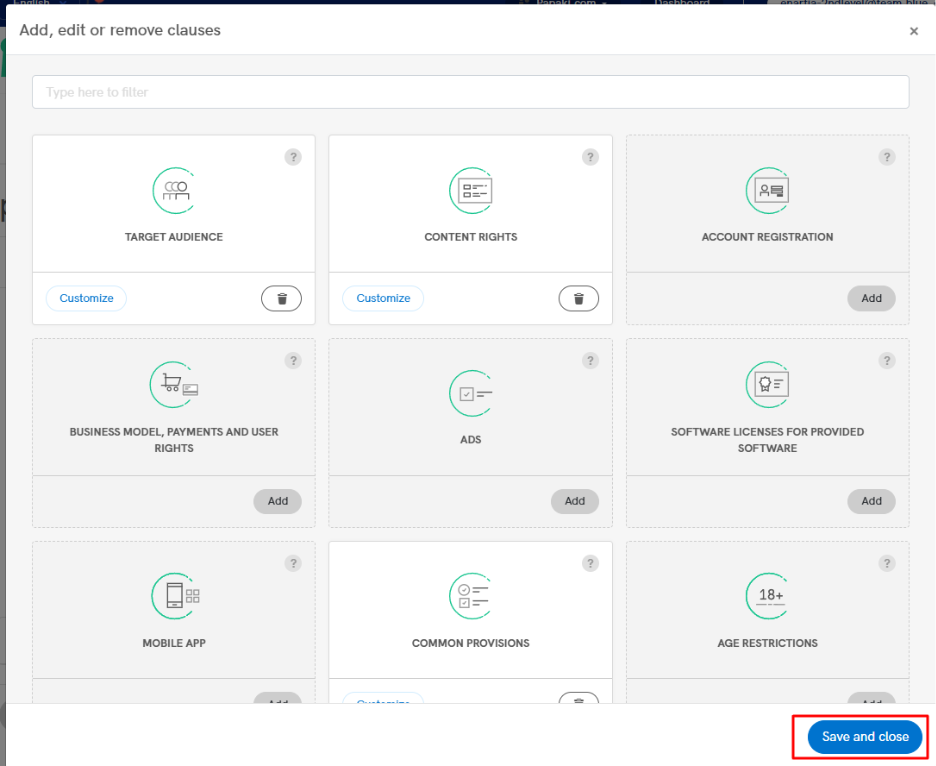
- In the pop-up window, you’ll find a categorized list of available clauses.
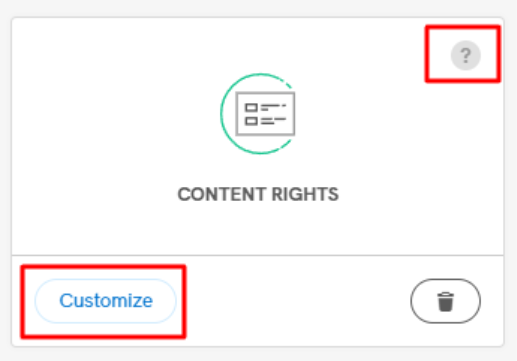
For each clause, you can:
- View more details (by clicking the question mark icon),
- Customize the content (by selecting Customize).
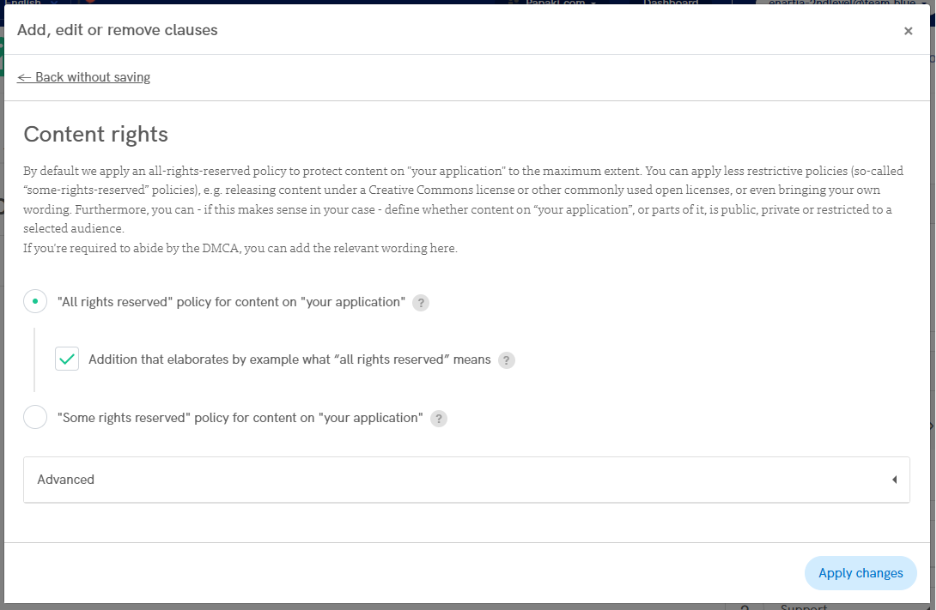
By default, basic clauses are already enabled and highlighted with a white background.
- Once you’ve selected and customized the necessary clauses, click Save and Close.
Your selected and edited clauses will now appear in the main configuration panel.
Advanced Settings and Finalization
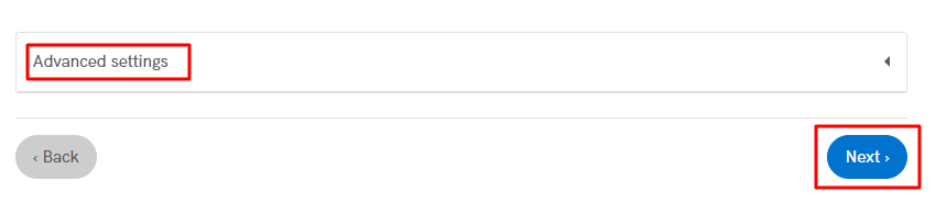
- Under Advanced Settings, you can choose to include additional legal elements if needed.
- When you’re done, click Next to proceed.
You may be asked to fill in your company details, if you haven’t already done so during a previous step.
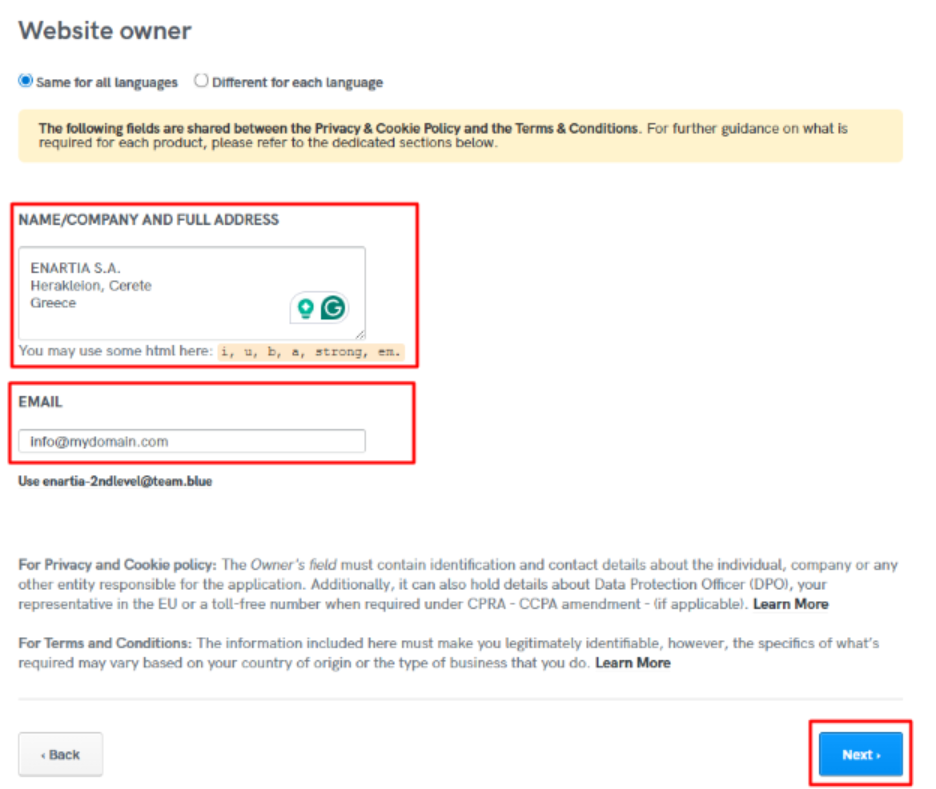
Once completed, click Save Changes.
Your Terms and Conditions are now fully configured and ready to be embedded into your website.
You haven't found what you are looking for?
Contact our experts, they will be happy to help!
Contact us