
Customer Support
How do I change the header and footer in Website Builder?
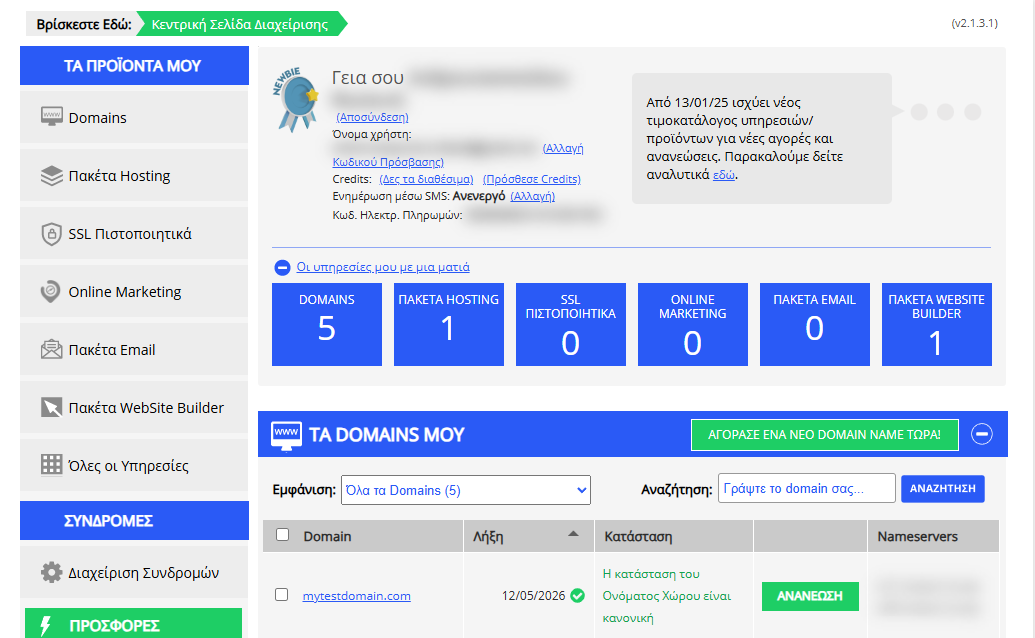
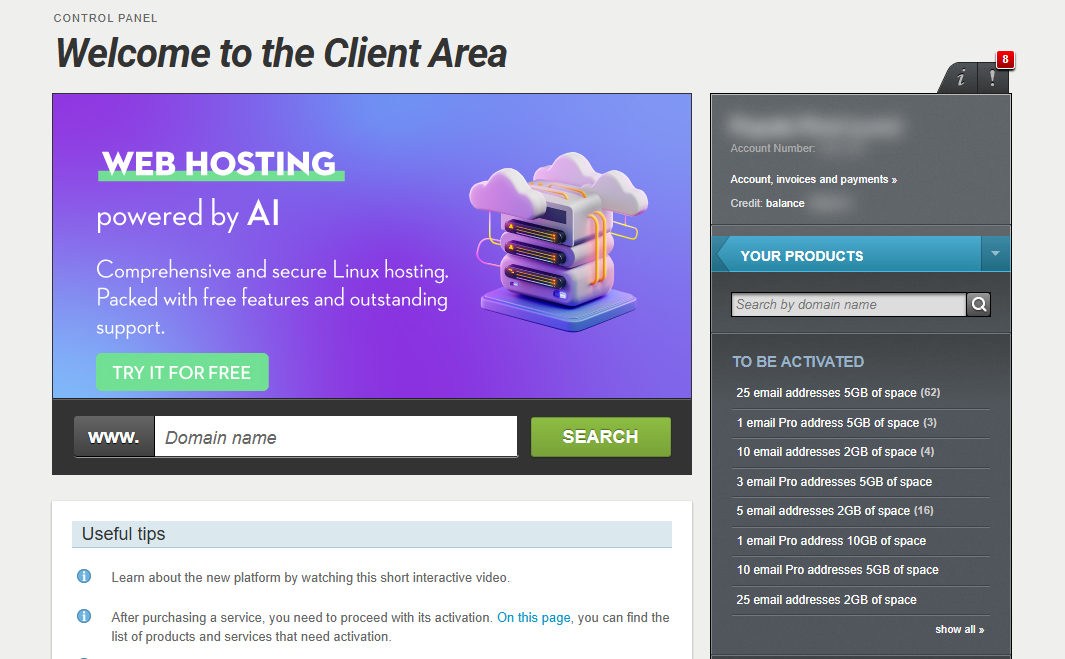
[Papaki 2.0]
Header
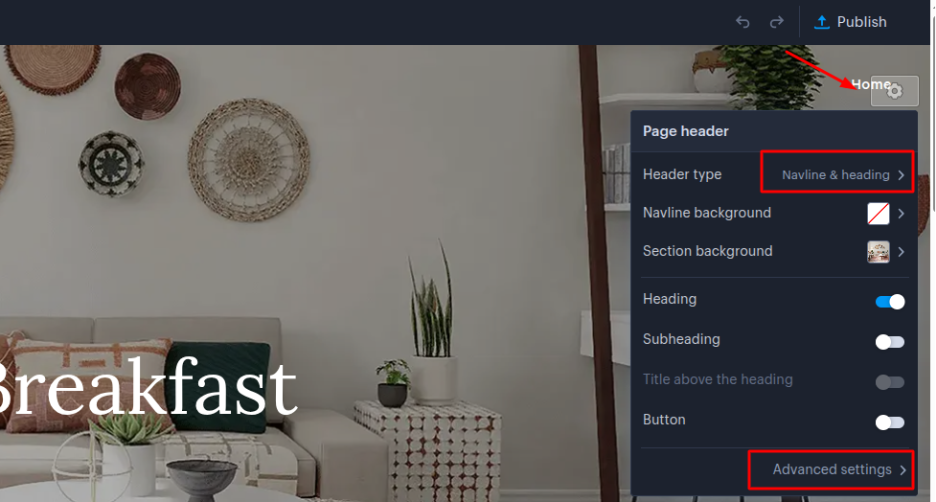
You can customize your website’s header section by clicking the gear icon located at the top right corner of the page.
The settings menu allows you to:
- Choose from different header layouts
- Change the background, height, and other visual properties
- Access Advanced Settings for more detailed customization options
Footer
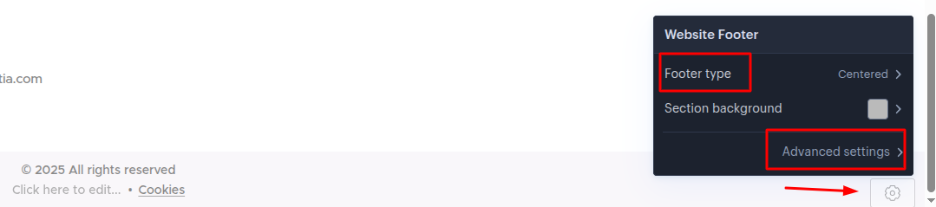
Similarly, to customize the footer section, click the gear icon at the bottom right corner of the page.
From the footer settings menu, you can:
- Select a footer layout that fits your design
- Modify the background color
- Use Advanced Settings to adjust the content width of the footer area
[Papaki 1.0]
Header
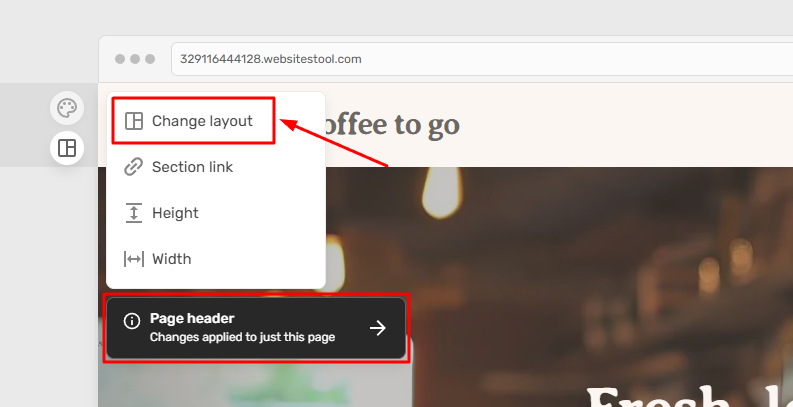
You can select a different header template by clicking on Layout in the left sidebar of the header.
Then, click Change layout and choose whether you want the header to be visible across the entire site or only on this specific page.
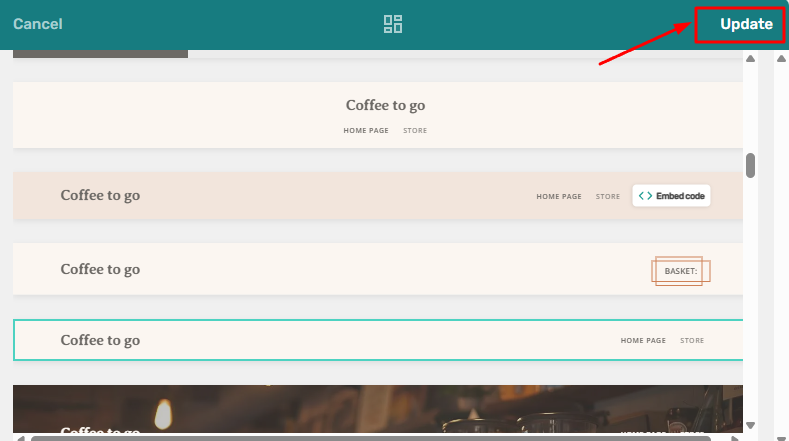
Select the template that best suits your needs and click Update.
You can edit the header content by clicking on the element you wish to customize or by adding a new one.
Don’t forget to publish your changes so they become visible online.
Footer
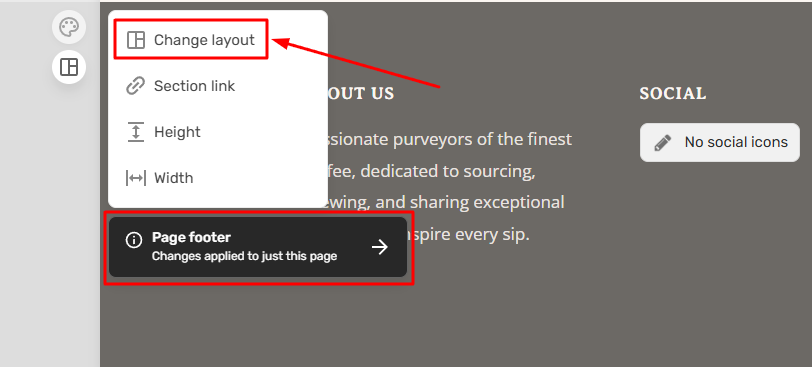
Similarly, to choose a different footer template, click Layout in the left sidebar of the footer section.
Then, click Change layout and choose whether you want this footer layout to be visible across the entire site or only on this specific page.
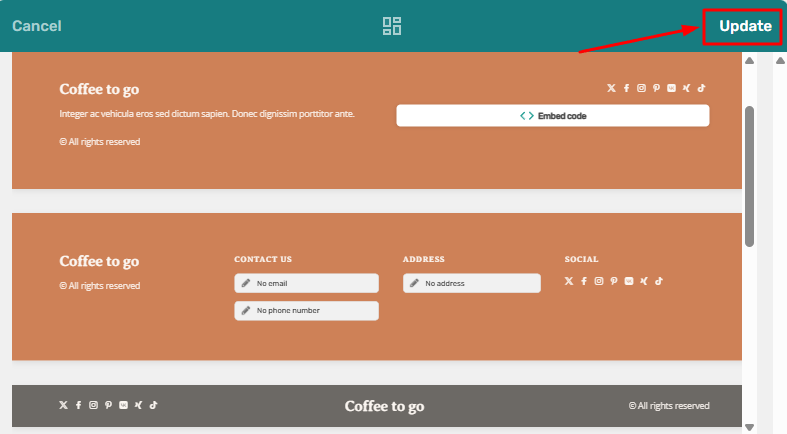
Select the template that best fits your needs and click Update.
You can edit the footer content by clicking on the element you wish to customize or by adding a new one.
Don’t forget to publish your changes so they become visible online.
You haven't found what you are looking for?
Contact our experts, they will be happy to help!
Contact us