
Customer Support
How do I process an order in Website Builder?
You can view and manage the orders recorded in your e‑shop from the Website Builder management dashboard.
Step 1: Accessing Orders
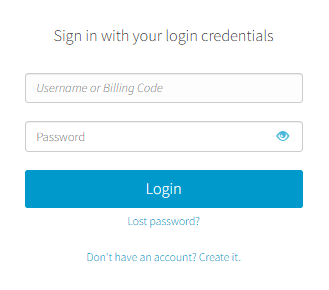
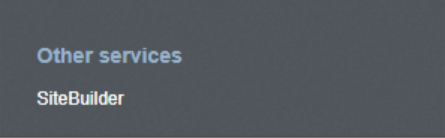
- From the right side menu, click on Other services > SiteBuilder
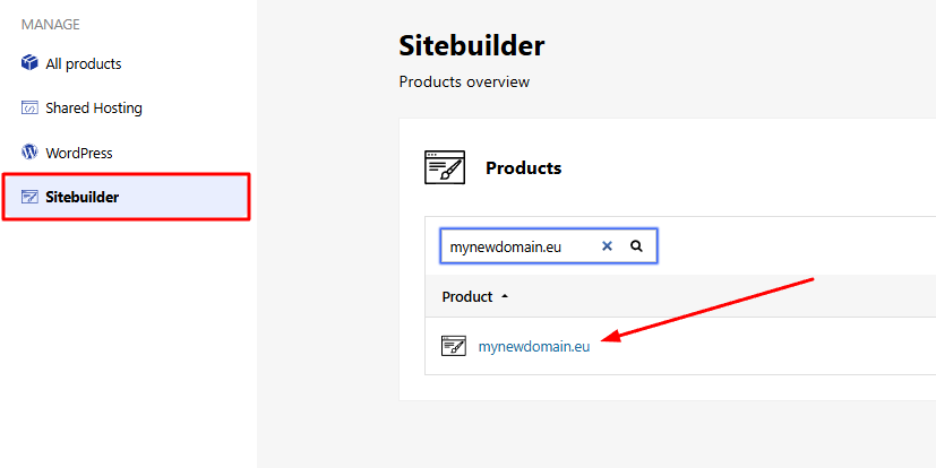
- Locate the hosting pack you want to edit and click on the domain
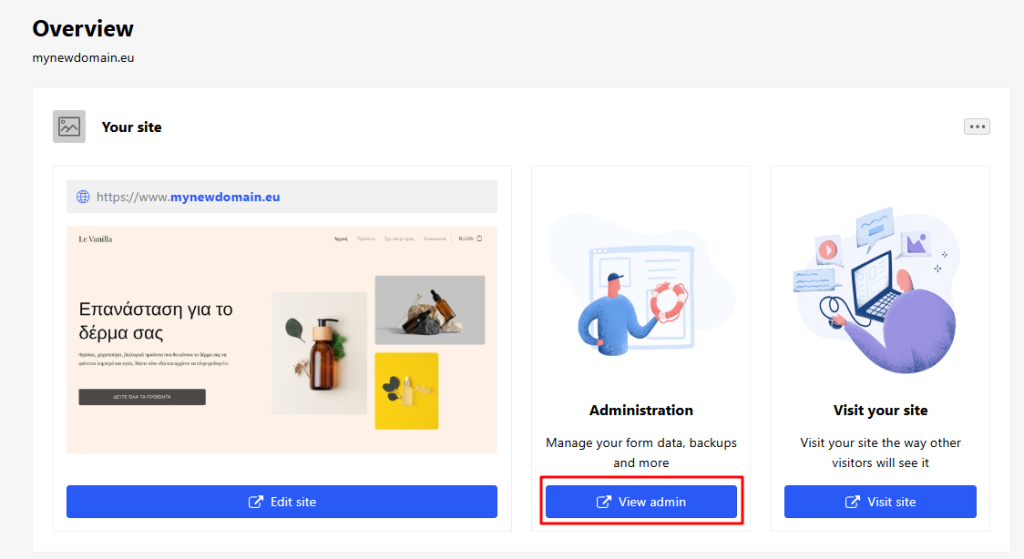
- From your account dashboard, click View Admin.
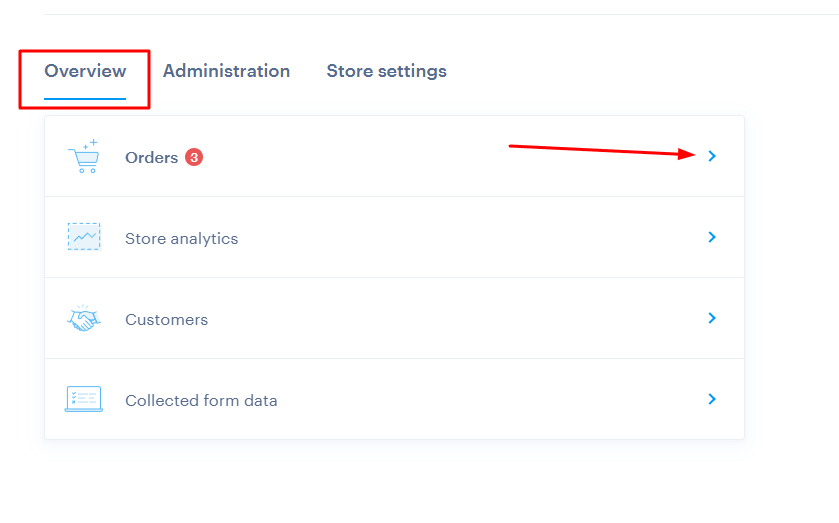
- Go to Overview > Orders. Pending orders are highlighted in red.
Step 2: Managing Orders
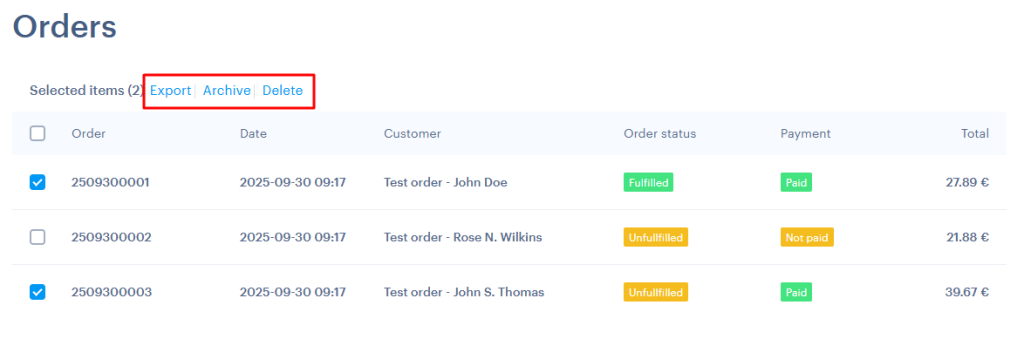
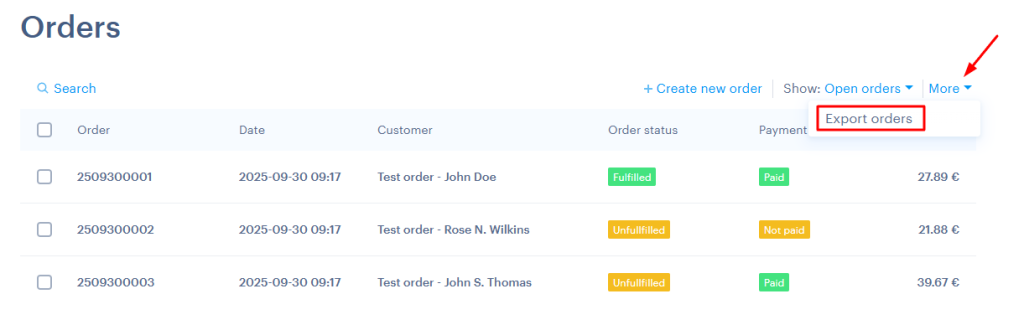
From the Orders section you can:
- View all recorded orders
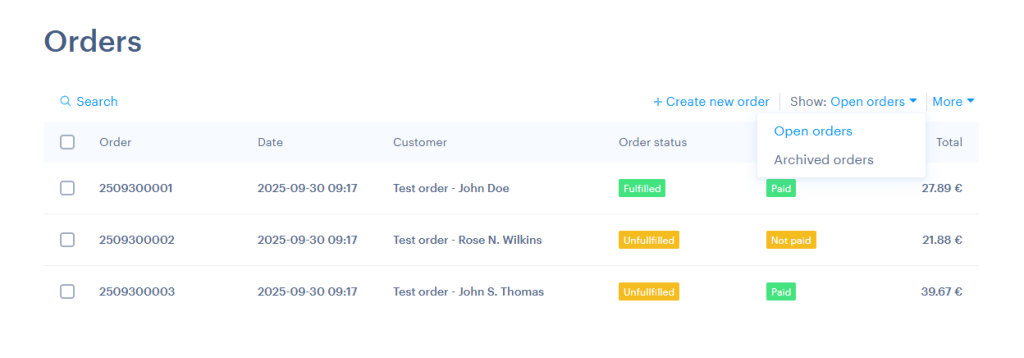
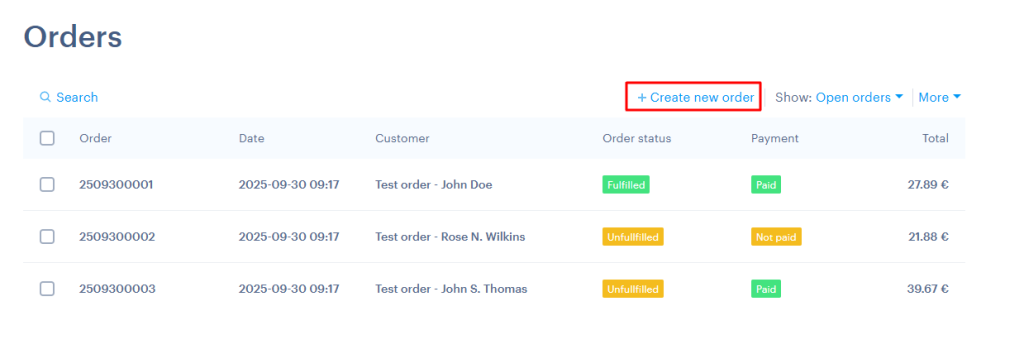
- Create a new order manually (not available in all plans)
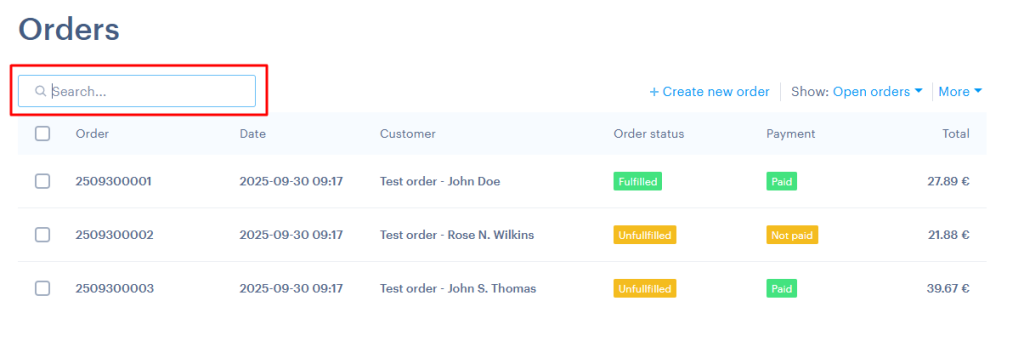
- Search for a specific order
- Export orders, archive them or delete old ones
Step 3: Editing an Order
By clicking on an order, you can (if available in your plan):
- Edit customer details
- Add or remove products
- Mark the order as paid
- Complete the order or change its status
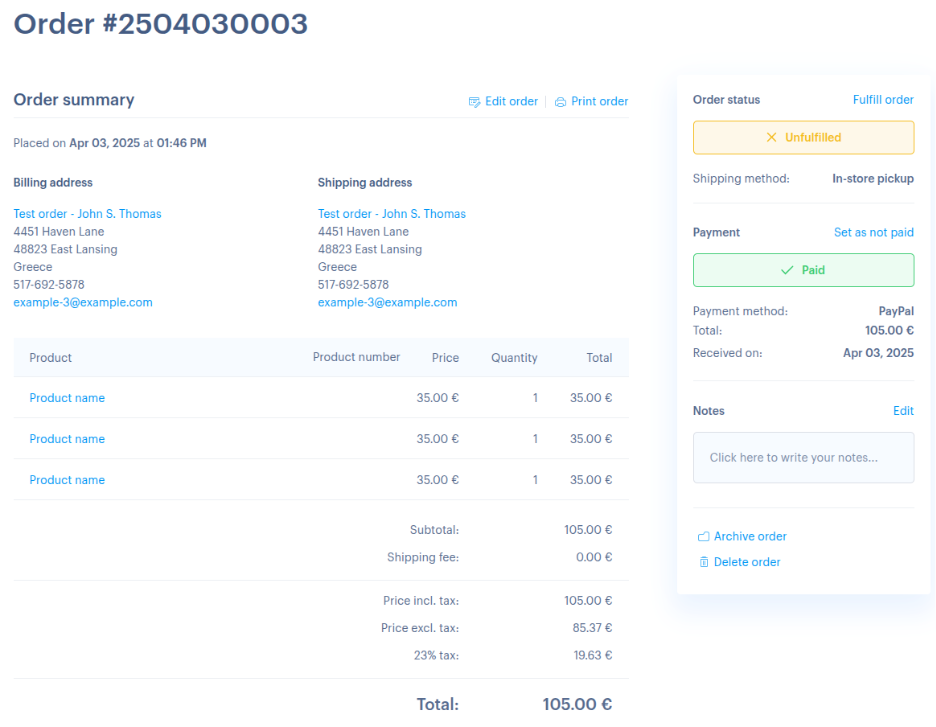
Important: In some plans, if you change the contents of an order (e.g. products or quantities), shipping costs are not recalculated automatically. Make sure to check and update them manually if needed.
You haven't found what you are looking for?
Contact our experts, they will be happy to help!
Contact us