
Customer Support
What is a template in Website Builder and how do I activate it?
A template is a pre-designed layout made up of ready-to-use sections and elements, used as a starting point for building a professional website.
Templates:
- Are designed by professional graphic designers
- Follow modern design aesthetics
- Include predefined styling such as:
- Page layout
- Typography
- Colors
- Images
- Section structure
Their purpose is to:
- Offer a visually appealing and cohesive result
- Improve the user experience for your site visitors
- Save you time when launching your website
- Help you get a fully functional site up and running quickly
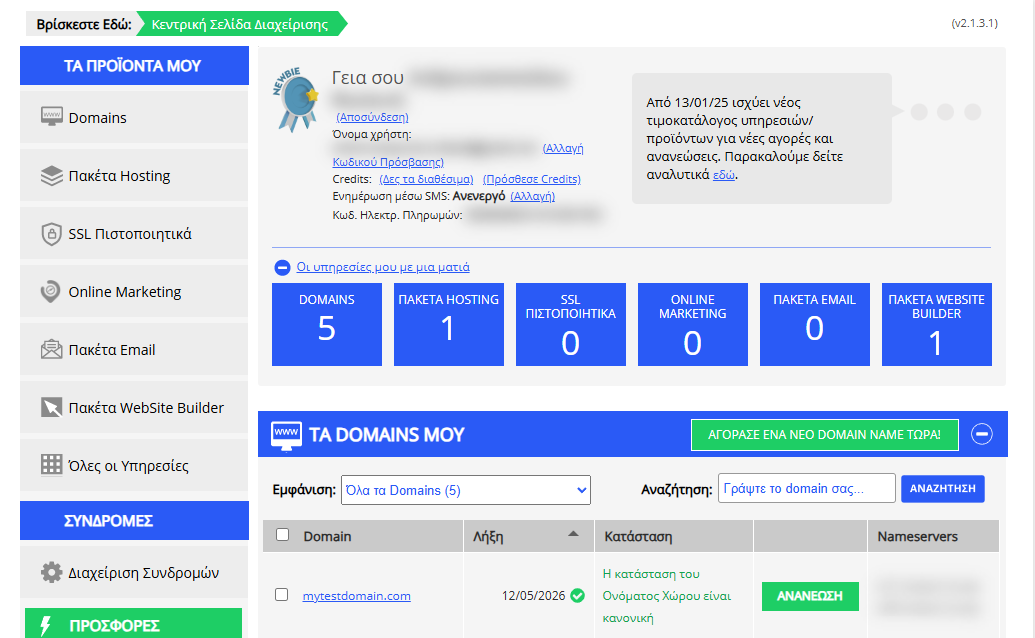
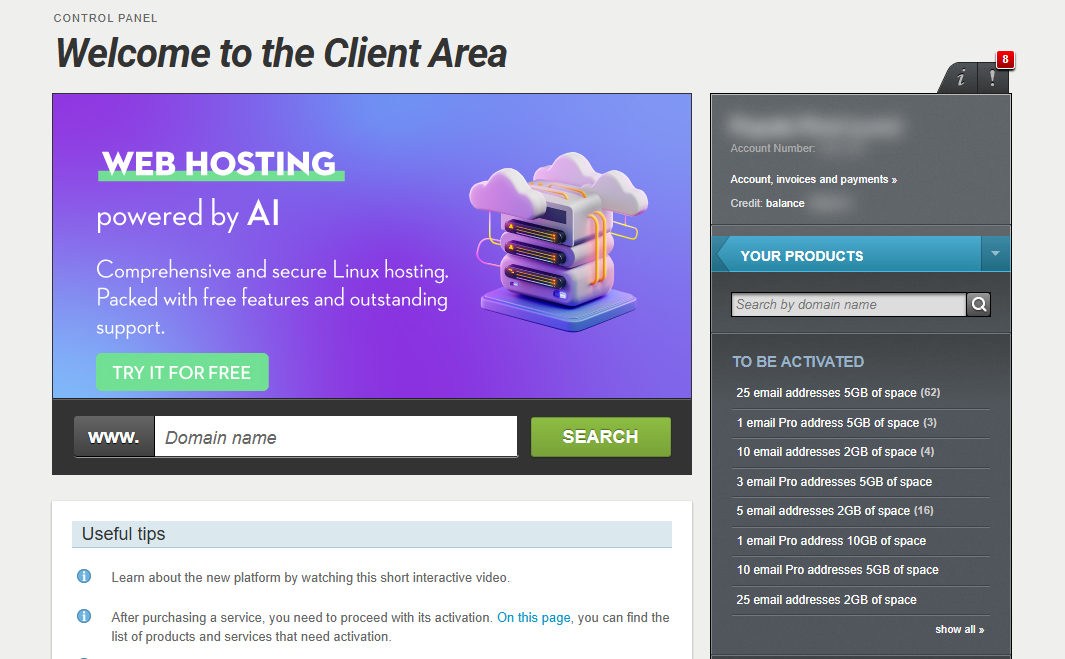
[Papaki 2.0]
Selecting a Template During Website Builder Setup
After activating the Website Builder and completing the initial setup, the installation wizard will prompt you to select a template to use for your website.
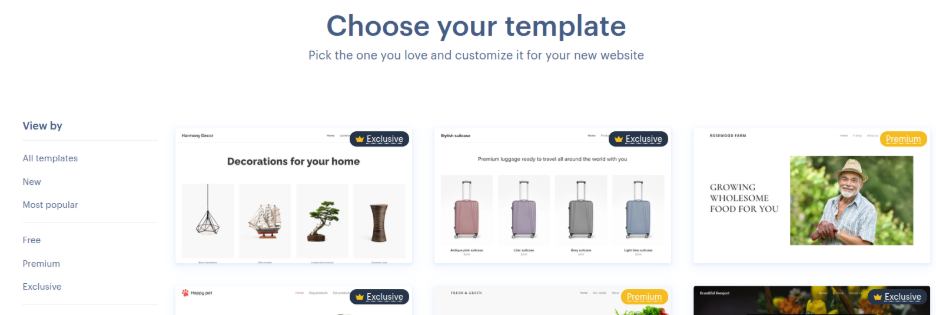
Types of Available Templates
The Website Builder offers three types of templates, available with all plans:
- Free:
Single-page templates, ideal for simple online presence or landing pages. - Premium:
Multi-page templates designed for more advanced websites that don’t fall under the "Exclusive" category. - Exclusive:
The latest and most modern templates with high visual appeal, enhanced layouts, and improved user experience.
How to Choose a Template
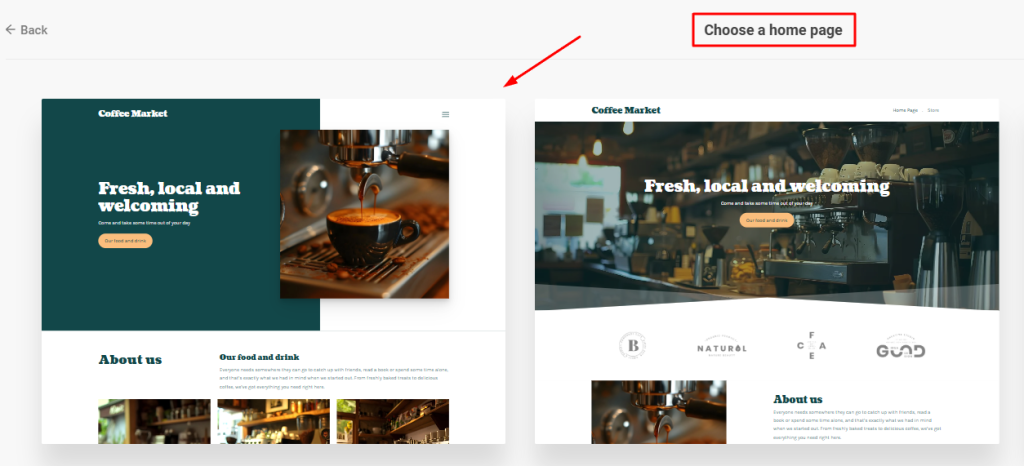
- During setup, you’ll be able to preview the available templates.
- Explore the different layouts and designs to see what fits your needs best.
- Once you've made your choice, simply select the template — it will be applied automatically.
[Papaki 1.0]
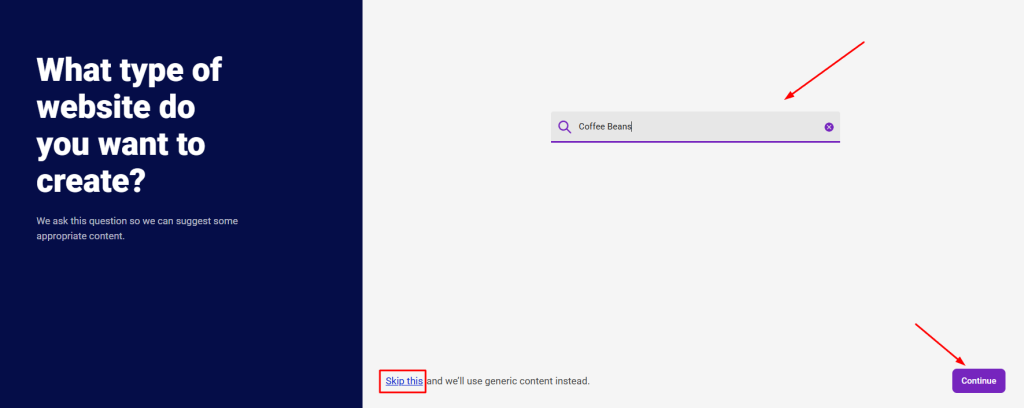
- During the initial setup of the Website Builder, follow the steps of the automatic wizard. Select the category of your website and then click Continue. Alternatively, choose Skip to use the default content.
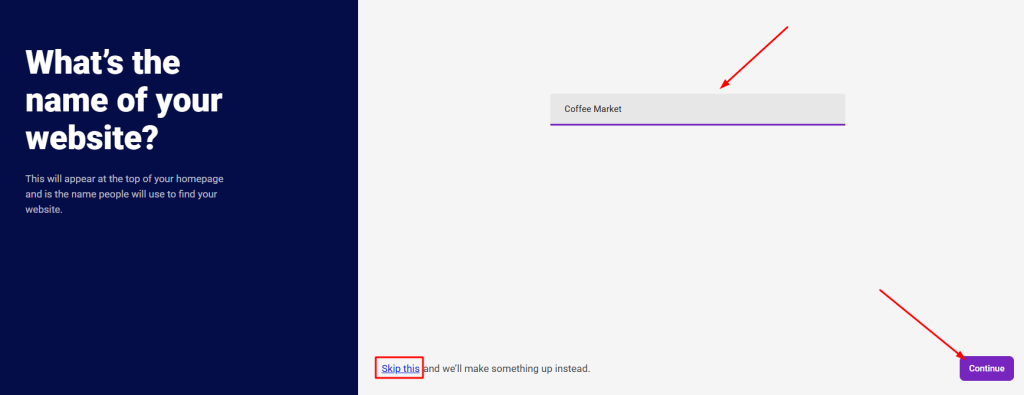
- Enter the name of your website and then click Continue.
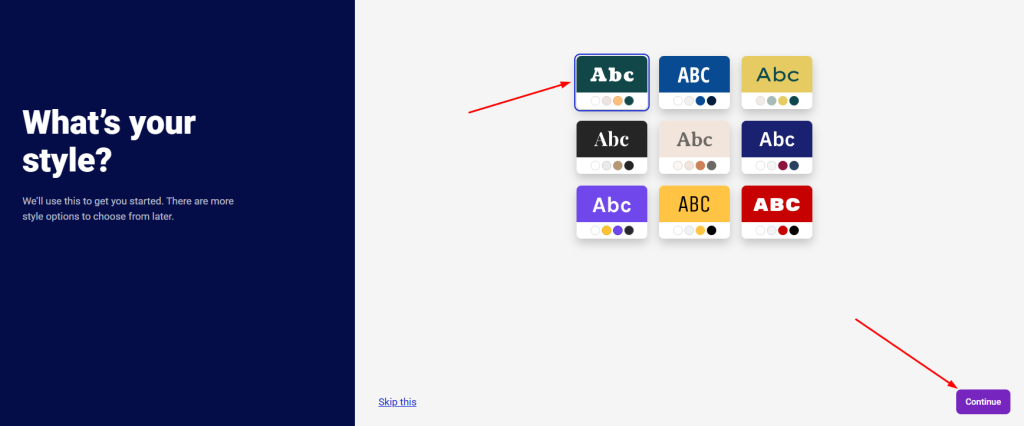
3. Select one of the color palettes you prefer and then click Continue.
4. Click on the template you want your website to use.
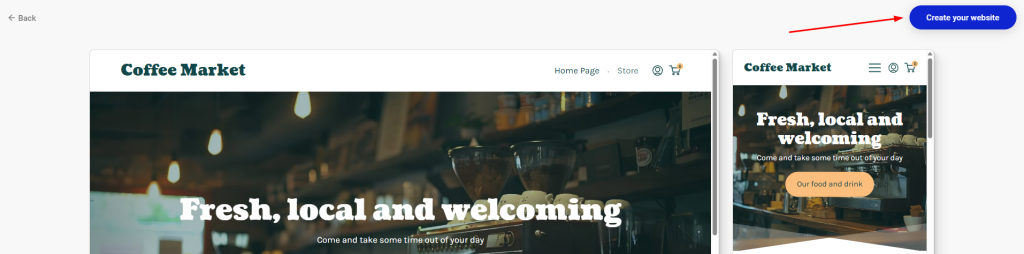
5. Click the Create your website button at the top right corner.
You haven't found what you are looking for?
Contact our experts, they will be happy to help!
Contact us