
Customer Support
(Shared Hosting) – How to access and manage my Papaki hosting plan
If you have purchased a new hosting plan or want to manage an existing one, you can access it from your Papaki account. The process is simple and takes only a few steps.
When is activation required?
- If you just purchased a new plan, you first need to activate it.
- If you want to manage an existing plan, you can go directly to Step 4.
If you manage your hosting plan via the old Papaki Control Panel, follow the steps you’ll find here.
Not sure which Control Panel you’re using?
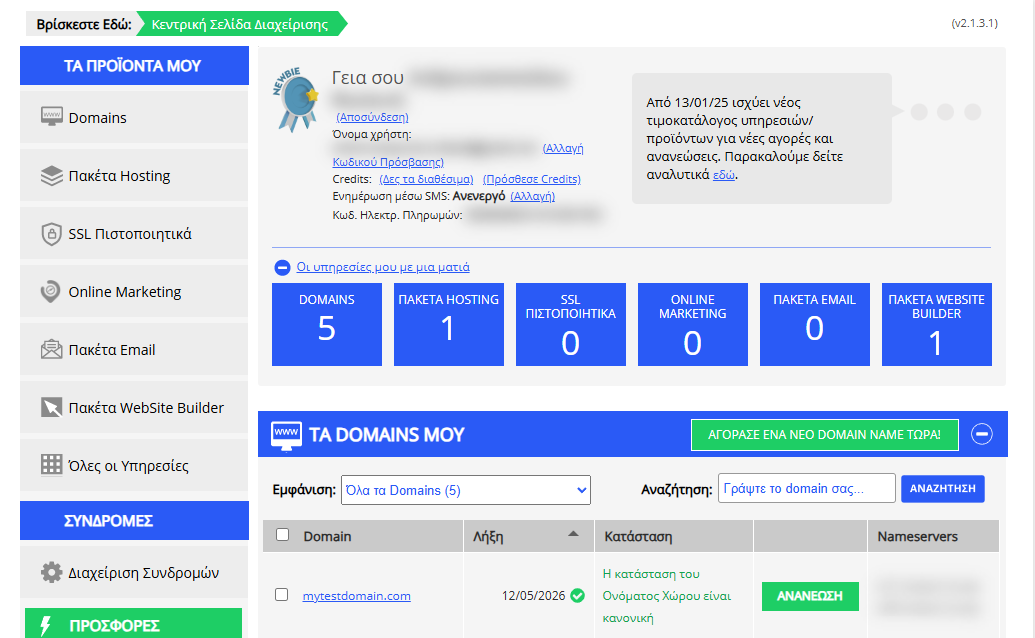
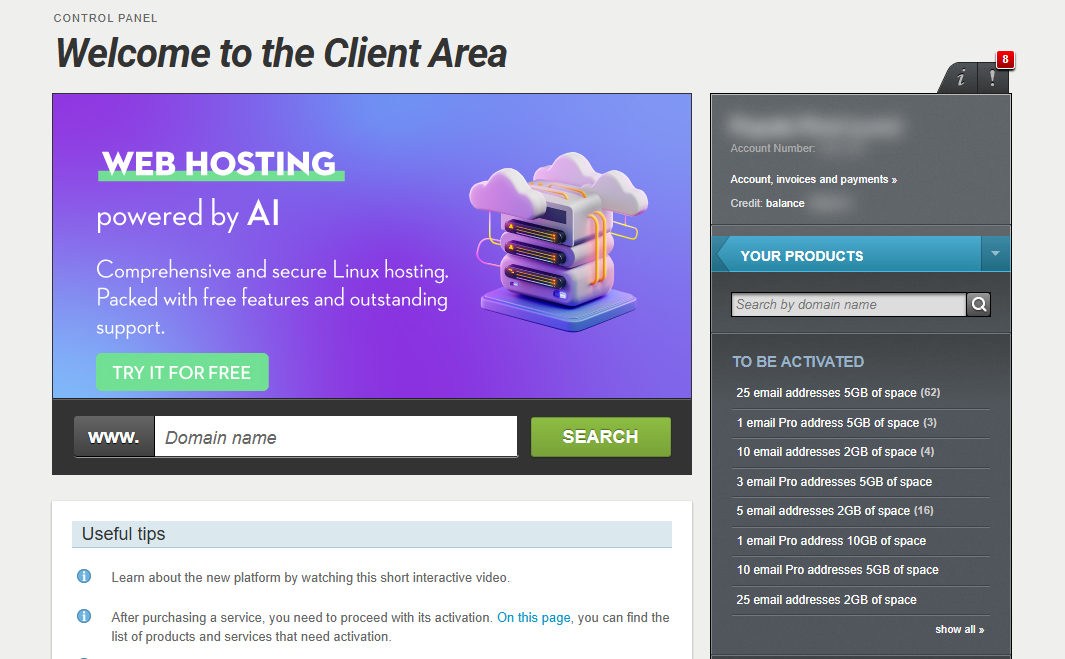
[Papaki 2.0]
Access and manage an existing hosting plan
If your hosting is already active, follow these steps to access its management interface.
Steps:

- From the dashboard, locate the product you want to manage. Click the name of the plan.
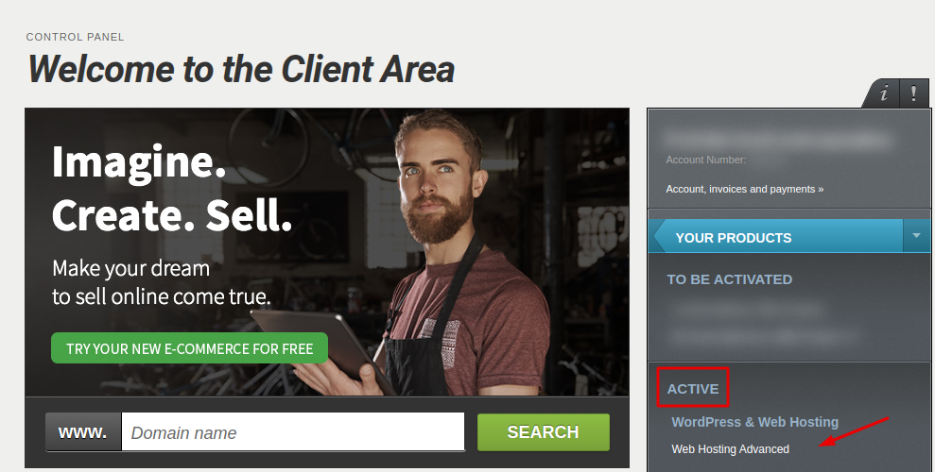
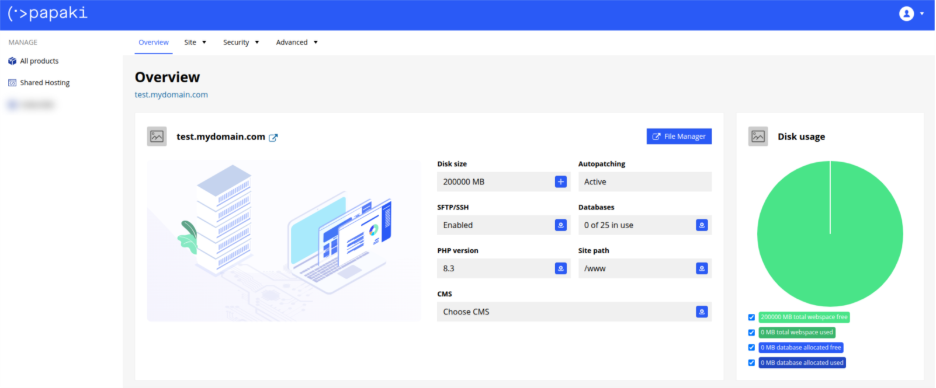
- You will be redirected to the hosting management area. Here you can view, by category, all services linked to your Papaki account.
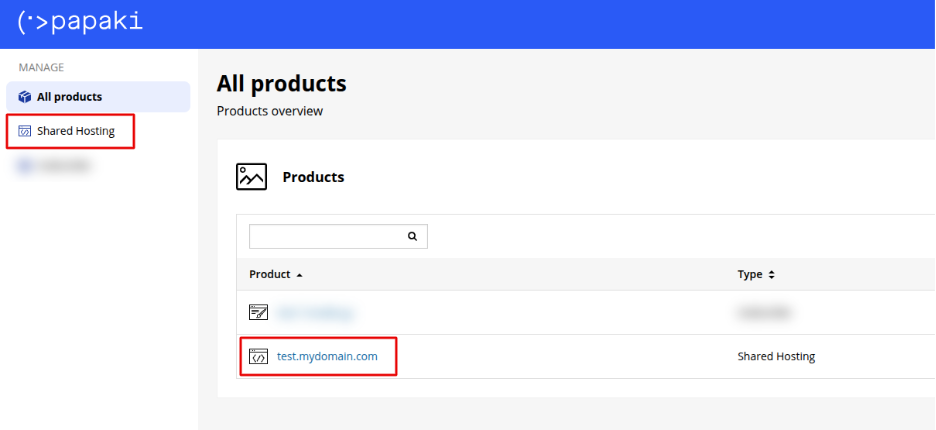
- Click the hosting plan name you want to manage.
From this screen, you can access:
- Files & folders – Upload, edit, delete
- Databases – Create and manage MySQL databases
- PHP Settings – Switch PHP version and configure limits
- SSL Certificates – Manage Let’s Encrypt or custom SSL
- Backups – View or restore from available backups
- And more hosting-related tools
Note: If this is a new purchase, make sure to activate the new hosting plan first. See the activation process here.
[Papaki 1.0]
- Log in to your Papaki account.
Forgot your password? See here how to recover it. If it's your first login attempt to the new Papaki panel, please read more here
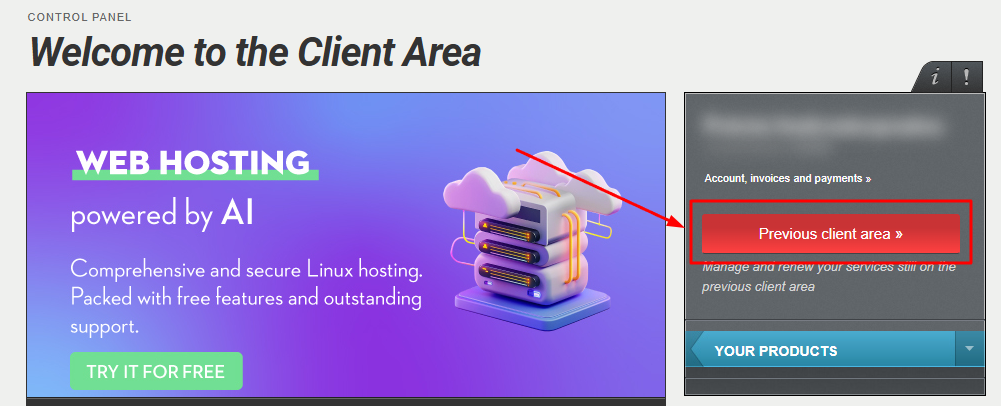
- Click the red button Previous client area » on the right side of the control panel to access the old Papaki panel.
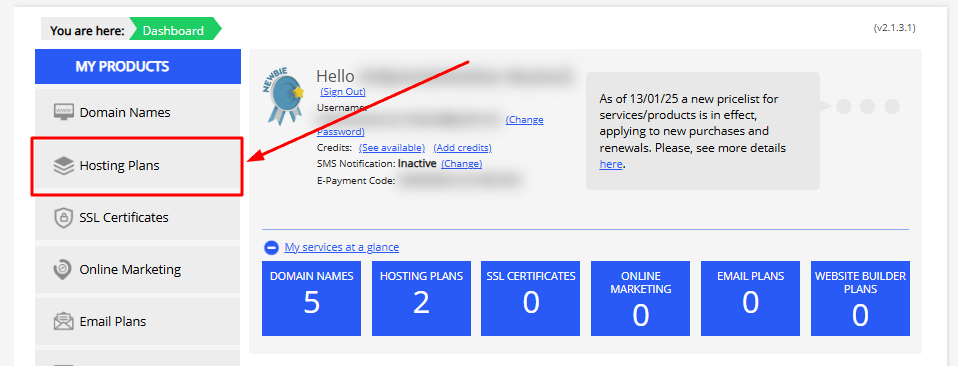
- From the left-hand menu, click Hosting Plans.
- Select the hosting plan you want to manage.
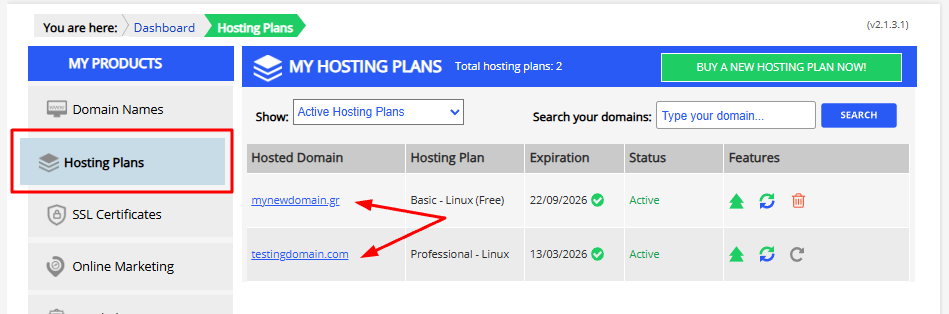
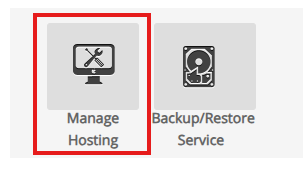
- Click "Manage Hosting" to log in to your hosting plan directly, without needing a password. If you have not enabled two-factor authentication (2FA) from the new Papaki Control Panel, a one-time password (OTP) will be sent to the admin email address.
You haven't found what you are looking for?
Contact our experts, they will be happy to help!
Contact us