
Customer Support
What is Domain Lock, and what does it mean when a domain is locked?
Domain lock is an additional layer of security that protects your domain from unauthorized actions that could affect its services or ownership. This feature is not supported by all domain registries – for example, it is not available for domains managed by the Greek Registry.
Why Should I Lock My Domain?
Locking your domain helps prevent unauthorized changes. Specifically, it:
- Prevents registrar transfer
- Prevents nameserver modifications
To perform one of these actions, you must first unlock the domain, complete the change, and then re-enable the lock for added security.
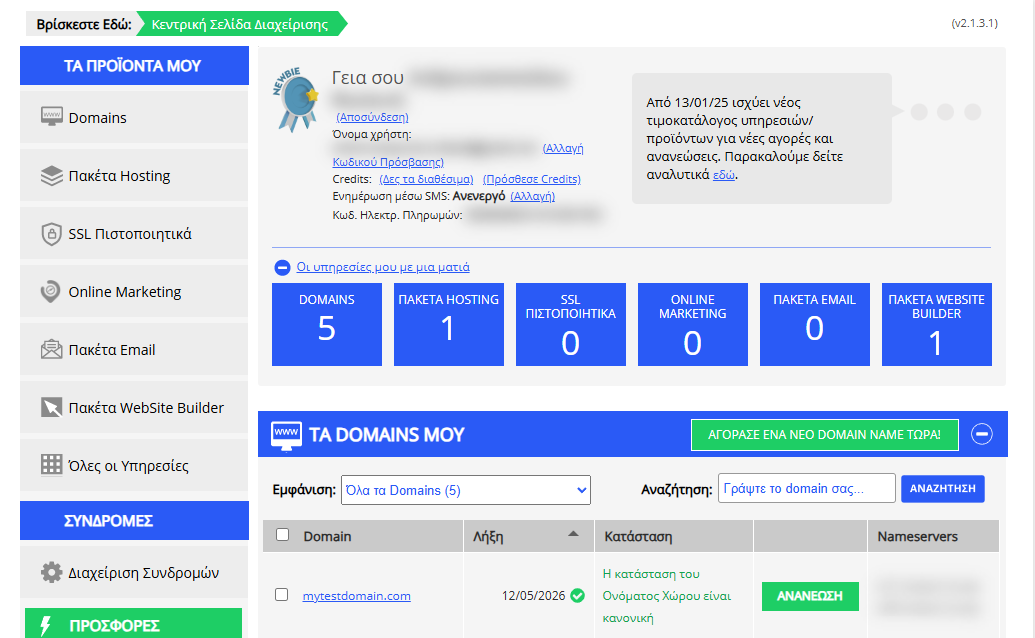
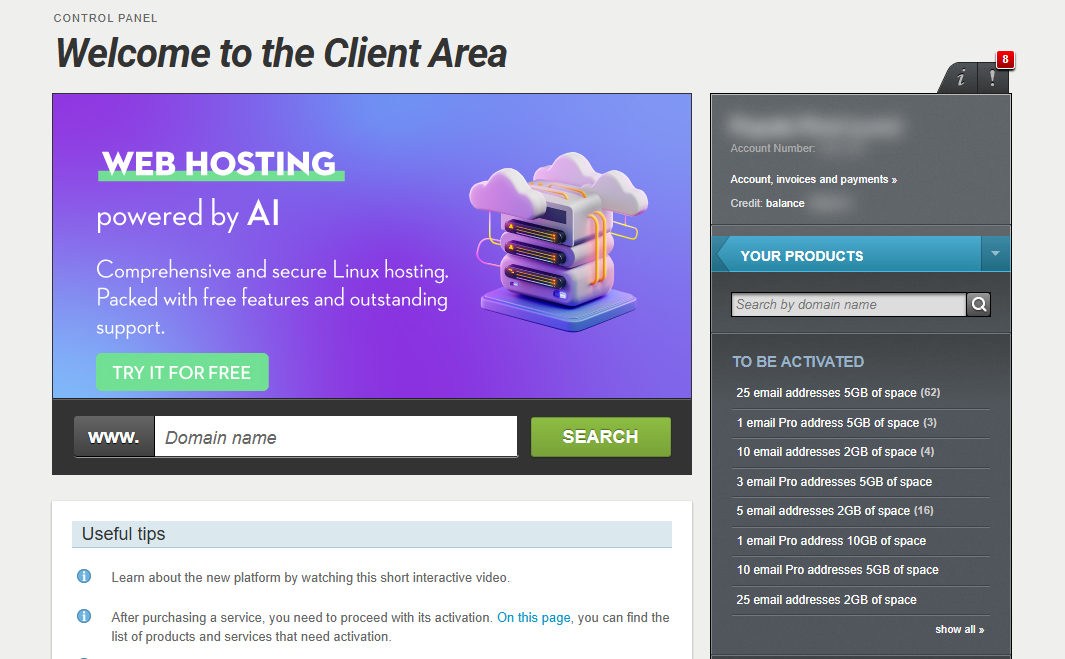
[Papaki 2.0]
How to Lock or Unlock Your Domain
Step-by-step Instructions

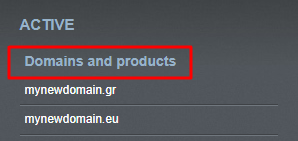
- From the right-hand menu, under Domains and products, select the domain you wish to manage.
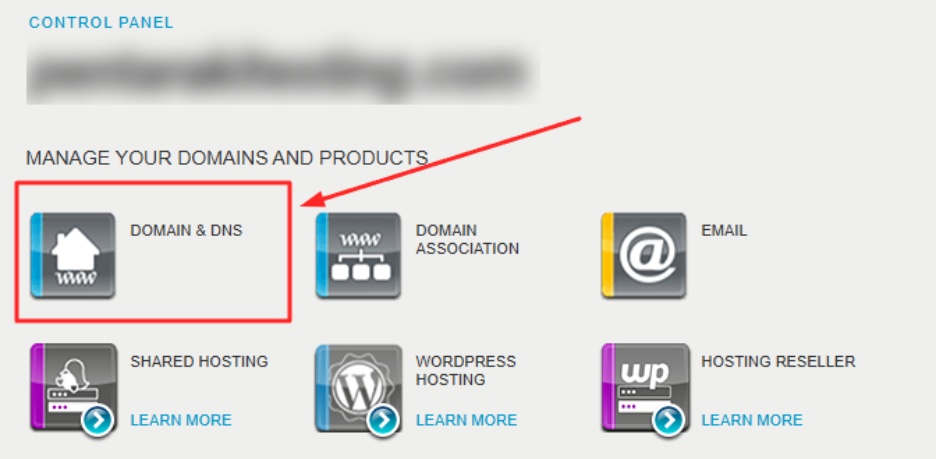
- Go to Domain & DNS.
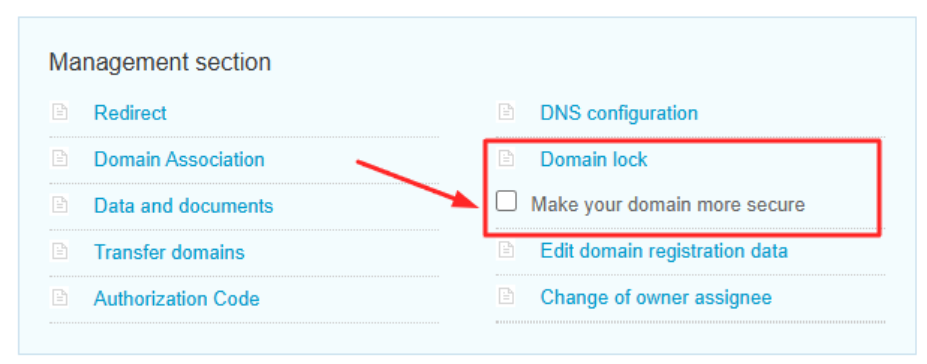
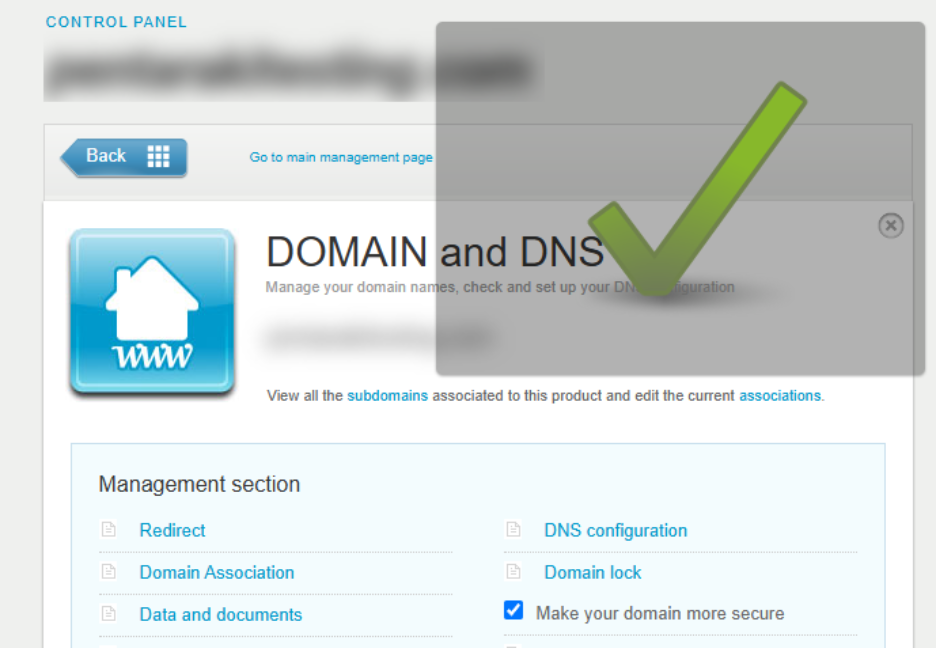
- Enable the checkbox “Make your domain more secure”.
A confirmation message will appear once locking is activated.
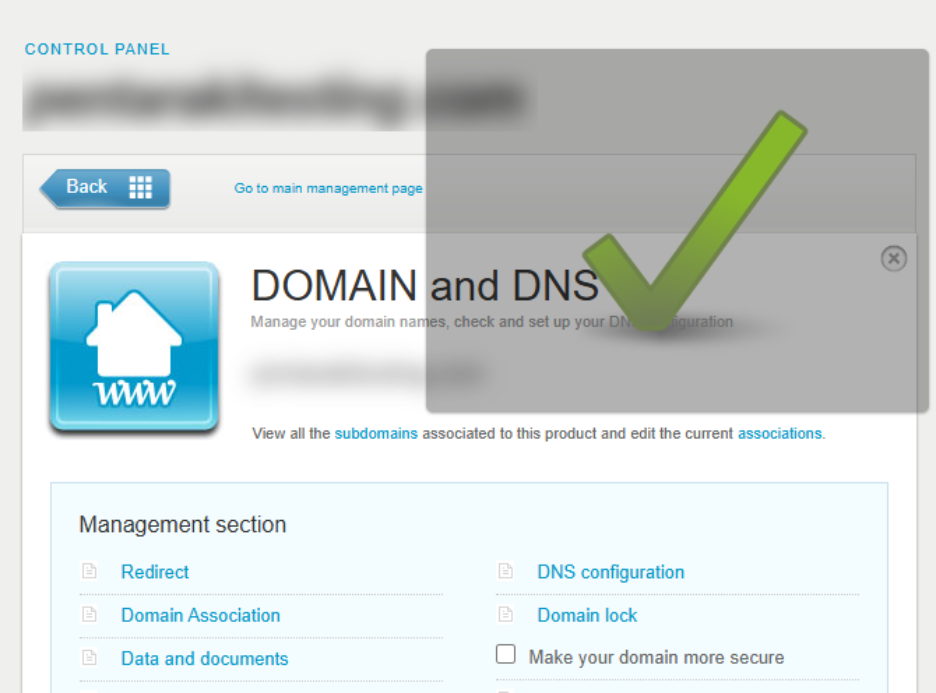
- To unlock the domain, simply uncheck the same box.
This will allow you to make changes such as updating nameservers or transferring the domain.
Bulk Domain Lock Management
If you manage multiple domains:
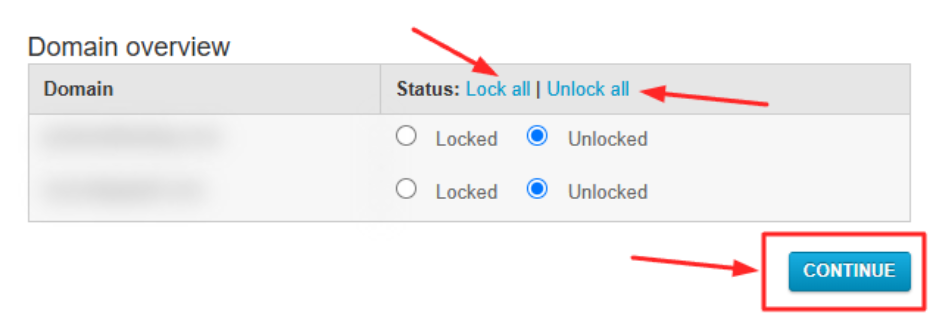
- Navigate to the Domain Lock section
- Use the Lock All / Unlock All buttons for bulk changes
- Alternatively, lock or unlock domains individually
Important Note
If you plan to transfer your domain to another registrar:
- Make sure the domain is unlocked
- Have your Authorization Code (Auth Code) ready
You can find the full domain transfer guide here.
[Papaki 1.0]
Domain locking is an additional security measure that prevents any unauthorized registrar transfer of your domain name.

Domains provided by the ICANN registry, such as .com, .net, .org, are locked by default. You can change their status at any time from your control panel by clicking on the domain and then selecting Domain Lock. You can choose either ON or OFF.
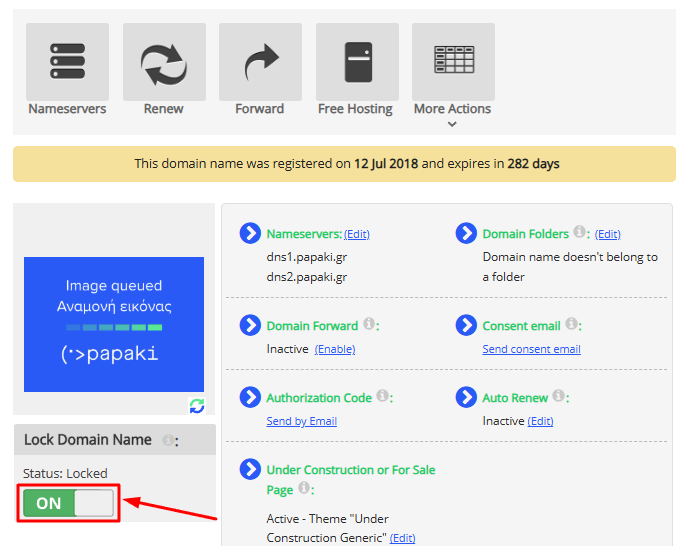
Domain locking does not apply to .gr and .eu domain extensions.
You haven't found what you are looking for?
Contact our experts, they will be happy to help!
Contact us