
Customer Support
How can I change my account details at Papaki?
Through your Papaki account dashboard, you can easily change your basic login details, such as your username and password.
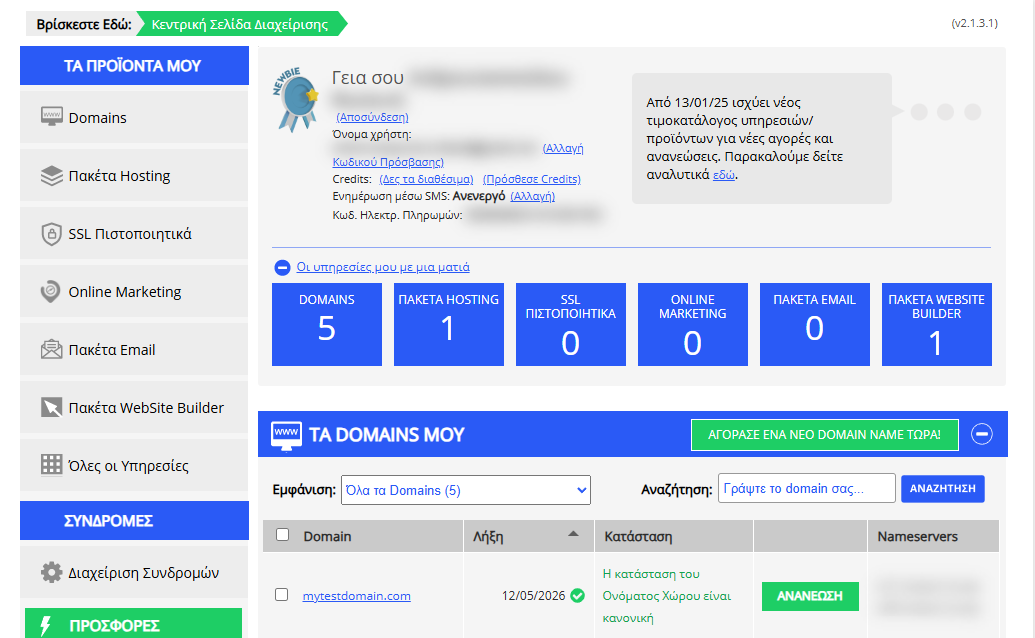
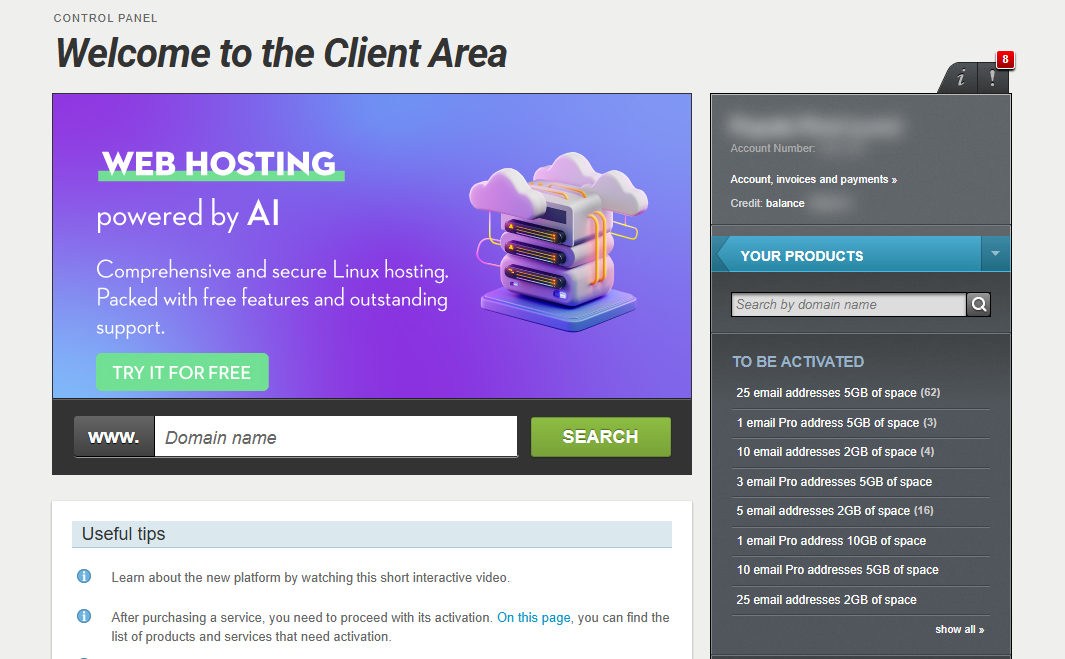
[Papaki 2.0]
Edit Username and Password
If you wish to change either your username, email, or your personal password, follow the steps below.

- From the right-side menu, select Account, invoices & payments.
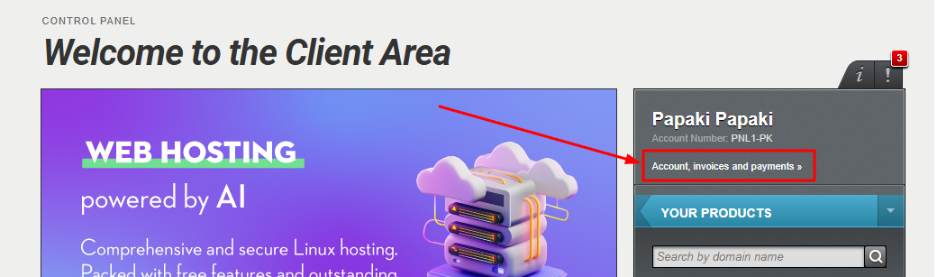
Change Username
- In the Your login details section, select Change Username.
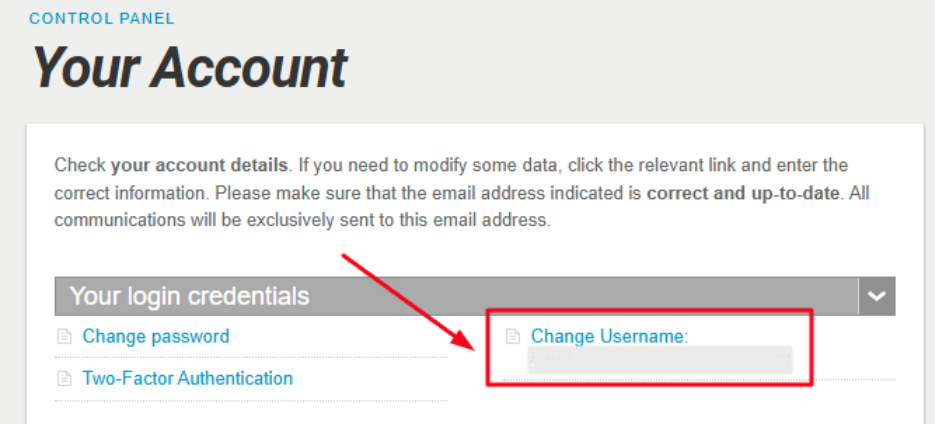
- Fill in the fields:
- Enter new username
- Current password
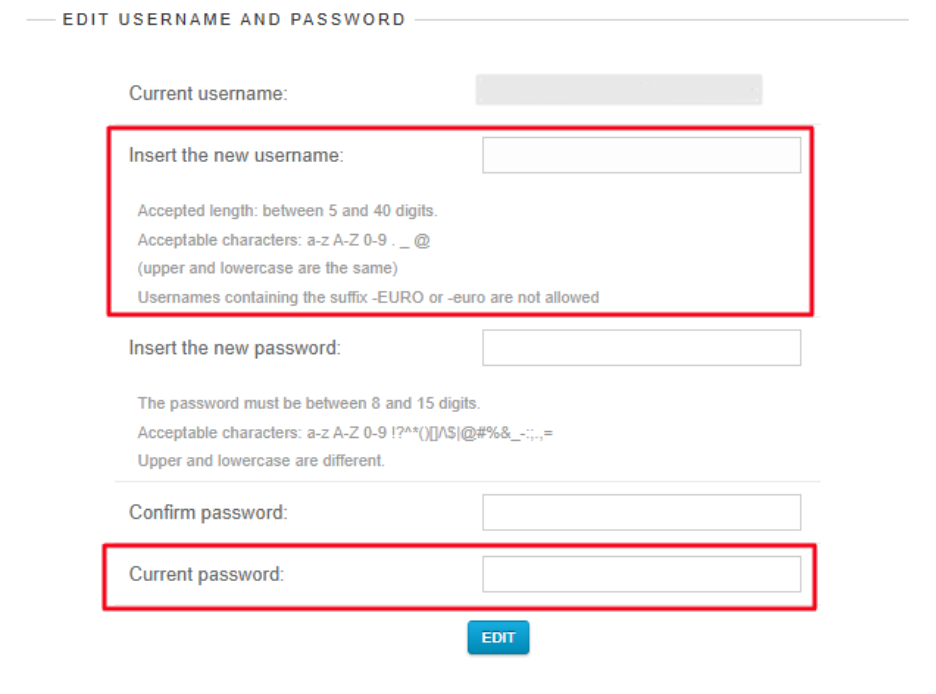
- Click Edit to save the change.
What you need to know:
- The username must be between 5 and 40 characters.
- Allowed characters: a-z, A-Z, 0-9, . _ @ (case insensitive).
- Not allowed: usernames ending with -EURO, -euro, -PK, -pk.
- The new username must be unique, not already in use.
Change Password
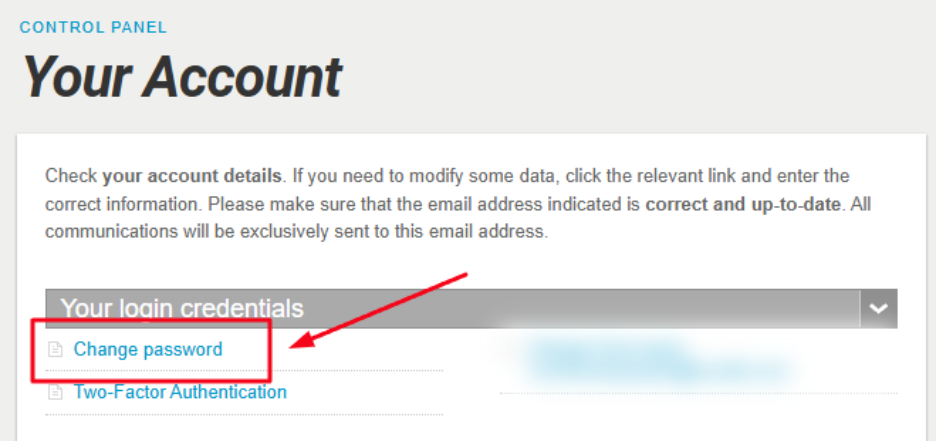
- In the same Your login details section, select Change Password.
- Fill in the fields:
- Enter new password
- Confirm password
- Current password
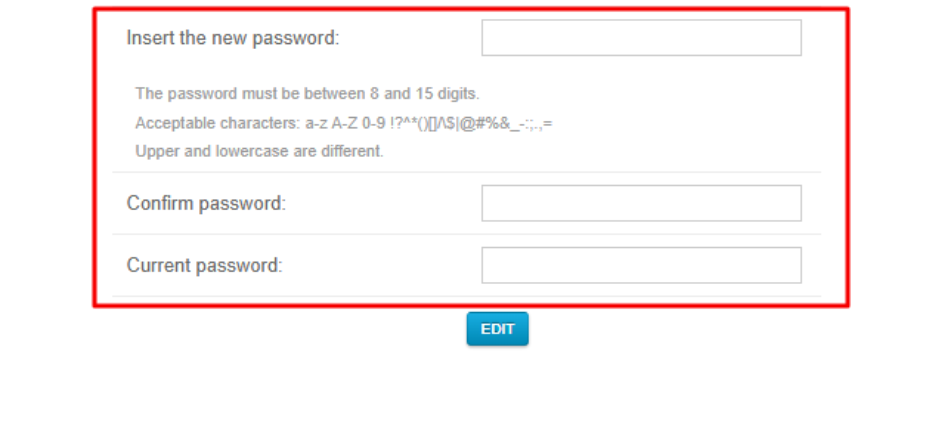
- Click Edit to save.
What you need to know:
- The new password must be 8 to 15 characters long.
- It must include at least one special character, such as: ! @ # $ % ^ & * = + , . ; :.
- Change Email
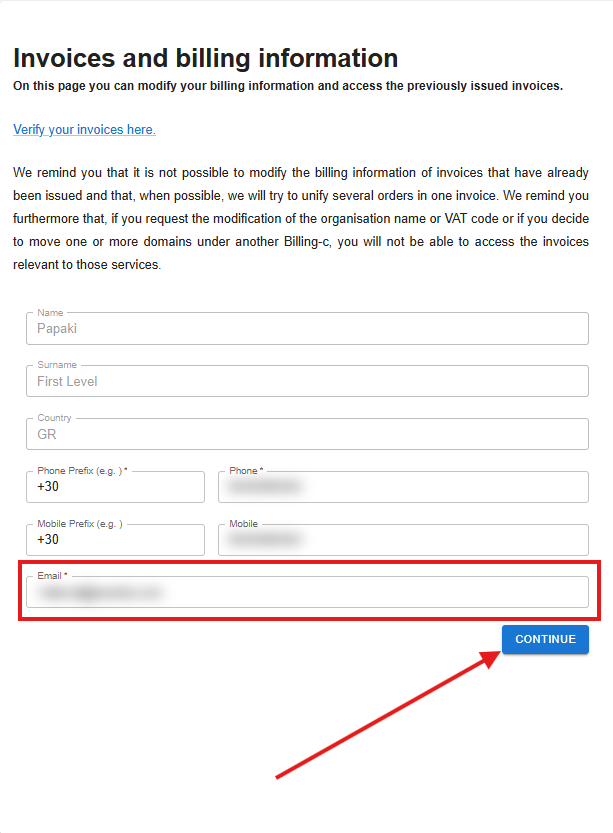
In the Your details section, select Email and change the contact email where you will receive all emails related to your products and services.

Under the Email option, change the account where you want to receive messages and click Continue.
What you need to know:
- Changing the account email does not imply changing the email where you receive your invoices. If you also want to change that email, you will need to contact customer support.
- The email is not unique, and you can have more than one account with the same email, as long as it does not match your username (when creating the account, the username is the same as the email you provided).
- If you need to use the same email for multiple accounts, make sure to check the username, and if it is the same, update it as described above.
- If you manage services through both the old and the new Papaki Control Panel, make sure to update your email address in both environments. Otherwise, a mismatch in your contact details may occur, causing notifications about your services to be sent to different email addresses. Read more in the following section.
[Papaki 1.0]
- Log in to your Papaki account.
Forgot your password? See here how to recover it. If it's your first login attempt to the new Papaki panel, please read more here.
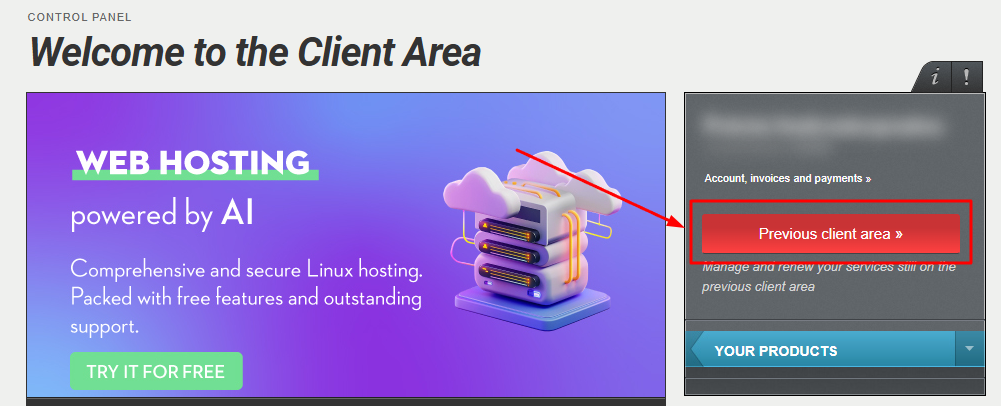
- Click the red button Previous client area » on the right side of the control panel to access the old Papaki panel.
- Click My account > Profile Manager

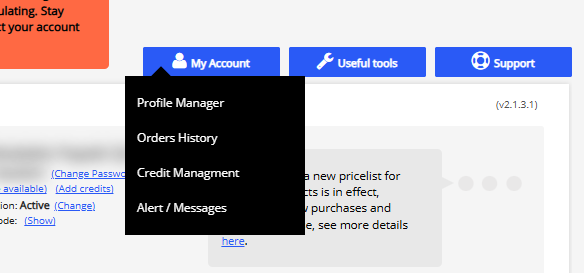
- Click the first tab Account Information

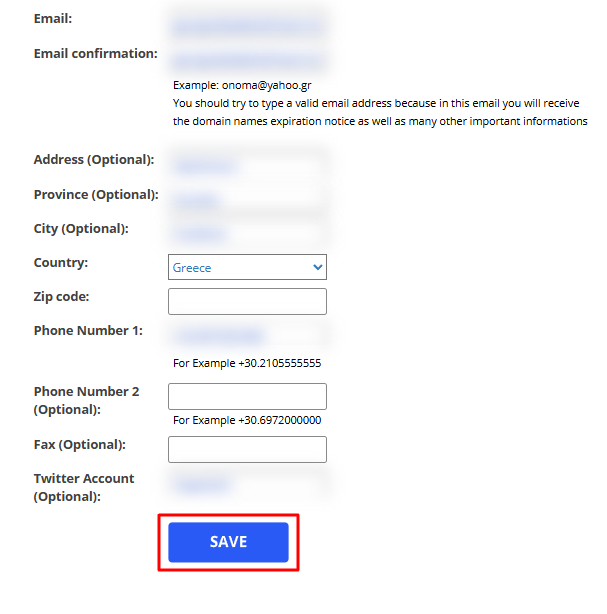
- In this menu, you can change your:
- Address
- Phone
Then, click Save.
Important note
Changing your contact email address in the old Papaki Control Panel does not automatically update it in the new one. To keep your contact details synchronized, you should make the same change in the new Papaki Control Panel as well. Read more here.
You haven't found what you are looking for?
Contact our experts, they will be happy to help!
Contact us