
Customer Support
Where can I find my invoices/receipts at Papaki?
Every time you complete a payment in Papaki (whether it’s for a new purchase or a subscription renewal), the corresponding invoice is automatically issued using the billing details you have provided.
Invoices are sent electronically:
- To the administrator's email, or
- To the billing email (in the case of an invoice).
Additionally, you can view and download them at any time from your Papaki account.
Note
No invoice is issued when purchasing credits, as credits are not invoiced at the time of purchase. Credits are invoiced only when they are redeemed for a renewal or new product purchase.
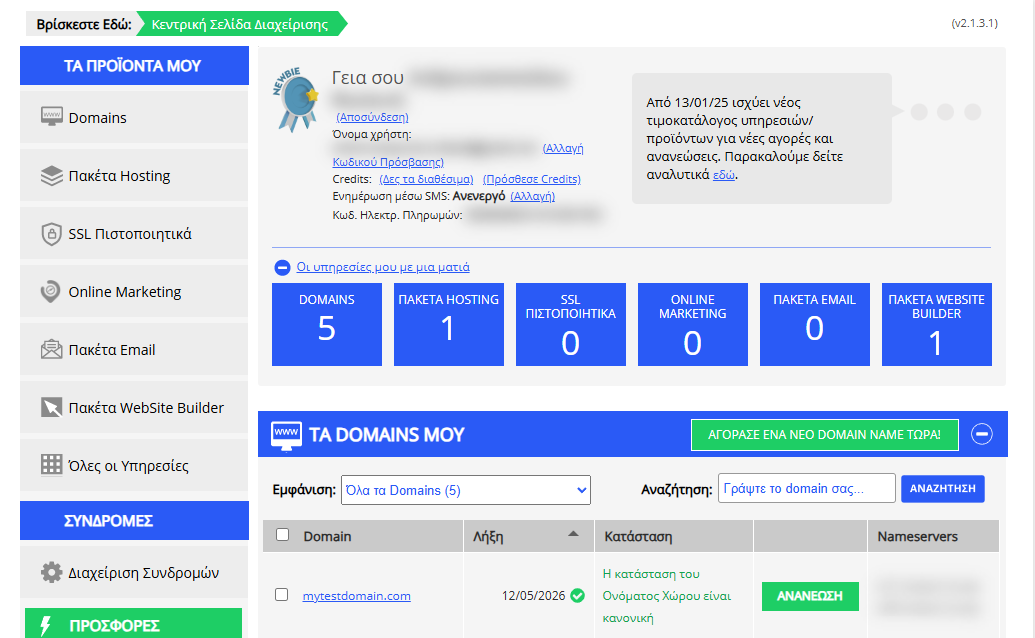
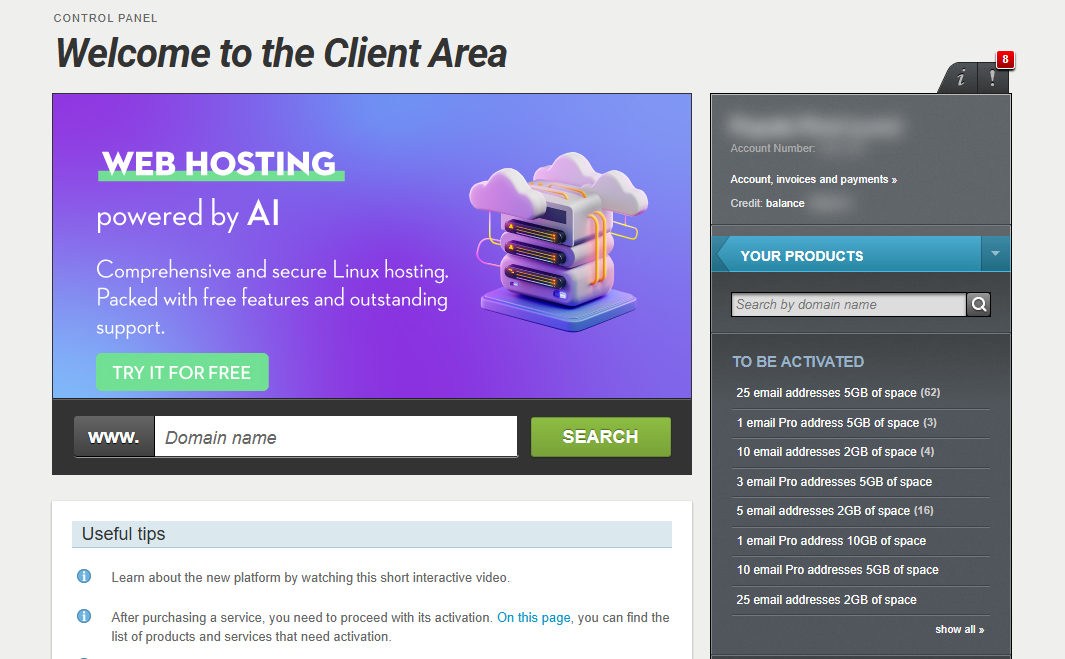
[Papaki 2.0]

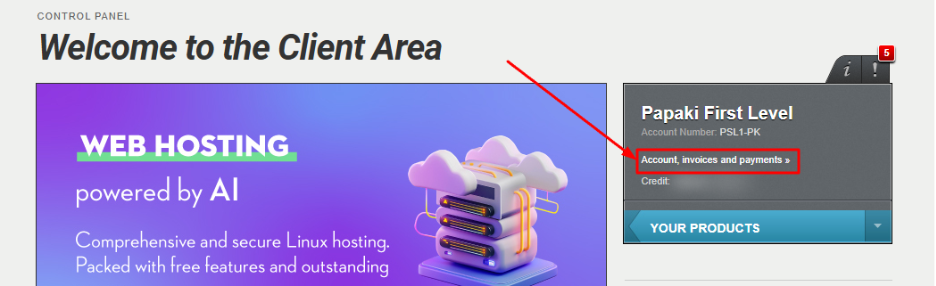
- From the right-hand menu, click Account, Invoices & Payments.
- Under Your Invoices, select Invoices.

- You will see a list of all invoices issued, including:
- The type of document (receipt/invoice).
- The invoice number.
- The issue date.
- By hovering over, you can also see which service the invoice refers to.
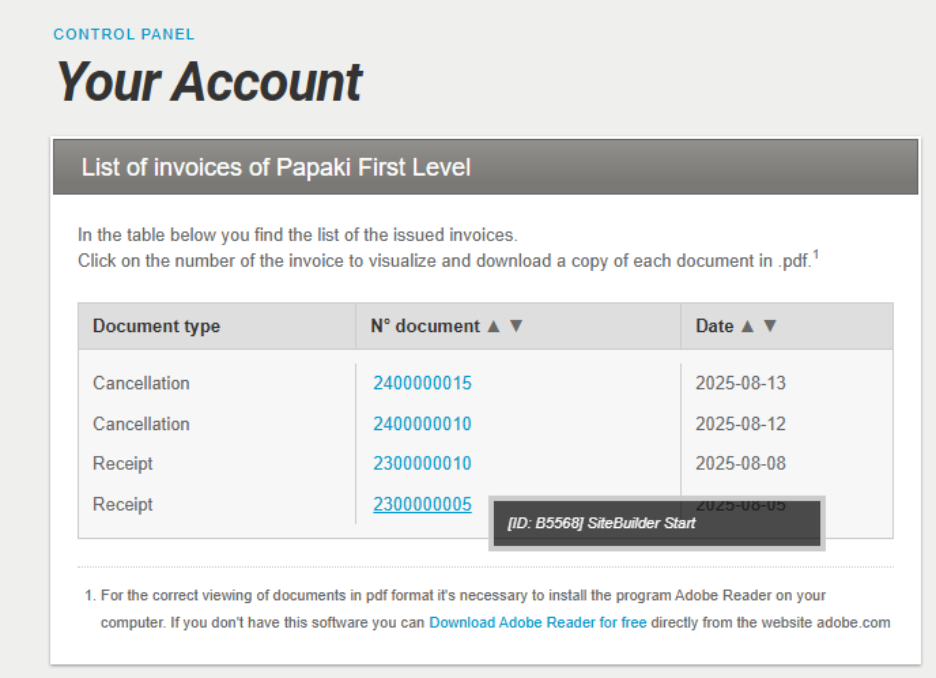
- Click on the invoice number you wish to download.
The file will be downloaded locally to your computer, and you can open it immediately.
Frequently Asked Questions (FAQ)
What should I do if there’s a mistake in my billing details?
You will need to contact Customer Support immediately so the necessary corrections can be made.
When are invoices issued?
Invoices are issued on working days between 09:00–15:00. If a payment is completed outside these hours, the invoice will be generated on the next business day.
Why don’t I see invoices for products transferred to my account?
Invoices for products that were transferred remain in the original account from which the products were managed. They are not transferred along with the product.
Will I receive an invoice for credit purchases?
No. Credits are not invoiced at the time of purchase. An invoice is only generated when credits are used for a renewal or new purchase.
Can I change my billing email address?
Yes. Please contact Customer Support.
I can’t find my invoice in my account. What should I do?
Please contact us so we can check your order and resend your invoice if it has already been issued.
[Papaki 1.0]
All invoices/receipts are sent for the 1st time by email, to the administrator's email or to the specific email you selected during the order process (for invoices).
Thereafter, inside the Control Panel, via "Payment History" you can find and download your invoices/receipts to your computer, in order to print them.
- Log in to your Papaki account.
Forgot your password? See here how to recover it. If it's your first login attempt to the new Papaki panel, please read more here
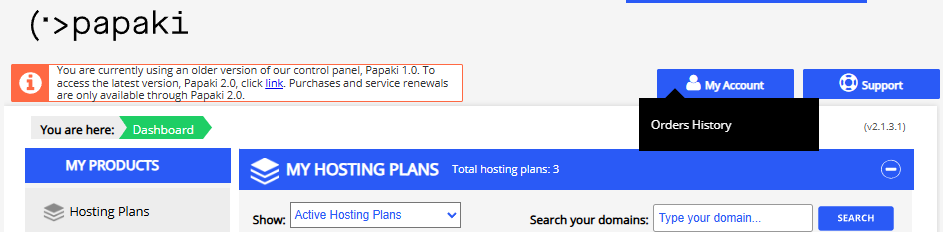
- Click the red button on the right side of the control panel to access the old Papaki panel.
- Click My Account >> Order History
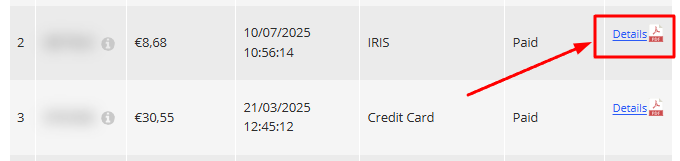
- Locate the order you want and press Details
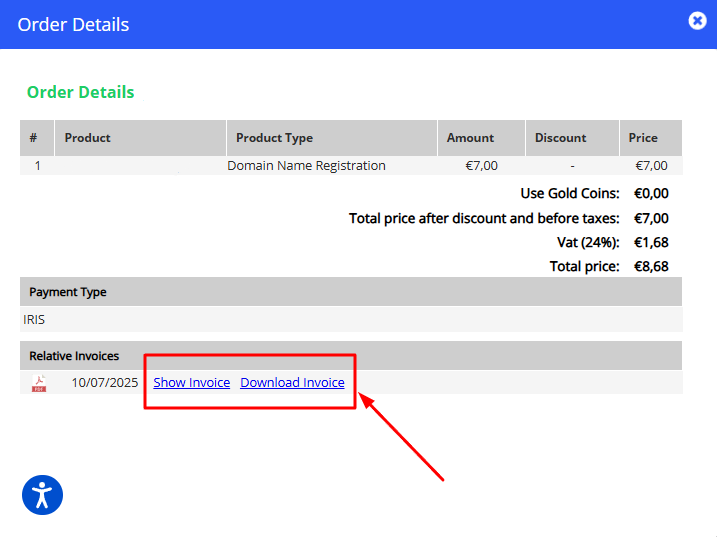
- Download or view the invoice
You haven't found what you are looking for?
Contact our experts, they will be happy to help!
Contact us